
Reviews
Your graphics add a nice touch to my presentations and I recently used them for one of my all-hands meetings. Your toolbox adds professionalism to my slides. Instead of using standard clipart.
I needed a fresh look at some of my slides. I've tried to find a way to create a paintbrush effect, to underline, accentuate, add some color and the handwritten markers were just the things. Very easy to use, easy to size, change the color. It was an affordable, perfect solution and I'm happy to recommend it.
The crisp, clean look of the graphics, and the fact that it allowed me to easily edit and change the colors to match the template was my main reason for purchasing them.
Description
Trade
Slide Content
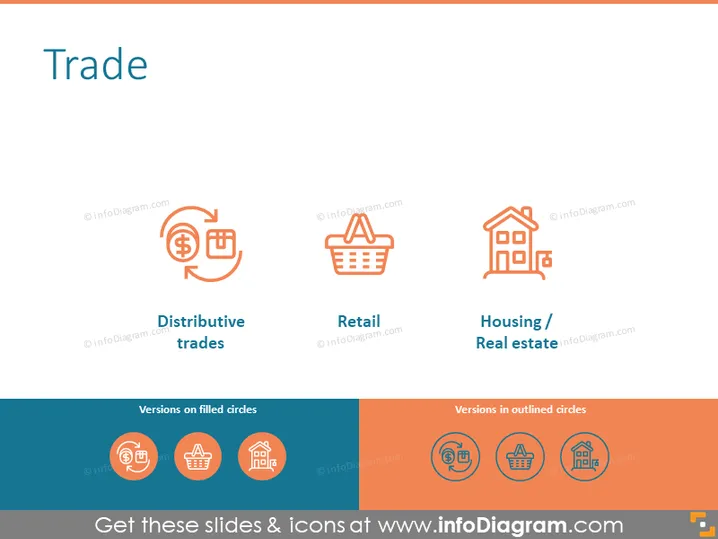
The slide's title "Trade" introduces the topic, hinting at a discussion on various forms of trade. There are three key areas highlighted: "Distributive trades," which likely refers to the distribution of goods across various markets; "Retail," pertaining to direct sales to consumers; and "Housing / Real estate," which involves the buying, selling, or renting of land, buildings, or housing. Beneath this section, there are two rows captioned "Versions on filled circles" and "Versions in outlined circles" suggesting alternative design versions of the icons above.
Graphical Look
- The slide background is plain white.
- The title "Trade" is at the top center in a large, bold font.
- There are three columns, each featuring an icon above a label.
- The first column's icon is a pair of arrows wrapped around a dollar sign, symbolizing "Distributive trades."
- The second column has a shopping basket, representing "Retail."
- The third column displays a house with a magnifying glass, indicating "Housing / Real estate."
- Below these columns, there are two large horizontal rectangles spanning the width of the slide.
- The upper rectangle has a teal background and contains three circular icons corresponding to the three topics above, filled with color.
- The lower rectangle has an orange background and contains the same icons, but they are in outlined form.
The slide uses contrasting colors (teal and orange) to differentiate between two sets of icons. The use of simple, clean icons combined with minimal text creates an easy-to-understand visual representation of different aspects of trade.
Use Cases
- Outlining different sectors of the trade industry in a business strategy presentation.
- Introducing main areas of focus for a company in the trading sector during a stakeholder meeting.
- Comparing and contrasting various trade forms in an educational or training setting.
- Utilizing as a template in a market analysis presentation to break down the components of the market structure.
How to Edit
How to edit text & colors

How to expand / shorten diagram

How to Replace Icons in infoDiagram PPT


