
Reviews
Sus gráficos añaden un toque agradable a mis presentaciones y recientemente los usé para una de mis reuniones generales. Su conjunto de herramientas añade profesionalismo a mis diapositivas. En lugar de usar imágenes prediseñadas estándar.
Necesitaba un aspecto fresco para algunas de mis diapositivas. Había intentado encontrar una forma de crear un efecto de pincel, de subrayar, acentuar, añadir algo de color y los marcadores escritos a mano fueron justo lo que necesitaba. Muy fácil de usar, fácil de ajustar el tamaño, cambiar el color. Fue una solución asequible y perfecta, y estoy feliz de recomendarla.
El aspecto nítido y limpio de los gráficos, y el hecho de que me permitiera editar y cambiar fácilmente los colores para que coincidieran con la plantilla fue mi principal razón para comprarlos.
Description
Oil & gas
Slide Content
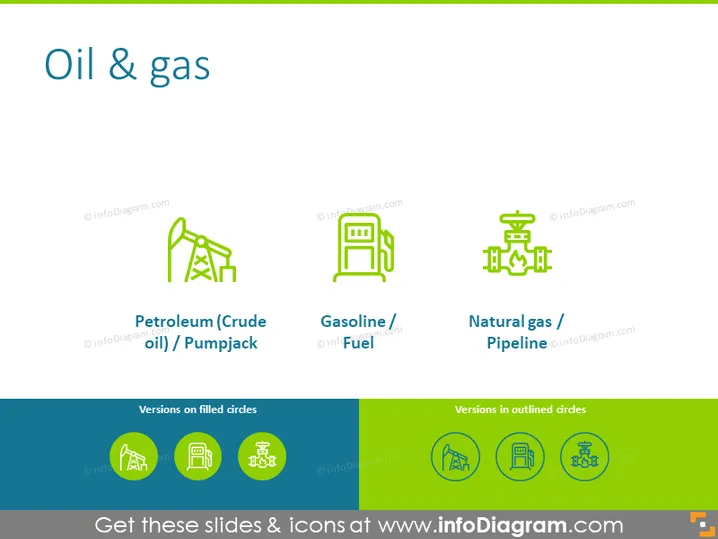
The PowerPoint slide is focused on the "Oil & Gas" industry and features three key concepts, each accompanied by an icon and a text label. "Petroleum (Crude oil) / Pumpjack" represents the extraction of crude oil using a pumpjack, a common sight in oil fields. "Gasoline / Fuel" symbolizes the refined product used for powering internal combustion engines. "Natural gas / Pipeline" refers to the transportation of natural gas through a network of pipelines, a critical infrastructure for energy distribution.
Graphical Look
- The slide has a clear and uncluttered design with a plain white background.
- At the top, a bold and large dark blue text states "Oil & gas" as the slide's title.
- Three equally spaced icons, each with a colorful graphic and corresponding label, are aligned horizontally across the slide.
- The icons are colored in a shade of green to visually associate with the oil and gas industry.
- Each icon is above a textual description using a smaller font, providing clarity and context for the icon.
- Beneath the main content, there is a secondary heading in dark blue that reads "Versions on filled circles".
- Below this secondary heading, three circular icons with a filled green background and a white outline version of the primary icons are displayed.
- The layout is symmetrically balanced, both in terms of colors and graphical elements, creating a harmonious visual effect.
The overall look of the slide is professional with a color scheme that effectively conveys the theme of oil and gas. The use of icons and text is minimalistic, favoring ease of comprehension and visual appeal.
Use Cases
- Introduce an energy sector presentation segment focusing on oil and gas.
- Provide a visual summary of the different areas of the oil and gas industry during a corporate training session.
- Enhance discussions about the extraction, refinement, and distribution processes in the energy market within investor meetings.
- Serve as a placeholder or section break within a detailed report on the operational aspects of the oil and gas industry.
How to Edit
How to edit text & colors

How to expand / shorten diagram

How to Replace Icons in infoDiagram PPT


