





Your graphics add a nice touch to my presentations and I recently used them for one of my all-hands meetings. Your toolbox adds professionalism to my slides. Instead of using standard clipart.
Claude Jones, Director of Engineer, @Walmartlabs, USA
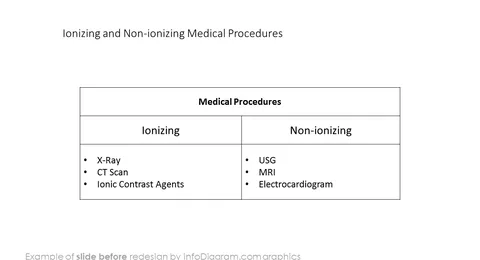
Before and after
Presenting a medical or healthcare topic? Whether you do pharmaceutical research, explain microbiology or treatment of diseases, it is helpful to use graphical symbols in your PPT slides to present in a comprehensive way.
We have designed this extensive icon set that covers all major healthcare and medical biology areas. All symbols are created in a modern outline style that will ensure consistent professional look of the presentation.
Our Healthcare and Medical Biology R&D; signs library for PowerPoint contains:
If you work with healthcare documents and especially presentations, you will need well-done graphics. You’ll want elegant imagery that can help you get the concepts across and capture the audience. If you want high-end images but don’t have time or budget for every project. Take a look at medical signs and health symbols outline collection. It will help you to create an impactful healthcare presentation from scratch. The diagram helps you replace words and make difficult ideas easier to understand.
Copy icons or diagrams into your presentation to illustrate your ideas informative and attractive visuals. A few ideas where you can apply those illustrations:
Medical Signs and Outline Health Visuals collection contains ready-to-use outline icons:
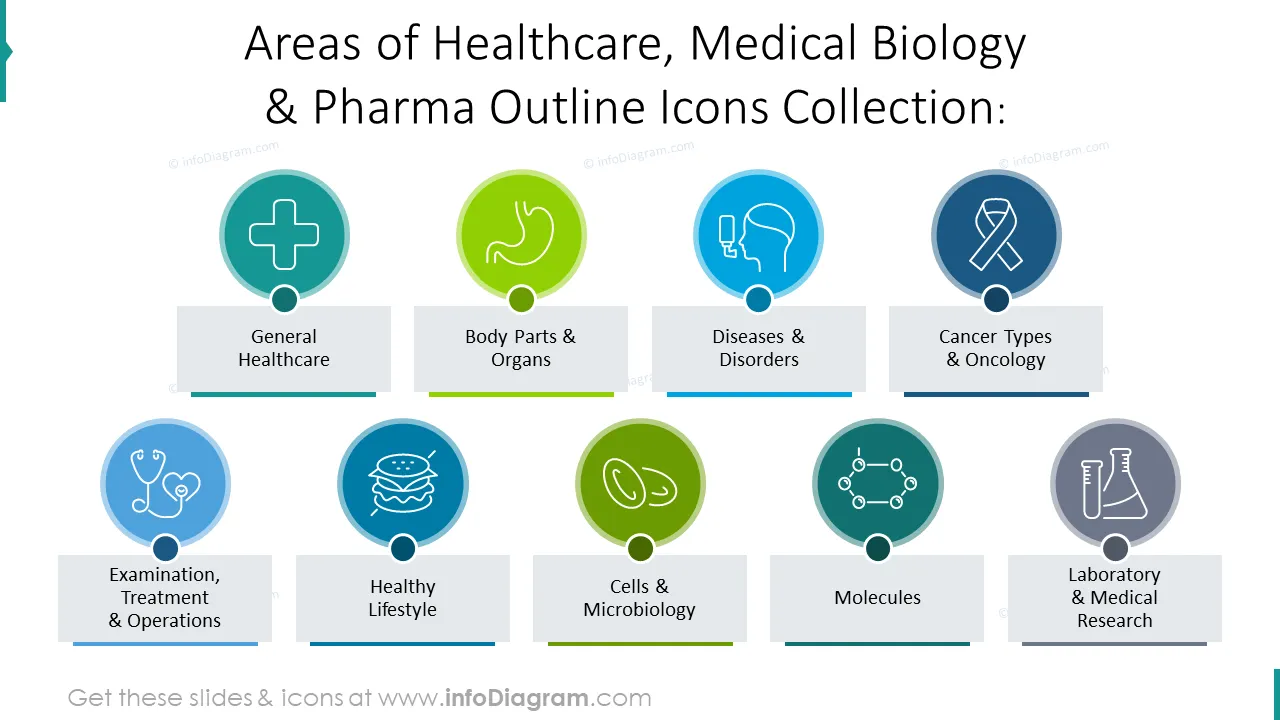
Healthcare, Medical biology and Pharma research outline icons collection contains ready-to-use graphics and icons dedicated to the following topics:
Fully editable in PowerPoint set of vector shapes changeable by using built-in PowerPoint tools, including
See editing demonstration in our HowTo Videos.
Your graphics add a nice touch to my presentations and I recently used them for one of my all-hands meetings. Your toolbox adds professionalism to my slides. Instead of using standard clipart.
Claude Jones, Director of Engineer, @Walmartlabs, USA
I needed a fresh look at some of my slides. I've tried to find a way to create a paintbrush effect, to underline, accentuate, add some color and the handwritten markers were just the things. Very easy to use, easy to size, change the color. It was an affordable, perfect solution and I'm happy to recommend it.
Anonymous, US
The crisp, clean look of the graphics, and the fact that it allowed me to easily edit and change the colors to match the template was my main reason for purchasing them.
Brandie Jenkins, E-learning Developer, USA


You may also need


