
Reviews
Your graphics add a nice touch to my presentations and I recently used them for one of my all-hands meetings. Your toolbox adds professionalism to my slides. Instead of using standard clipart.
I needed a fresh look at some of my slides. I've tried to find a way to create a paintbrush effect, to underline, accentuate, add some color and the handwritten markers were just the things. Very easy to use, easy to size, change the color. It was an affordable, perfect solution and I'm happy to recommend it.
The crisp, clean look of the graphics, and the fact that it allowed me to easily edit and change the colors to match the template was my main reason for purchasing them.
Description
Examination, Treatment & Operations
Slide Content
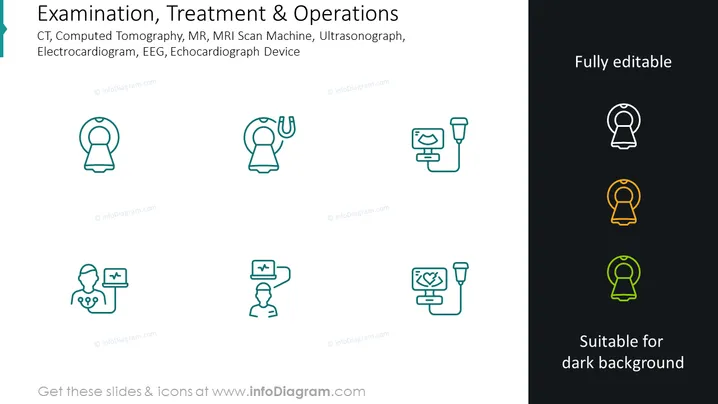
The PowerPoint slide lists medical imaging and diagnostic devices such as CT (Computed Tomography), MR (MRI Scan Machine), Ultrasonograph, ECG (Electrocardiogram), and Echocardiograph Device. CT scans use X-rays to create detailed images of the inside of the body, while MR, or MRI, uses magnetic fields and radio waves. An Ultrasonograph employs high-frequency sound waves for imaging, ECG records the electrical activity of the heart, and an Echocardiograph uses ultrasound to assess heart function.
Graphical Look
- The slide is neatly divided into two horizontal sections by color: light blue on the left and dark gray on the right.
- Each section is populated with a set of six icons aligned in a grid of two rows and three columns.
- All icons are outlined in a thin line style and feature a single color; the left set is in teal, and the right set has multi-color highlights.
- The icons represent medical concepts, including a bell-shaped figure representing alerts or alarms, and various representations of patients connected to monitoring devices.
- The icons have accompanying plus symbols or heart rate lines to suggest medical health monitoring or positive outcomes.
- The text "Fully editable" is clearly visible in white on the dark gray background on the right side.
- The text "Suitable for dark background" is also visible in the same section, suggesting the applicability of the icons to different slide backgrounds.
The slide presents a professional and clean design aesthetic with a balanced use of icons and text to convey its message. It achieves a sharp contrast between the two color blocks, making the information easy to digest.
Use Cases
- To present medical devices and their uses during healthcare industry conferences.
- For educational purposes in medical or nursing schools when introducing diagnostic and monitoring equipment.
- As part of hospital staff training materials to familiarize personnel with the technology in their facility.
- In sales presentations by medical device companies to showcase their product range to potential clients or investors.
How to Edit
How to edit text & colors

How to expand / shorten diagram

How to Replace Icons in infoDiagram PPT


