
Reviews
Ihre Grafiken verleihen meinen Präsentationen eine nette Note, und ich habe sie kürzlich für eines meiner All-Hands-Meetings verwendet. Ihre Toolbox verleiht meinen Folien Professionalität, anstatt Standard-Clipart zu verwenden.
Ich brauchte einen neuen Blick auf einige meiner Folien. Ich habe versucht, einen Weg zu finden, einen Pinselschlag-Effekt zu erzielen, um zu unterstreichen, hervorzuheben, Farbe hinzuzufügen, und die handgeschriebenen Markierungen waren genau das Richtige. Sehr einfach zu bedienen, leicht in der Größe zu ändern, die Farbe zu ändern. Es war eine erschwingliche, perfekte Lösung und ich empfehle sie gerne weiter.
Die klare, saubere Optik der Grafiken und die Tatsache, dass ich die Farben leicht bearbeiten und an die Vorlage anpassen konnte, war mein Hauptgrund für den Kauf.
Description
Outer Body Parts
Slide Content
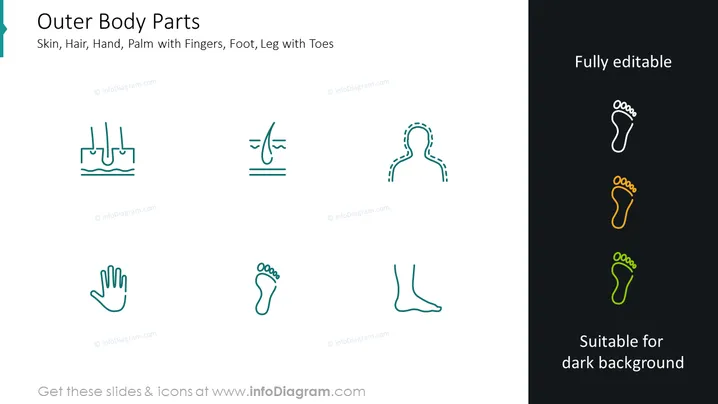
The PowerPoint slide titled "Outer Body Parts" appears to categorize various human body parts with accompanying icons. Each body part is represented by a simple yet distinct line graphic: skin (depicted by a skin texture icon), hair (represented by a hair icon), hand (shown as an open hand), palm with fingers (a detailed outline of a palm with fingers spread), foot (icon of a bare foot), and leg with toes (an icon showing a leg and foot with toes). These elements explain the different external parts of the human body that can be visually depicted without going into anatomical detail.
Graphical Look
- The slide has a clean, modern design with a white background on the left and a dark background on the right.
- Title "Outer Body Parts" is in bold, large font, centered at the top.
- A subheading lists the specific body parts in smaller font size under the title.
- Six line icon graphics are distributed evenly across the slide; three on the light background and three on the dark background.
- Icons are minimalistic, using single lines to depict the respective body parts.
- Each icon is accompanied by a small label that describes it (which is not readable due to the instructions).
- The color scheme is consistent; icons on the white background are in cyan, and on the dark background, icons are white with a color gradient applied to parts of the foot icon.
- Text and icons on the right side follow the statement "Fully editable" and "Suitable for dark background."
The slide boasts a sleek and professional appearance, catering to modern aesthetic standards. This visual consistency ensures readability and a focus on the key elements of the slide.
Use Cases
- In a medical or healthcare presentation to explain different parts of the human body.
- As a teaching tool in educational settings, particularly for biology or anatomy classes.
- During design or concept meetings related to products like wearables, prosthetics, or clothing, where understanding body part positioning is crucial.
- In workshops or discussions focused on body awareness, ergonomics, or physical well-being.
How to Edit
How to edit text & colors

How to expand / shorten diagram

How to Replace Icons in infoDiagram PPT


