
Reviews
The icons are fantastic, easy to use, and will add value to any project or presentation. Keep up the great work.
I love how simple infoDiagram's solutions are and the personal interest they took in my work. Recommended 1000%!
The crisp, clean look of the graphics, and the fact that it allowed me to easily edit and change the colors to match the template was my main reason for purchasing them.
Description
Laboratory – Sampling
Slide Content
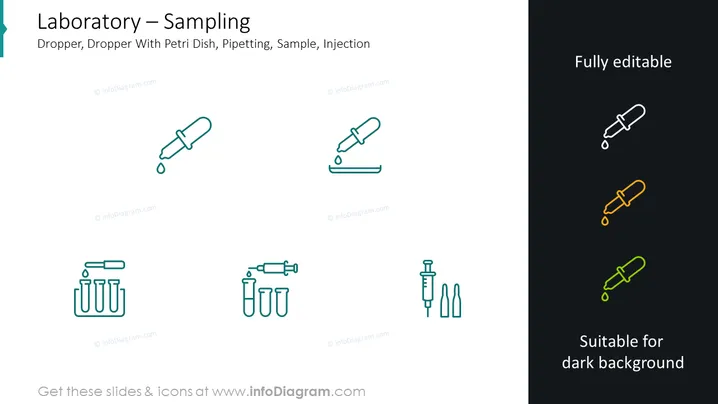
The PowerPoint slide is titled "Laboratory – Sampling" and seems to focus on tools used for sampling procedures in a laboratory setting. The slide lists various types of equipment: Dropper, Dropper With Petri Dish, Pipetting, Sample, Injection. Each tool represents a different aspect of laboratory sampling: Droppers are used for transferring small quantities of liquid; Dropper With Petri Dish demonstrates the process of culturing or testing samples; Pipetting outlines the precise measurement and transfer of liquids; Sample indicates the portion of a substance taken for analysis; Injection refers to the introduction of a sample or reagent into a system.
Graphical Look
- The slide has a clean, modern aesthetic with a white background.
- Six stylized, minimalist icons are aligned horizontally across the middle of the slide.
- The first icon is a dropper with a drop of liquid, representing a simple laboratory tool for transferring liquids.
- Next to it is an icon of a dropper with a Petri dish underneath, symbolizing sample culture or examination.
- There is a pipetting icon, illustrating a tool for measuring and transferring precise volumes.
- The fourth icon shows a pipette with multiple vials, indicating sample collection or distribution.
- A syringe icon follows, depicting an injection tool.
- The final group is a combination of a syringe and ampoules, implying preparation and administration of injections.
- The icons are in greenish-blue, except four smaller icons in the top right corner that are white with a colored outline, demonstrating the slide's editability for different background colors.
The overall look of the slide is professional and aesthetically pleasing, with a focus on clarity and easy interpretation of the information presented through the use of universal laboratory icons.
Use Cases
- Presenting laboratory procedures and equipment in educational settings, such as university lectures or training seminars.
- Using as part of a laboratory manual or standard operating procedure to visually guide through the sampling process.
- Incorporating into scientific presentations to highlight methods used in experiments or research studies.
- Enhancing marketing materials for lab equipment manufacturers to visually showcase their products.
How to Edit
How to edit text & colors

How to expand / shorten diagram

How to Replace Icons in infoDiagram PPT


