

Your graphics add a nice touch to my presentations and I recently used them for one of my all-hands meetings. Your toolbox adds professionalism to my slides. Instead of using standard clipart.
Claude Jones, Director of Engineer, @Walmartlabs, USA

Before and after
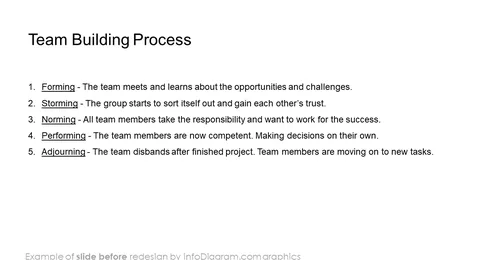
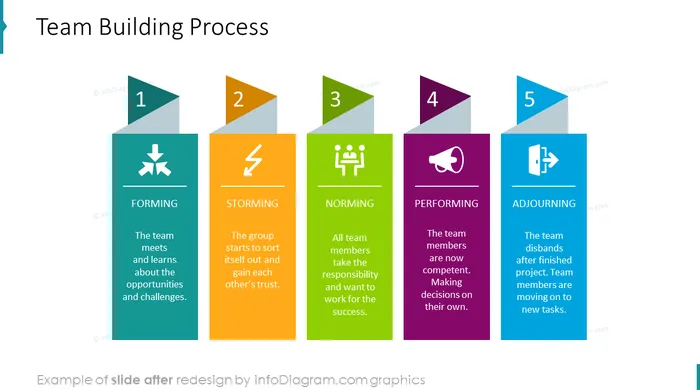
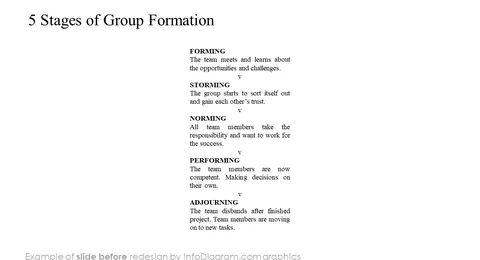
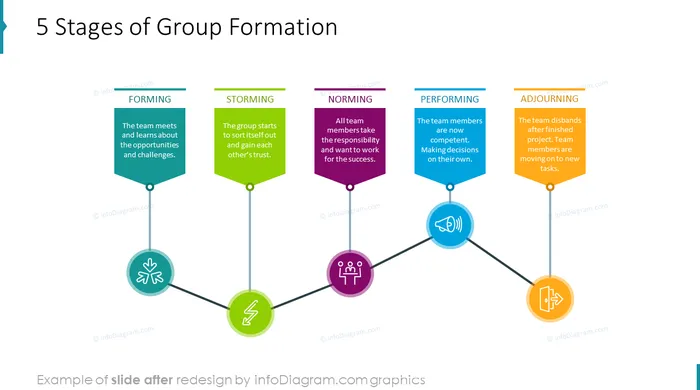
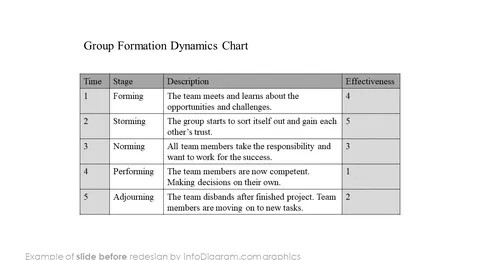
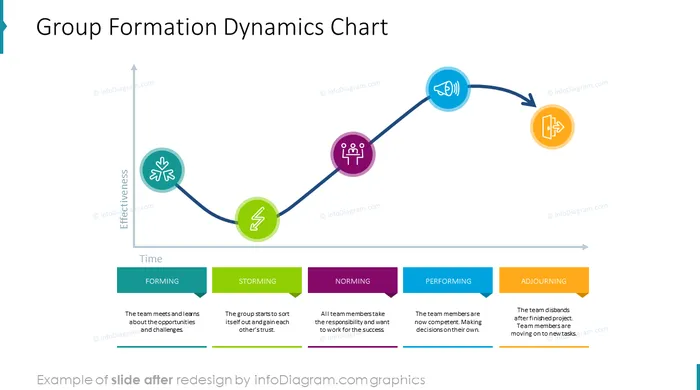
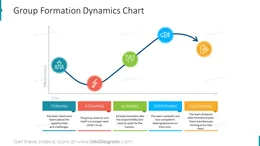
PowerPoint template graphics of Group Development Stages Curve.
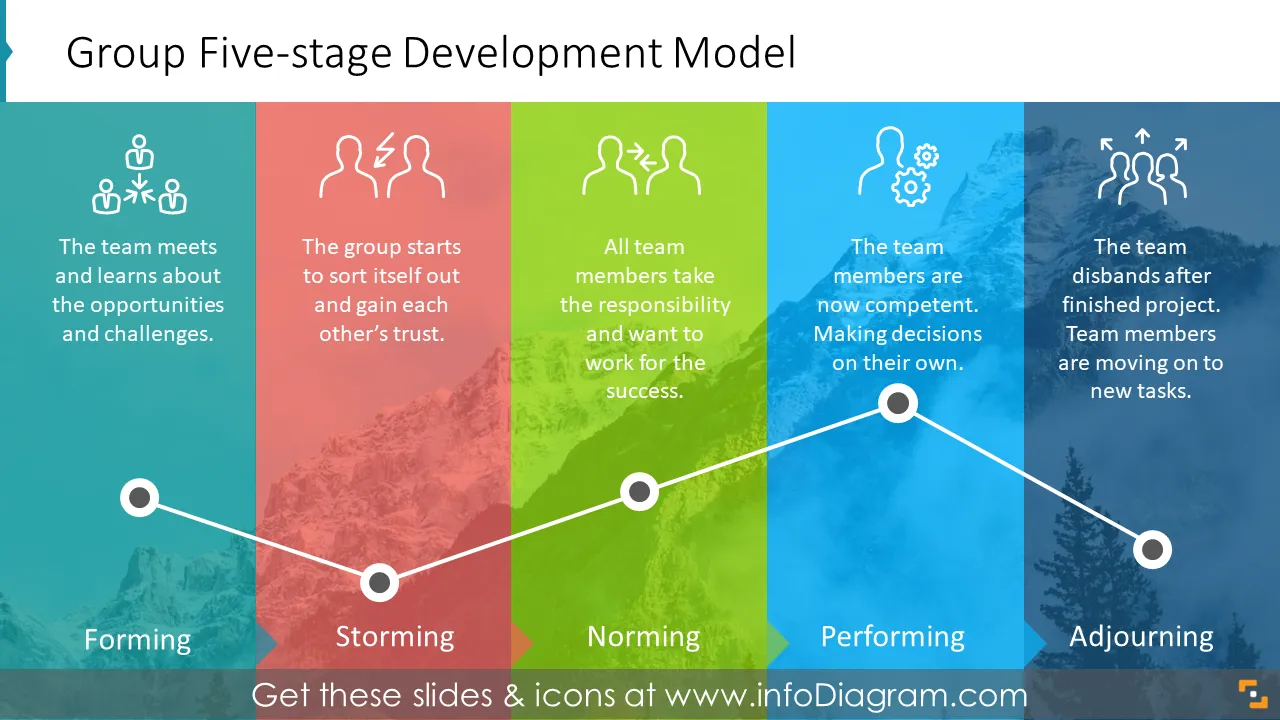
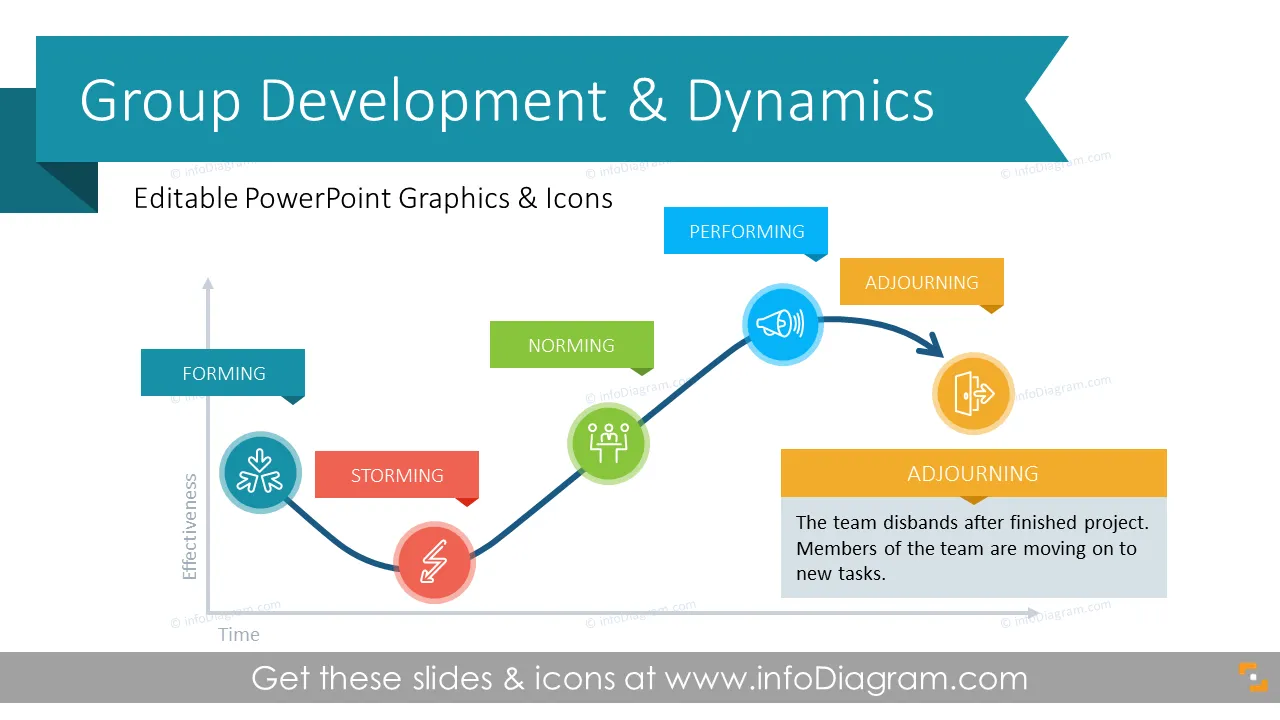
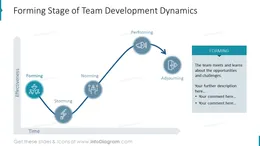
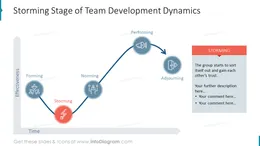
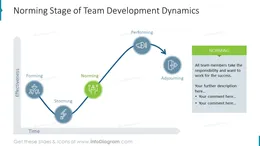
With this template you can illustrate various stages of team development according to Tuckman’s model: Forming, Storming, Norming, Performing and Adjourning.
The Group Development Graphics include:
In 1965, a psychologist Bruce Tuckman stated that teams go through 5 stages of development: forming, storming, norming, performing and adjourning. Understanding Tuckman's model can increase your chances of reaching project goal. Group Development and Dynamics Chart collection intended to visualize why and how groups change over time.
Group Development diagram and dynamics chart will help team members or managers to understand the process the group of individuals is going through while becoming a mature team. It helps to avoid frustration and negative emotions while showing the way forward.
The collection will help you to present team dynamics stages in a visual form. Group development and dynamics graphics serve for illustrating team-building training, group behavior process.
You can copy the group development and dynamics template and modify it to your needs. A few ideas where you can apply those illustrations:
Group Development and Dynamics diagram contains ready-to-use slides:
Fully editable in PowerPoint set of vector shapes fully editable by using built-in PowerPoint tools, including
See editing demonstration in our HowTo Videos.
Your graphics add a nice touch to my presentations and I recently used them for one of my all-hands meetings. Your toolbox adds professionalism to my slides. Instead of using standard clipart.
Claude Jones, Director of Engineer, @Walmartlabs, USA
I needed a fresh look at some of my slides. I've tried to find a way to create a paintbrush effect, to underline, accentuate, add some color and the handwritten markers were just the things. Very easy to use, easy to size, change the color. It was an affordable, perfect solution and I'm happy to recommend it.
Anonymous, US
The crisp, clean look of the graphics, and the fact that it allowed me to easily edit and change the colors to match the template was my main reason for purchasing them.
Brandie Jenkins, E-learning Developer, USA



You may also need