

Your graphics add a nice touch to my presentations and I recently used them for one of my all-hands meetings. Your toolbox adds professionalism to my slides. Instead of using standard clipart.
Claude Jones, Director of Engineer, @Walmartlabs, USA

Your graphics add a nice touch to my presentations and I recently used them for one of my all-hands meetings. Your toolbox adds professionalism to my slides. Instead of using standard clipart.
Claude Jones, Director of Engineer, @Walmartlabs, USA
I needed a fresh look at some of my slides. I've tried to find a way to create a paintbrush effect, to underline, accentuate, add some color and the handwritten markers were just the things. Very easy to use, easy to size, change the color. It was an affordable, perfect solution and I'm happy to recommend it.
Anonymous, US
The crisp, clean look of the graphics, and the fact that it allowed me to easily edit and change the colors to match the template was my main reason for purchasing them.
Brandie Jenkins, E-learning Developer, USA
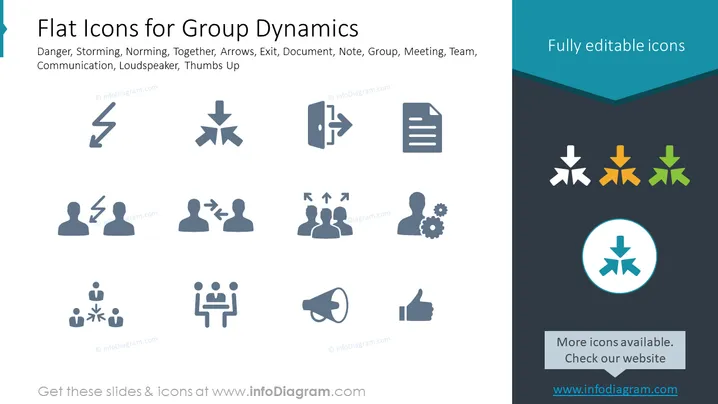
This PowerPoint slide presents a collection of flat icons representing various concepts related to group dynamics. The icons are designed to depict concepts such as danger, storming, norming, together, arrows, exit, document, note, group, meeting, team, communication, loudspeaker, and thumbs up. The term "danger" could symbolize potential risks within group interactions, while "storming" refers to a phase of team development where conflict arises. "Norming" suggests the process where teams establish norms and cohesion. The "together" icon can express unity or collaboration among team members. Arrows might indicate directions or actions in a workflow, "exit" could represent leaving or ending, and "document" or "note" signals information sharing. "Group," "meeting," and "team" icons reflect collective effort, while "communication," "loudspeaker," and "thumbs up" are likely to denote methods of information sharing and approval respectively.



