
Your graphics add a nice touch to my presentations and I recently used them for one of my all-hands meetings. Your toolbox adds professionalism to my slides. Instead of using standard clipart.
Claude Jones, Director of Engineer, @Walmartlabs, USA
Your graphics add a nice touch to my presentations and I recently used them for one of my all-hands meetings. Your toolbox adds professionalism to my slides. Instead of using standard clipart.
Claude Jones, Director of Engineer, @Walmartlabs, USA
I needed a fresh look at some of my slides. I've tried to find a way to create a paintbrush effect, to underline, accentuate, add some color and the handwritten markers were just the things. Very easy to use, easy to size, change the color. It was an affordable, perfect solution and I'm happy to recommend it.
Anonymous, US
The crisp, clean look of the graphics, and the fact that it allowed me to easily edit and change the colors to match the template was my main reason for purchasing them.
Brandie Jenkins, E-learning Developer, USA
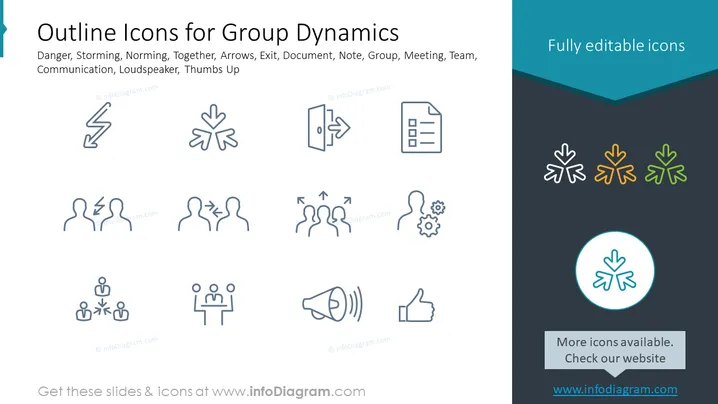
This PowerPoint slide is about "Outline Icons for Group Dynamics" and presents a collection of icons that represent various concepts important in group interaction and team dynamics. These icons are associated with danger (often represents risks or caution in a group setting), storming (a phase of team development with conflict), norming (team cohesion and agreement formation), being together (team unity or collaboration), arrows (direction or progress), exit (departure or leaving), document (record keeping, information sharing), note (brief information or reminders), group (collective individuals), meeting (assembled team for discussion), team (cooperative group working towards a common goal), communication (exchange of information), loudspeaker (broadcasting a message), and thumbs up (approval or agreement).
The slide has a clean and modern design with icons uniformly spaced to provide visual clarity. The distinction between grayscale and colored icons aids in directing the viewer's attention to certain elements on the slide.




