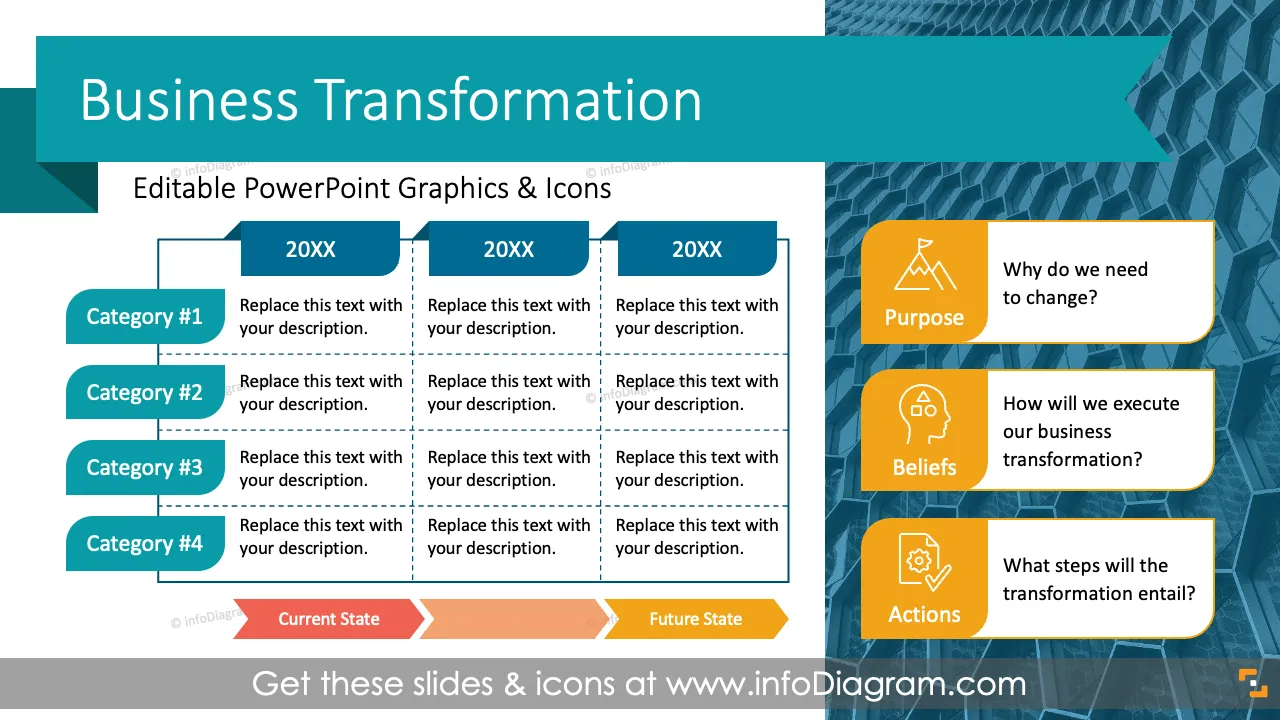
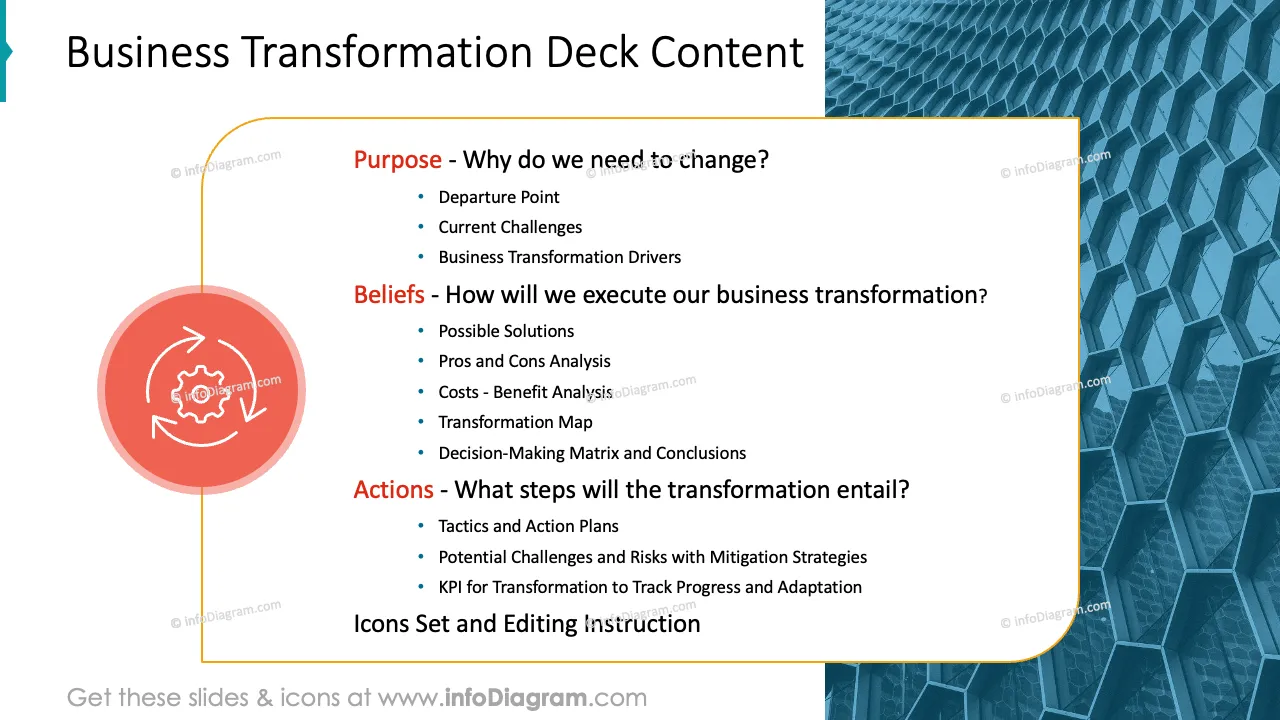
Do you need to present a comprehensive business transformation plan with significant changes to be done across various aspects of your business? Use our pre-design deck that incorporates key business challenges and trends and present your strategy in a clear, informative, and visually appealing manner.
This Business Transformation Strategy Presentation Template contains slides with the following:
- 33 charts, tables, and diagrams illustrating various issues related to the organizational change
- 60 icons illustrating operational topics: People, Production, Metics, Tactics, Challenges, and Value
- Instruction on modifying those diagrams using standard PowerPoint editing tools.
This PowerPoint slide deck is designed in an elegant, flat style with colorful vector illustrations and outline icons. All graphic shapes can be recolored and resized without quality loss.
Authors of this Business Transformation Strategy Presentation Template
What is a Business Transformation?
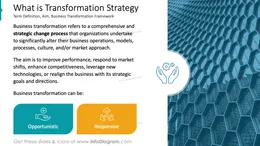
Business transformation refers to an organization's strategic, comprehensive process to fundamentally change its operations, structures, processes, or business models. The primary goal is to improve performance, enhance competitiveness, and adapt to evolving market conditions, technologies, and customer expectations. This process often involves significant changes across various aspects of the business, including organizational culture, technology, workflows, and customer interaction.
Why use a Business Transformation presentation with diagrams?
If you need to communicate your business transformation plan, use our templates to help you present it in an eye-catching and attractive format. This will allow you to engage various stakeholders and align or document the transformation process, ensuring that all are informed, involved, and supportive of the changes.
Use graphs and infographic elements to make your ideas easy to understand. Tailor them to your needs to upgrade your presentation slides. Design flowcharts of your projects and use pre-designed project templates that offer space for your tactics, actions, and expected deliverables. We include detailed instructions on how to alter the content, values, colors, and look and feel of the charts.
Where can you use a Business Transformation diagram graphics?
Using infographics in your business transformation presentation will help you organize information in a visually appealing format and present your ideas in a compelling way that is easy for your audience to understand.
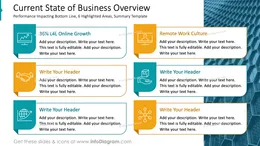
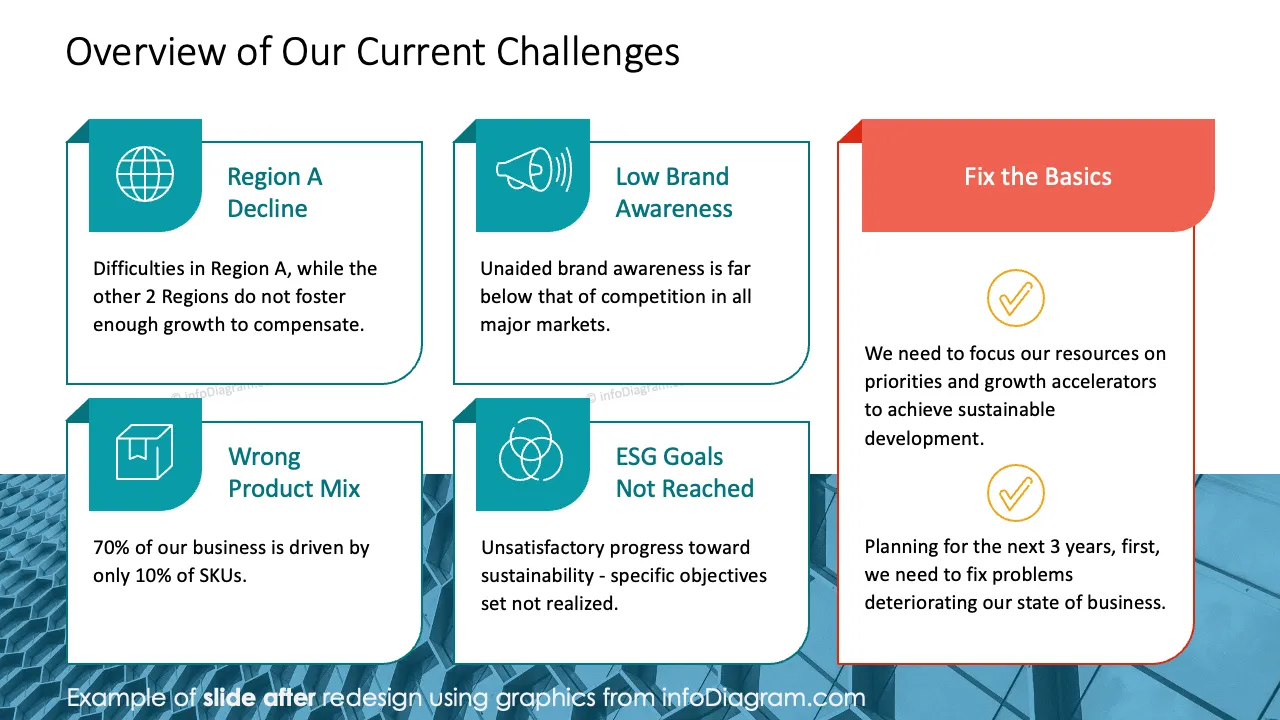
- Describe the state of your business and the challenges that could trigger change.
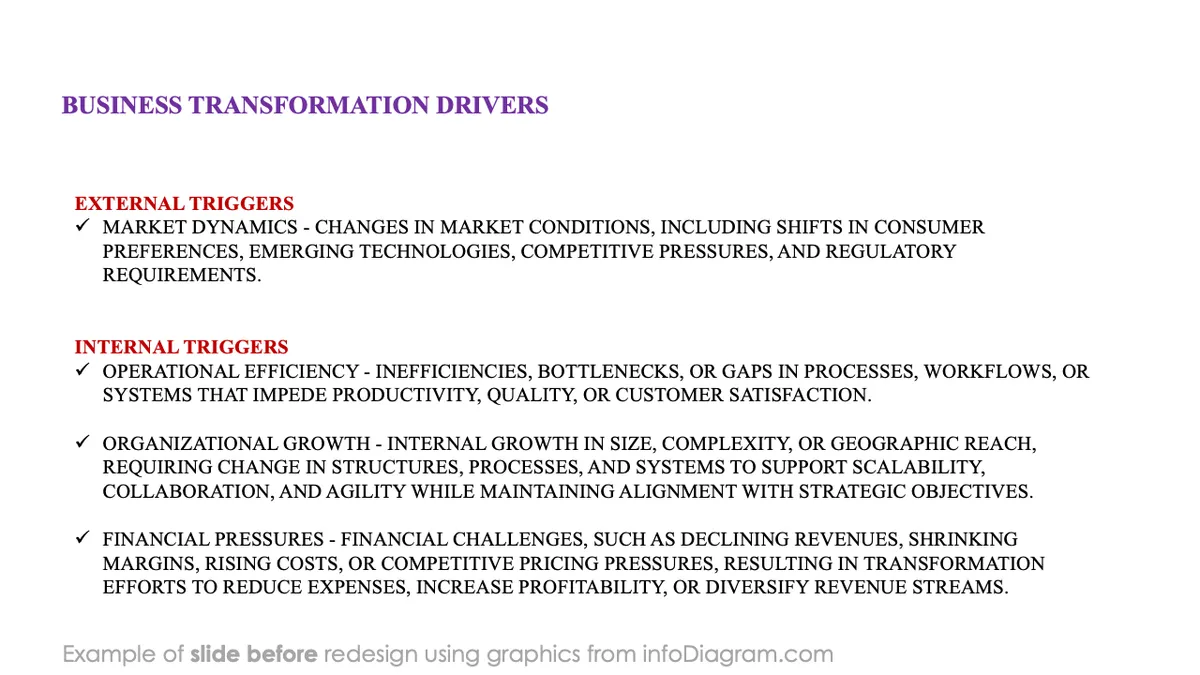
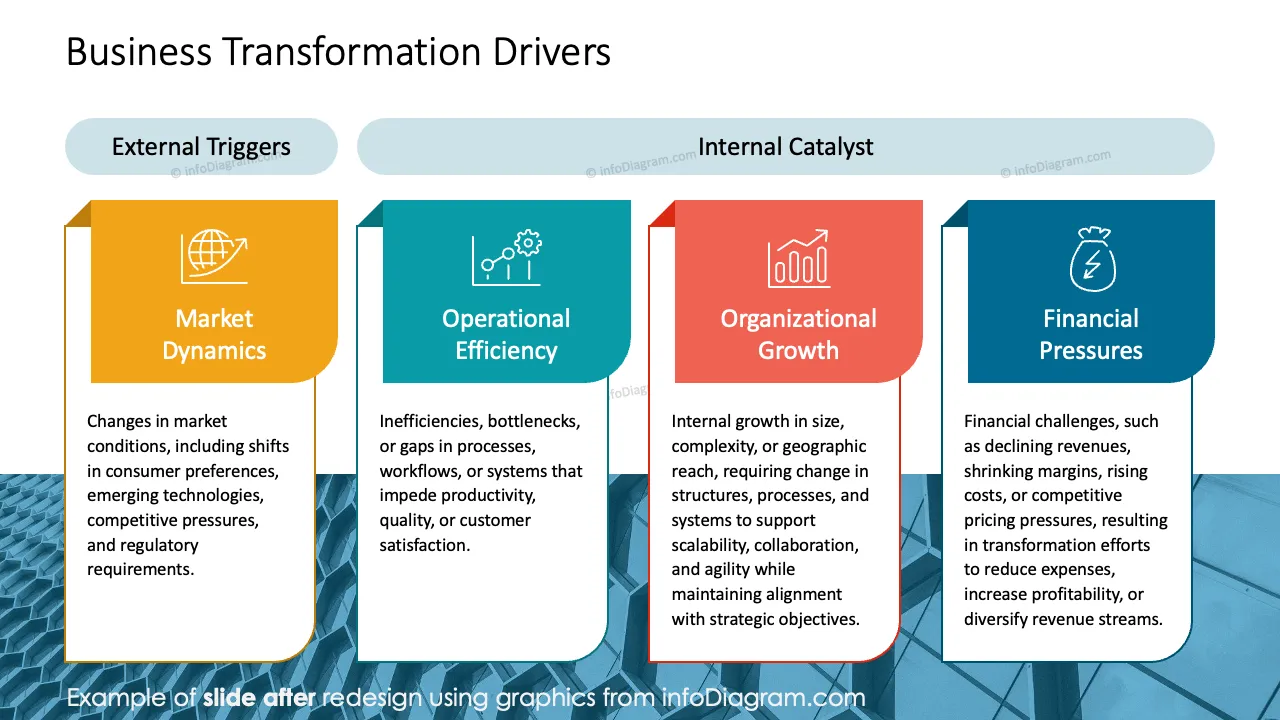
- Deed dive into external and internal drivers defining your business transformation needs.
- Explain how you will govern the change, showing the path from challenge to solution.
- Comparing multiple solution alternatives or various scenarios that you take into consideration when planning your strategic shift.
- Conduct a pros & cons analysis and a detailed cost-benefit evaluation of your great ideas.
- Prioritize your initiatives using an urgency/impact weighted matrix or impact/effort grid.
- Specify your business transformation by a driver, adding a short description, deadline, and accountability factors.
- Present your 5 years business transformation roadmap.
- Document your selection and recommendation using the decision-making matrix and recommendation template.
- Describe your business transformation process using an attractive flow chart template.
- List potential challenges that you might encounter during your restructuring process.
- Visualize your strategic initiatives, binding them with objective tactics, action plans, and responsibilities.
- Design a follow-up dashboard to track the progress toward your transformation targets.
Try using those PowerPoint graphics to present your data visually in an elegant way.
All graphics are editable to modify the size, colors, and text. Also, you can extend the collection further with more PPT symbols (see Related Diagrams section).
Try using thisset of fully editable PowerPoint vector shapes to present your data visually in an elegant way. You can easily modify all elements:
- Replace icons
- Change the filling and outline color
- Modify size and proportions
- Rotate, flip, align, and change order