
Reviews
Your slides are my 'secret sauce' when it comes to visualising my ideas to clients. I'm saving so much time.
InfoDiagram has been a wonderful resource since I found the product site a few years ago.
Your slides often generate good comments and ideas from my team that improve the final slides.
Description
Actions Section
Slide Content
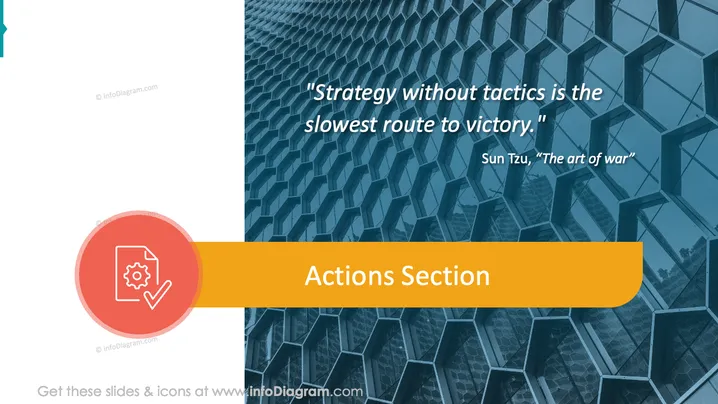
The slide is titled "Actions Section" and contains a quote: "Strategy without tactics is the slowest route to victory." This quote is credited to Sun Tzu from "The Art of War," demonstrating the importance of having a plan of action to accompany strategic thinking. Understanding tactics as the actionable steps towards achieving a larger strategic goal, this slide implies that without such practical steps, strategic goals may not be attainable.
Graphical Look
- The background features an image of a geometric pattern, showing a honeycomb-like structure.
- The quote is prominently displayed in white text at the top of the slide.
- The author of the quote, Sun Tzu, and the source, "The Art of War," are cited in smaller italicized white text below the quote.
- The slide title "Actions Section" is displayed in bold white font centered on a yellow-orange rectangular shape at the bottom.
- To the left of the slide title, there is a circular red icon with a white gear and checkmark symbol, emphasizing the concept of actions or tasks.
The overall look of the slide is modern and professional, with a striking geometric pattern in the background that complements the bold, clear text and clean design elements.
Use Cases
- To introduce a section of a presentation focused on strategic implementation or operational plans.
- As an opening slide for a workshop or training session on the importance of linking tactics to strategy.
- In a project management meeting to underscore the need for actionable steps that align with the project's strategic objectives.
- During a motivational talk to emphasize the point that action is a critical component of achieving success.
How to Edit
How to edit text & colors

How to expand / shorten diagram

How to Replace Icons in infoDiagram PPT


