

Your graphics add a nice touch to my presentations and I recently used them for one of my all-hands meetings. Your toolbox adds professionalism to my slides. Instead of using standard clipart.
Claude Jones, Director of Engineer, @Walmartlabs, USA


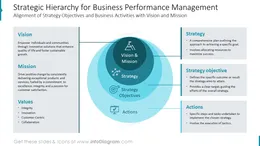

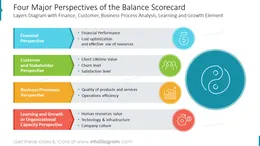
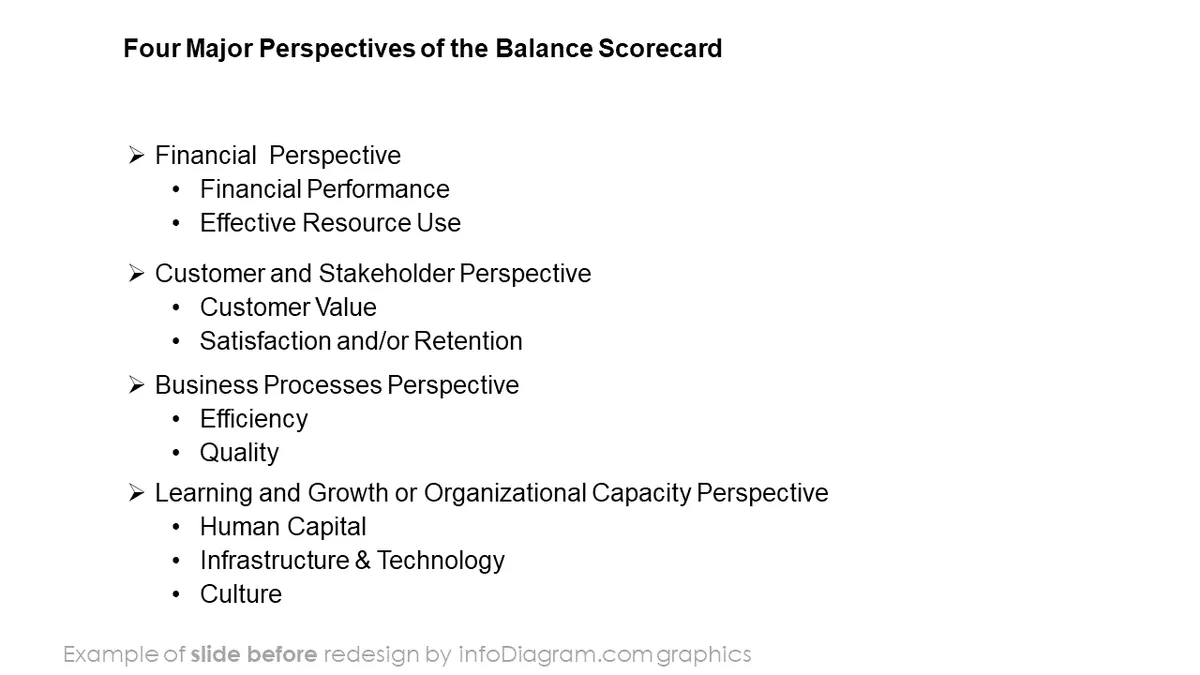
Before and after
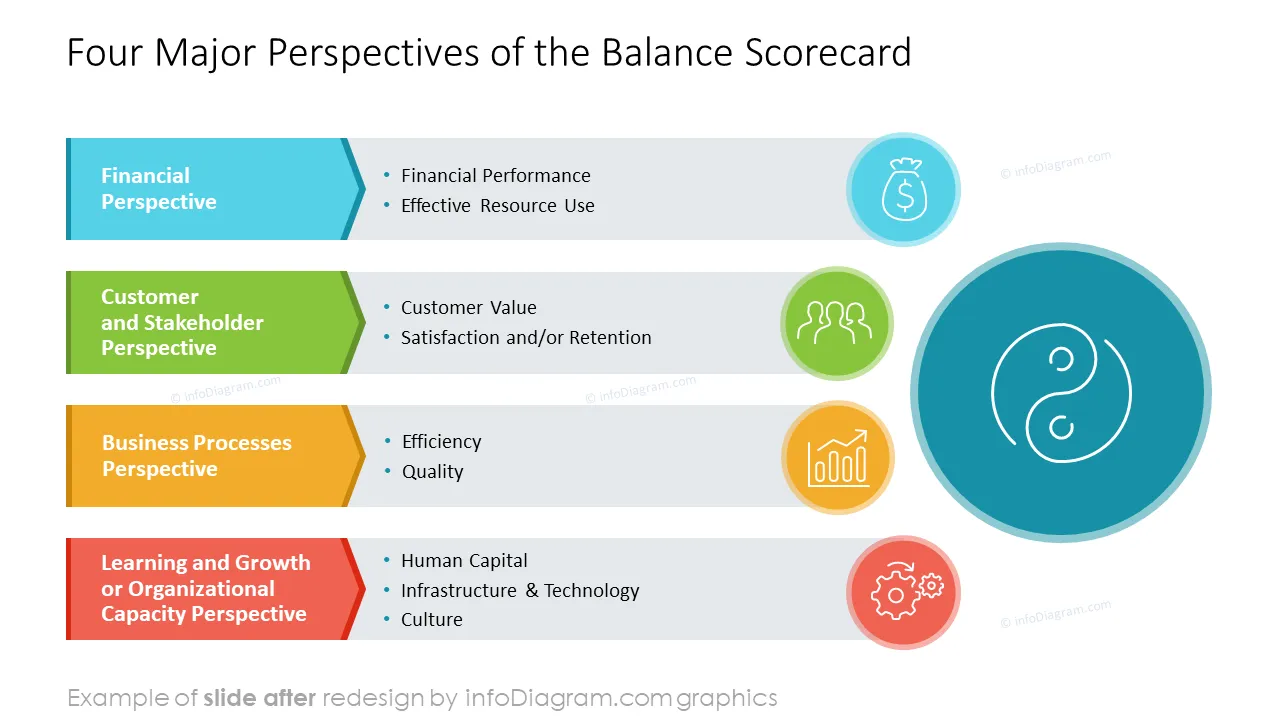
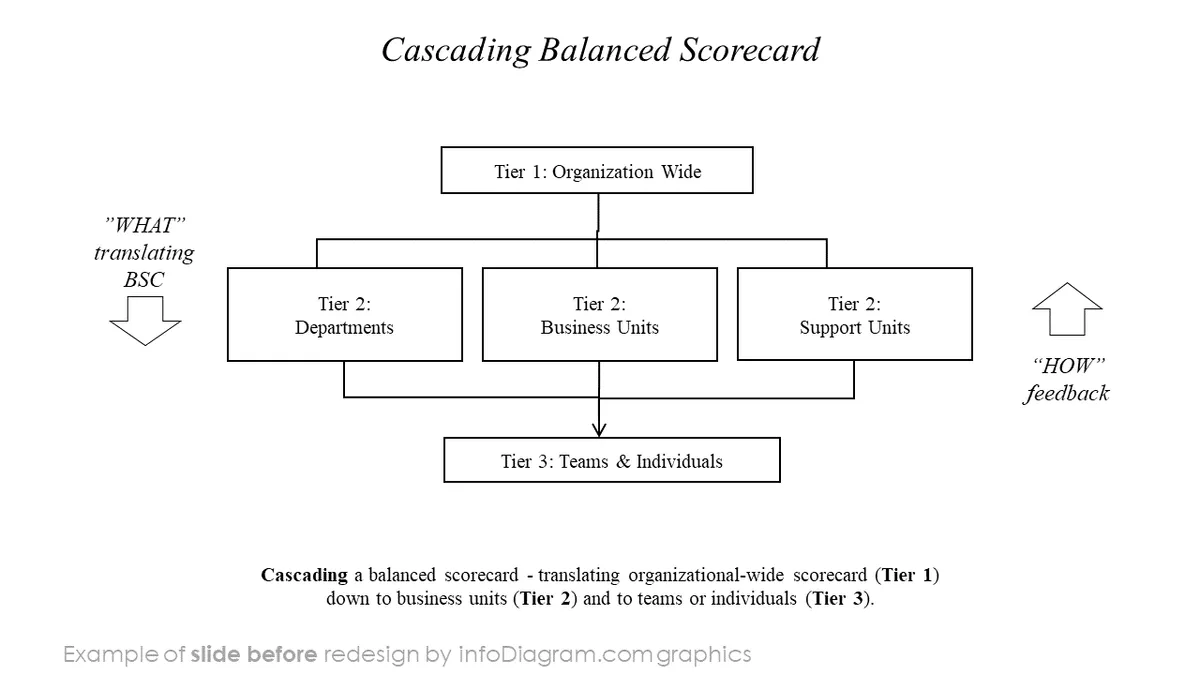
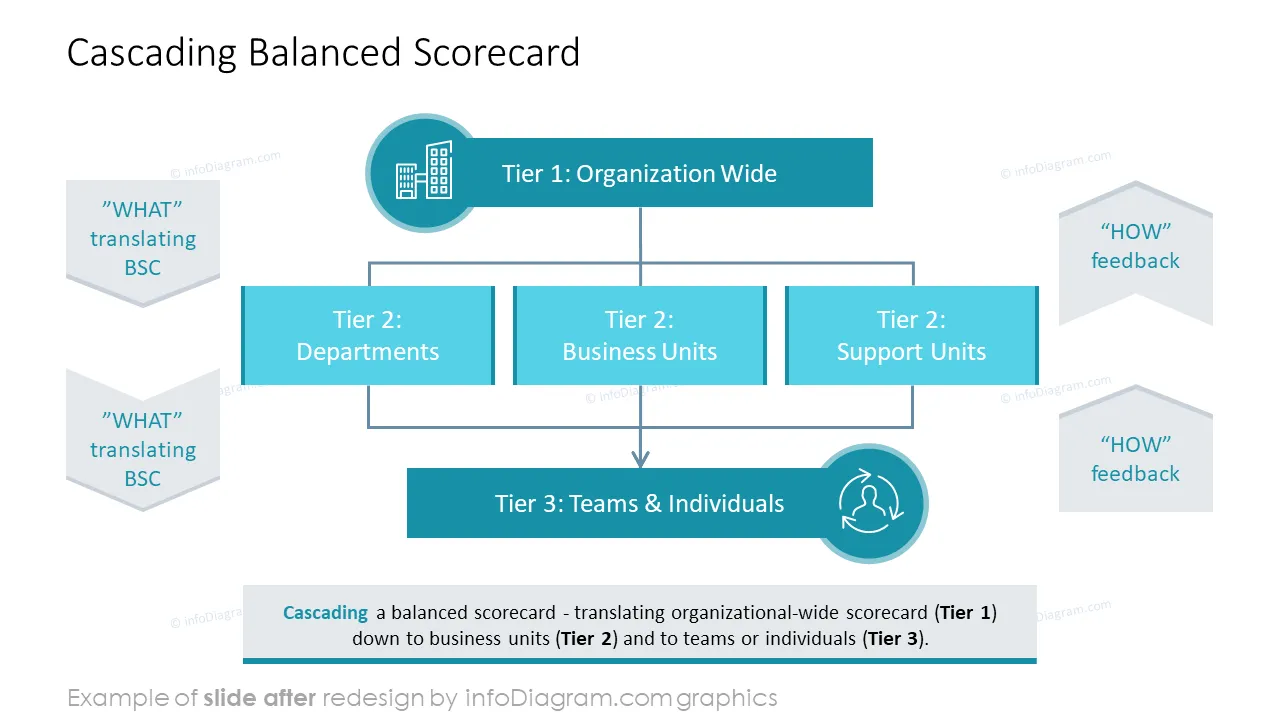
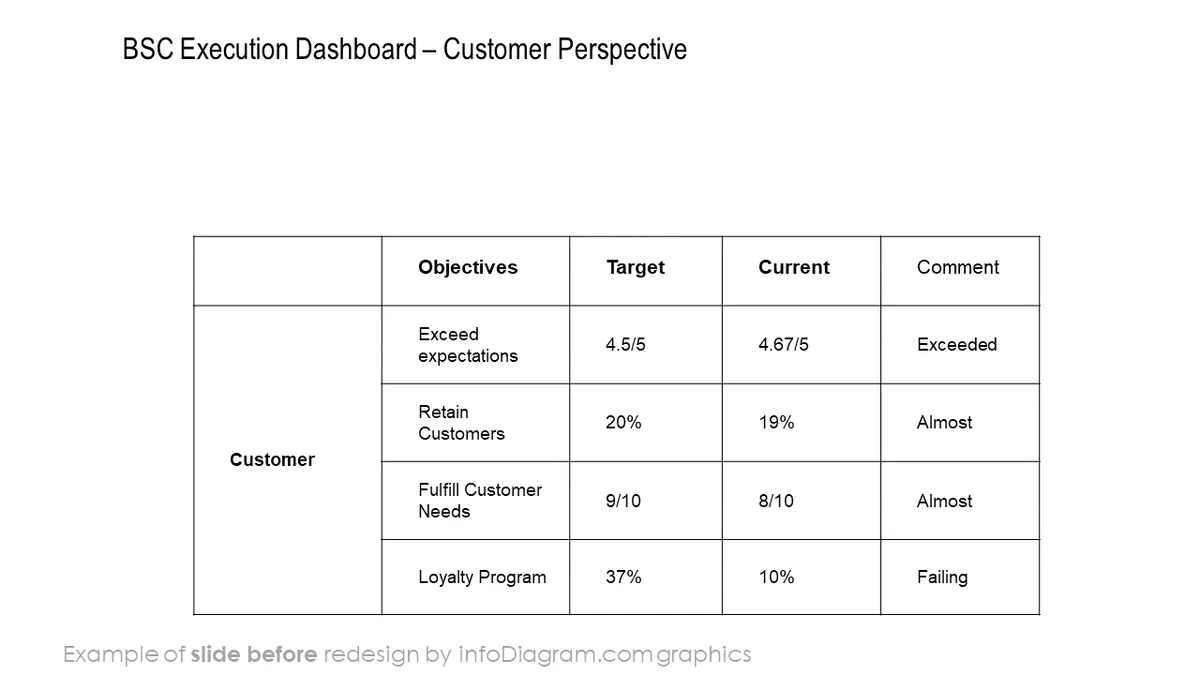
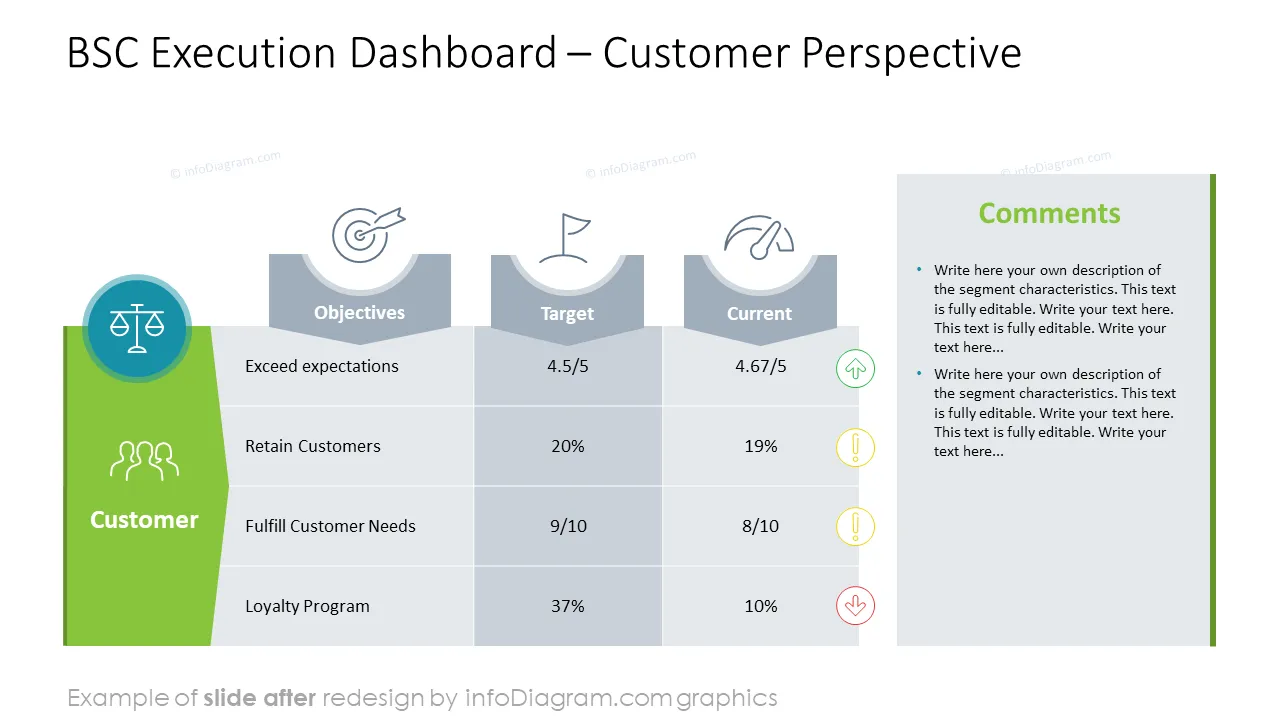
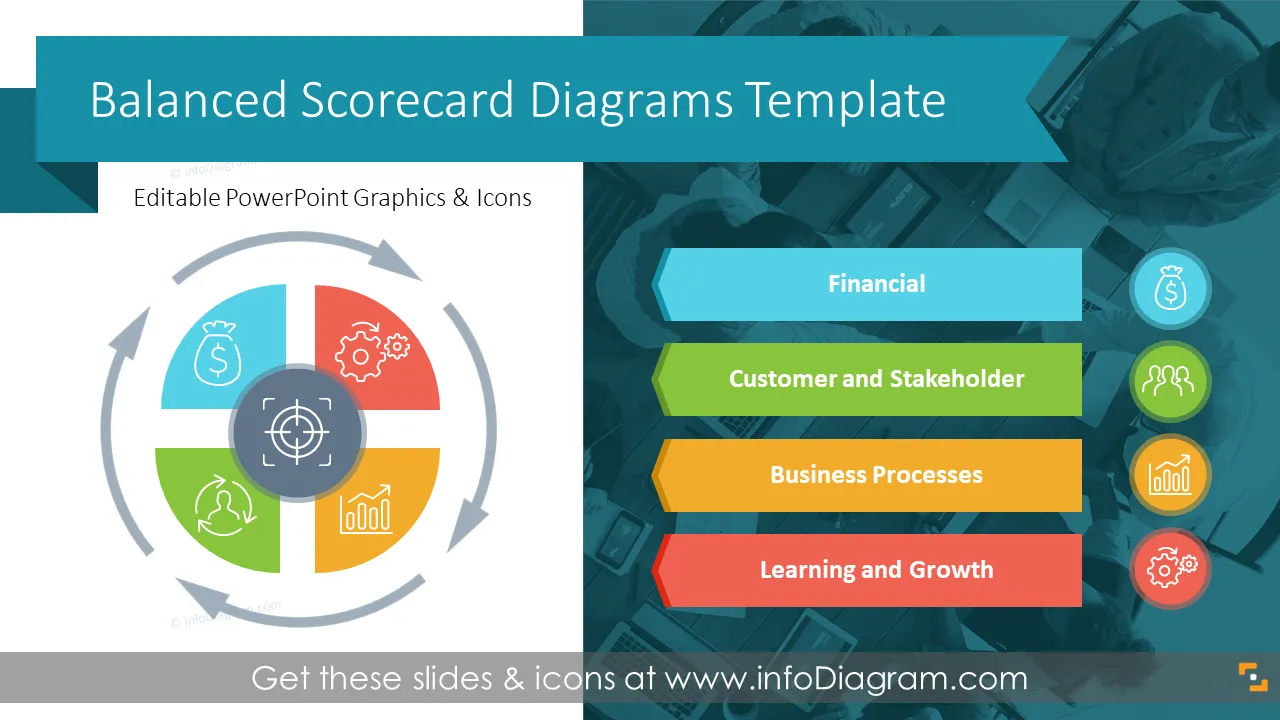
Do you need to foster communication, alignment, and performance improvement across various levels of your organization? Use this balanced scorecard PPT design to describe different perspectives of your organization, which is described as the financial perspective, customer or investors perspective, organizational growth perspective, and the internal process perspective.
This PowerPoint slide deck is designed in an elegant flat style with colorful vector illustrations and outline icons. All graphic shapes can be recolored and resized without quality loss.
The Balanced Scorecard (BSC) is a strategic management framework designed to help organizations translate their strategic objectives into a set of comprehensive performance measures. The Balanced Scorecard goes beyond traditional financial metrics to include non-financial indicators, offering a more balanced view of an organization's performance. It typically consists of four perspectives: financial, customer, internal processes, and learning and growth.
If you are looking for a powerful tool to improve strategic planning, execution, and overall performance in a balanced and integrated manner across your organization, the Balance Scorecard is just for you. Use our pre-designed, content-ready slides, modify them to your needs, add comments, and enjoy your presentation!
Using infographics in your balanced scorecard presentation will help you organize information in a visually appealing way and present your roadmap from strategy objectives to actions in an attractive and compelling way that is easy for your audience to understand.
Try using those PowerPoint graphics to present your data visually in an elegant way.
All graphics are editable to modify the size, colors, and text. Also, you can extend the collection further with more PPT symbols (see Related Diagrams section).
Try using thisset of fully editable PowerPoint vector shapes to present your data visually in an elegant way. You can easily modify all elements:
Your graphics add a nice touch to my presentations and I recently used them for one of my all-hands meetings. Your toolbox adds professionalism to my slides. Instead of using standard clipart.
Claude Jones, Director of Engineer, @Walmartlabs, USA
I needed a fresh look at some of my slides. I've tried to find a way to create a paintbrush effect, to underline, accentuate, add some color and the handwritten markers were just the things. Very easy to use, easy to size, change the color. It was an affordable, perfect solution and I'm happy to recommend it.
Anonymous, US
The crisp, clean look of the graphics, and the fact that it allowed me to easily edit and change the colors to match the template was my main reason for purchasing them.
Brandie Jenkins, E-learning Developer, USA



You may also need