

Your graphics add a nice touch to my presentations and I recently used them for one of my all-hands meetings. Your toolbox adds professionalism to my slides. Instead of using standard clipart.
Claude Jones, Director of Engineer, @Walmartlabs, USA

Your graphics add a nice touch to my presentations and I recently used them for one of my all-hands meetings. Your toolbox adds professionalism to my slides. Instead of using standard clipart.
Claude Jones, Director of Engineer, @Walmartlabs, USA
I needed a fresh look at some of my slides. I've tried to find a way to create a paintbrush effect, to underline, accentuate, add some color and the handwritten markers were just the things. Very easy to use, easy to size, change the color. It was an affordable, perfect solution and I'm happy to recommend it.
Anonymous, US
The crisp, clean look of the graphics, and the fact that it allowed me to easily edit and change the colors to match the template was my main reason for purchasing them.
Brandie Jenkins, E-learning Developer, USA
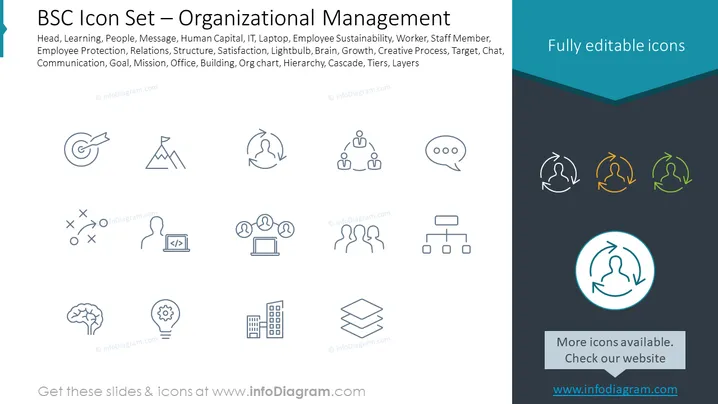
The slide presents a collection of icons representing various elements of organizational management. Each icon symbolizes a different concept: Target represents goal-setting, Mountain stands for achieving high objectives, and the recycling symbol might suggest sustainability or a cyclical process. Additional icons such as networked figures indicate teamwork or organizational structure, a laptop could relate to IT or technology in the workplace, and a speech bubble represents communication. Icons of a brain and light bulb suggest creativity and innovation, while organizational structures like a building for corporate presence and hierarchical representations show layers of management or scaling of operations.
The overall look of the slide is professional and modern, with a strong emphasis on simplicity and ease of understanding. The selected color palette and design of the icons cater to a corporate and informative setting.



