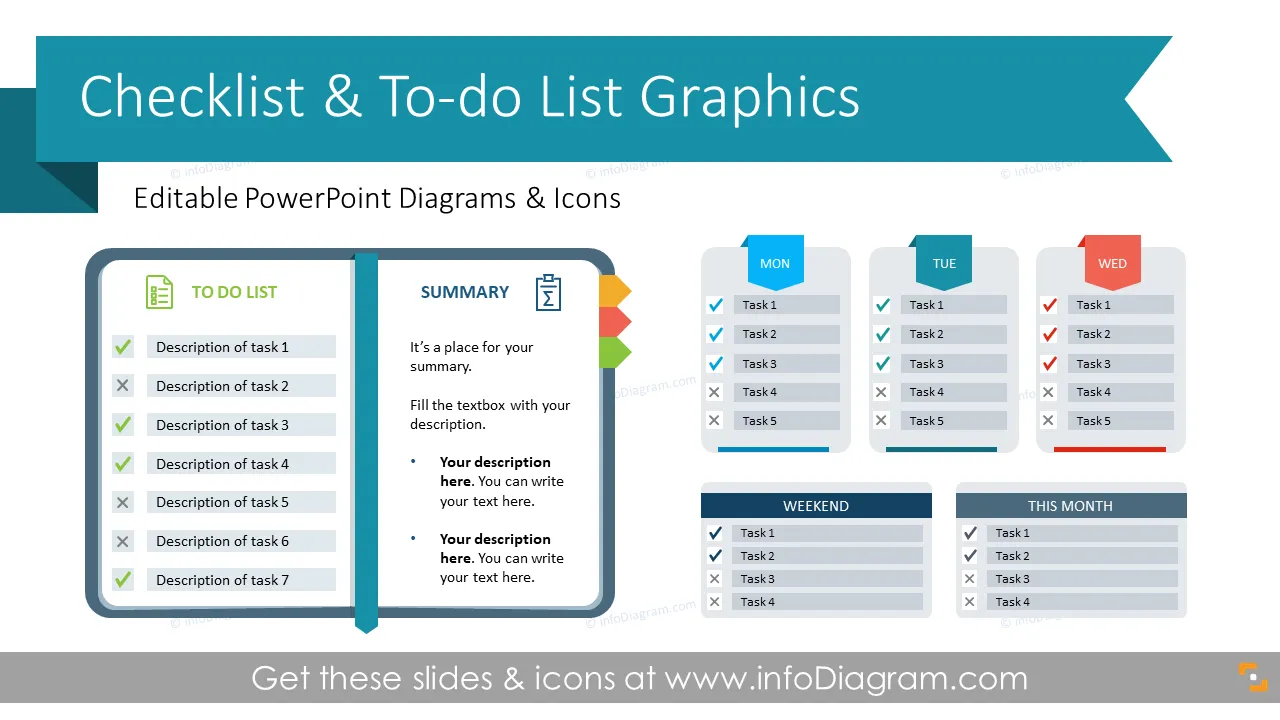
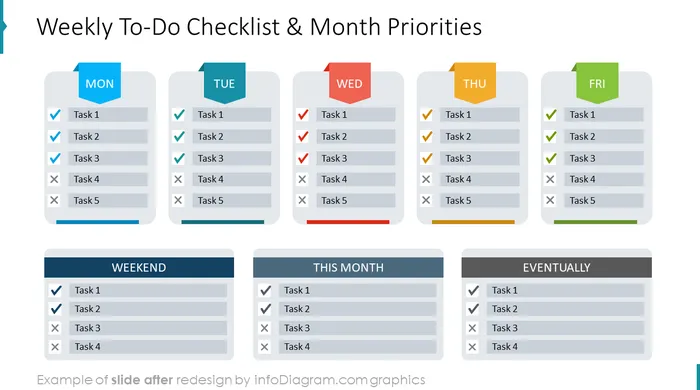
Need to present a personal or project checklist for your team to efficiently manage various tasks or assignments? We designed this checklist PowerPoint template to help you to spice up your team’s to-do lists through compelling visualizations.
This To Do Presentation Checklist PowerPoint template contains visual slides with:
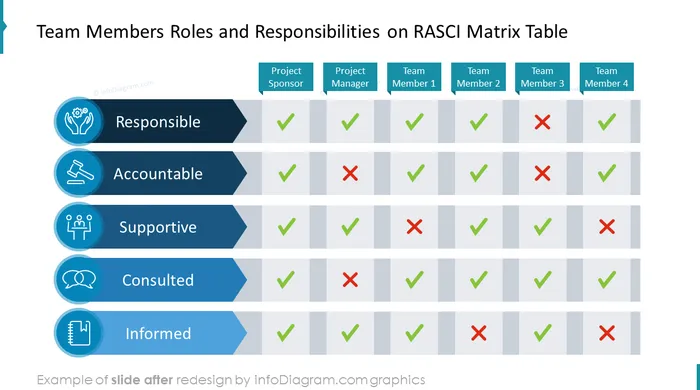
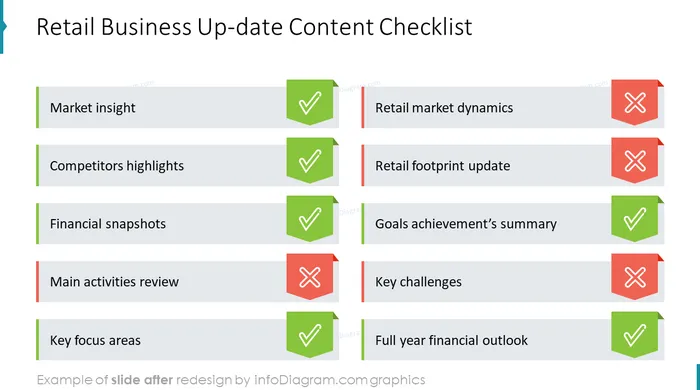
- 15 infographic slides to create visual to-do checklists including Weekly To-Do Checklist, Month Priorities Template, Content Checklist, Projects ToDo List Table, and RASCI Matrix Template.
- This slide collection is designed in a modern outline style. Infographics templates will help you find the proper way to effectively project your thought lines and create unique slides without using too much information.
- 23 flat and outline symbols to show concepts connected with to-do lists and effectiveness e.g. Done, Cross, Failure, Clipboard, Calendar, Conversation, Tasks, Creative Ideas, and other business icons.
- Instruction on how to modify those diagrams using standard PowerPoint editing tools.
Format: fully editable vector shapes (modify colors of diagrams and icons, resize without quality loss).
What is a To-Do checklist?
To-Do Checklist is a simple time management tool used to better organize your assignments and to verify, easily, your most important tasks. Using a checklist reduces errors and ensures consistency and completeness in carrying out a duty. A written task list can remind employees of steps in a process and critical milestones for completing job responsibilities.
Why use visual checklists?
Most businesses require multitasking and dealing with all sorts of distractions. By breaking down assignments into specific tasks, checklists give more confidence and allow them to complete a specific activity on time. Using checklists is a great way to stay organized.
If you need to list, organize or control tasks to be completed you can reuse pre-design checklists that we have prepared for you and tailor them to your needs. Our to-dos are easy to edit, include checkboxes, and are fast to understand. We also include instructions on how to alter the content, colors, and look and feel of slides.
Where can you use the To-Do Checklist PowerPoint Template?
Using our creative slides will help you to visualize work completion checklists in a good-looking and digestible way.
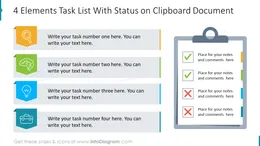
- Present task list with the fulfillment status on a clipboard document
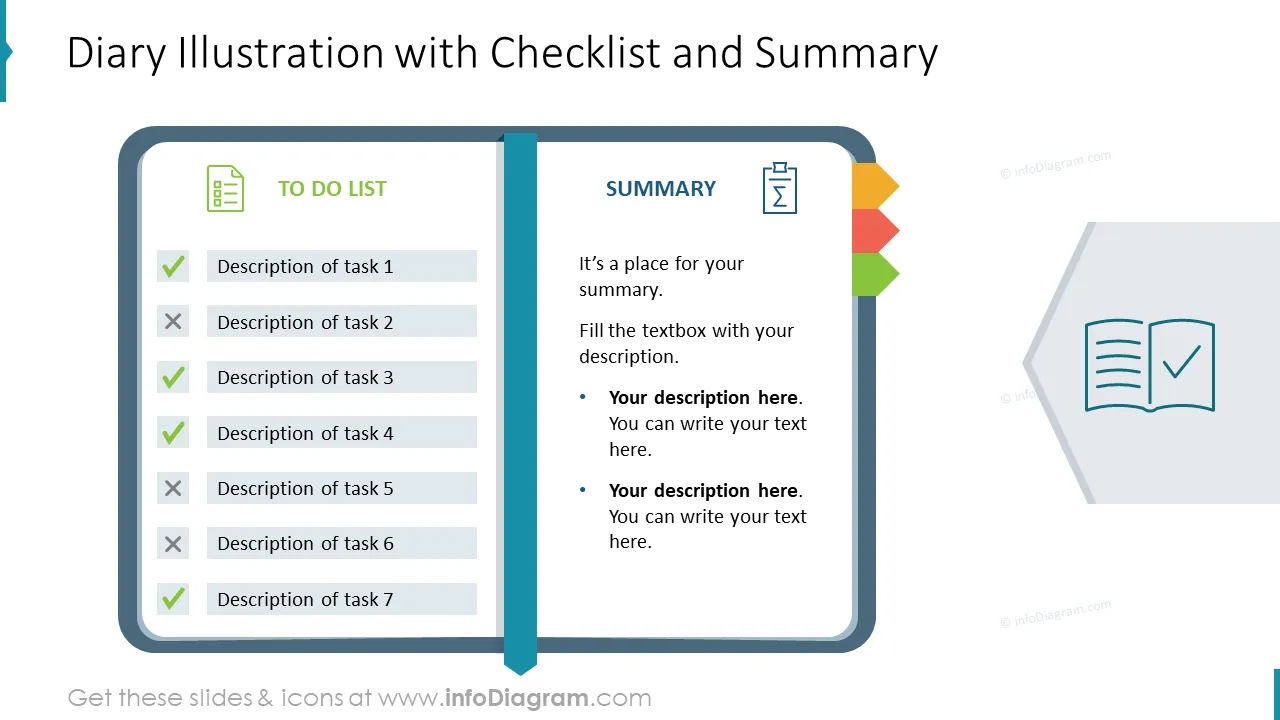
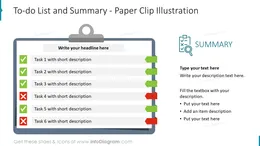
- Create an attractive paper clip or diary illustration with a to-do list and task summary
- Show 4 steps challenge list including final outcome
- Visualize a checklist on a grid with 6 or 9 elements
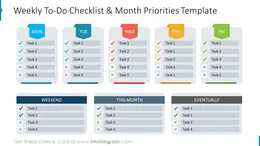
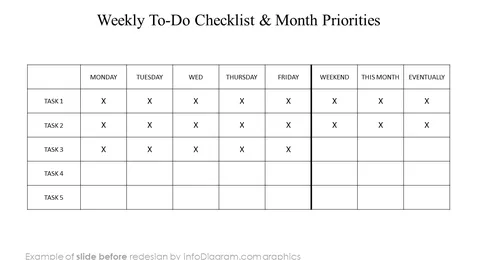
- Create a weekly to-do checklist with the month's priorities
- Illustrate a project to-do list with step names, corresponding due dates, notes, and current status
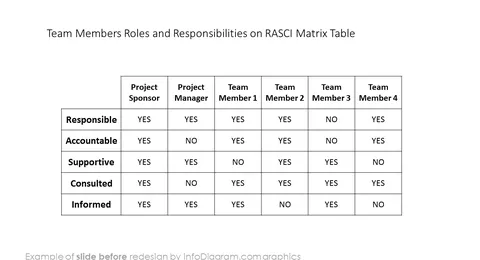
- Prepare an easy-to-understand RASCI matrix table allocating teams' roles and responsibilities
- Design an editable checklist with a computer screen background
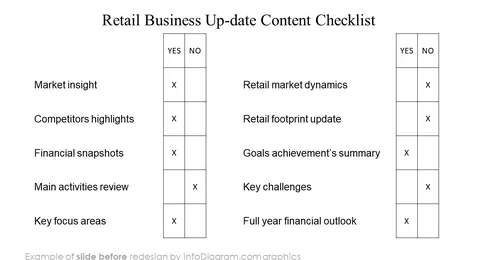
- Create a retail business up-date content checklist with key items to be ticked
Try using those PowerPoint illustrations to present your content visually in an elegant way.
All graphics are editable, so you can modify the colors and text. We also added a general icon collection at the end of the presentation deck. Optionally you can also extend the collection by more PPT symbols (see Related Diagrams section).
Fully editable in PowerPoint set of vector shapes fully editable by using built-in PowerPoint tools, including
- change the color of all shapes filling and their outline, including icons
- adding shadows
- changing shape and size, rotating, flipping the object
- putting shapes behind or on top of text
See editing demonstration in our HowTo Videos.
Authors
- Design by infoDiagram's designer.
Contact: here