

Your graphics add a nice touch to my presentations and I recently used them for one of my all-hands meetings. Your toolbox adds professionalism to my slides. Instead of using standard clipart.
Claude Jones, Director of Engineer, @Walmartlabs, USA

Your graphics add a nice touch to my presentations and I recently used them for one of my all-hands meetings. Your toolbox adds professionalism to my slides. Instead of using standard clipart.
Claude Jones, Director of Engineer, @Walmartlabs, USA
I needed a fresh look at some of my slides. I've tried to find a way to create a paintbrush effect, to underline, accentuate, add some color and the handwritten markers were just the things. Very easy to use, easy to size, change the color. It was an affordable, perfect solution and I'm happy to recommend it.
Anonymous, US
The crisp, clean look of the graphics, and the fact that it allowed me to easily edit and change the colors to match the template was my main reason for purchasing them.
Brandie Jenkins, E-learning Developer, USA
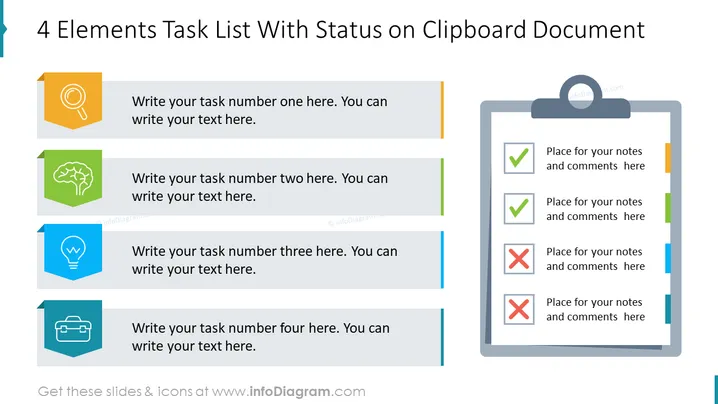
The slide is designed to depict a task list with four elements, each with an accompanying status indicator on a clipboard document. The first item symbolized by a magnifying glass indicates a task related to search or analysis. The second with a brain icon suggests a task involving thought or strategy. The third, indicated by a light bulb, implies a task associated with an idea or creativity. The final item, depicted with a briefcase, may denote a task related to business or work assignments. Each element has space for detailed text and is color-coded to track progress or categorization.
The slide has a clean and organized design, using color-coding and icons to visually distinguish between different tasks and their statuses. Graphical elements are simplified for clarity, and the alignment of the blocks with the clipboard creates an easy-to-understand flow.



