

Your graphics add a nice touch to my presentations and I recently used them for one of my all-hands meetings. Your toolbox adds professionalism to my slides. Instead of using standard clipart.
Claude Jones, Director of Engineer, @Walmartlabs, USA


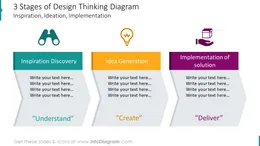
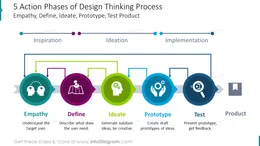
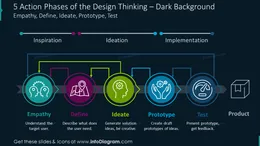
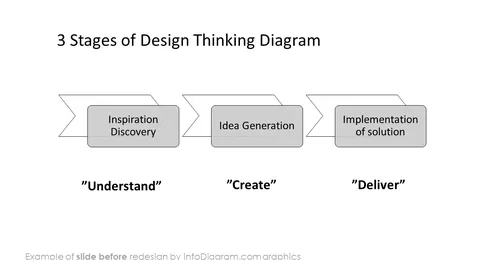
Before and after
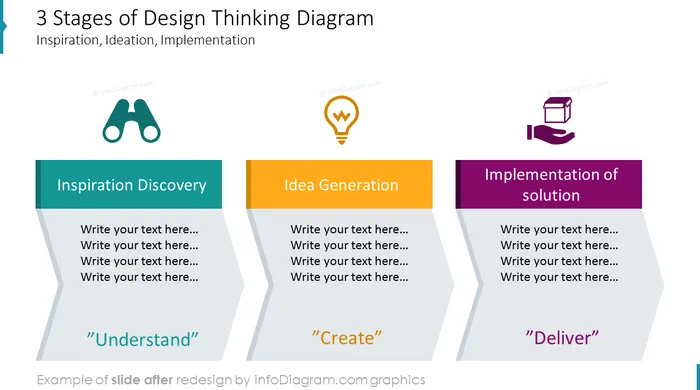
Are you presenting the Design Thinking model? Take advantage of using visuals from the presentation deck we have designed for presenting this creative problem-solving method.
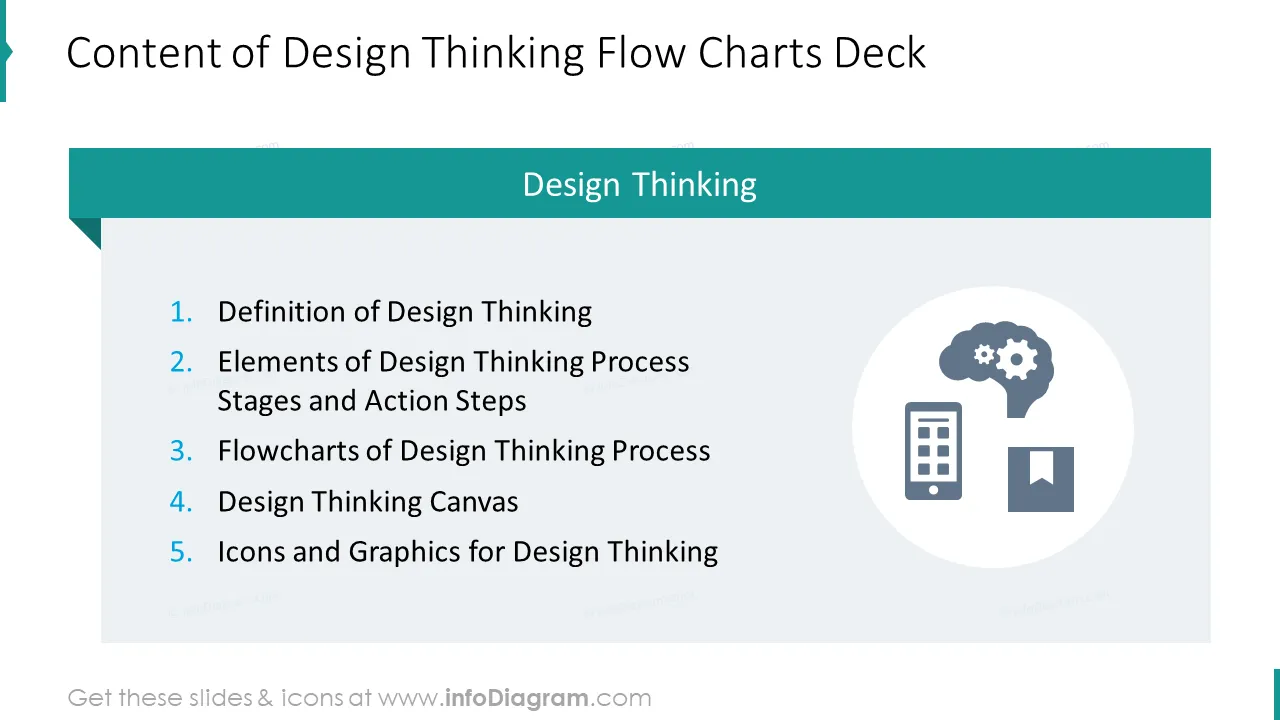
This Design Thinking process deck includes editable diagrams and artifact symbols you can use to explain this process. It includes:
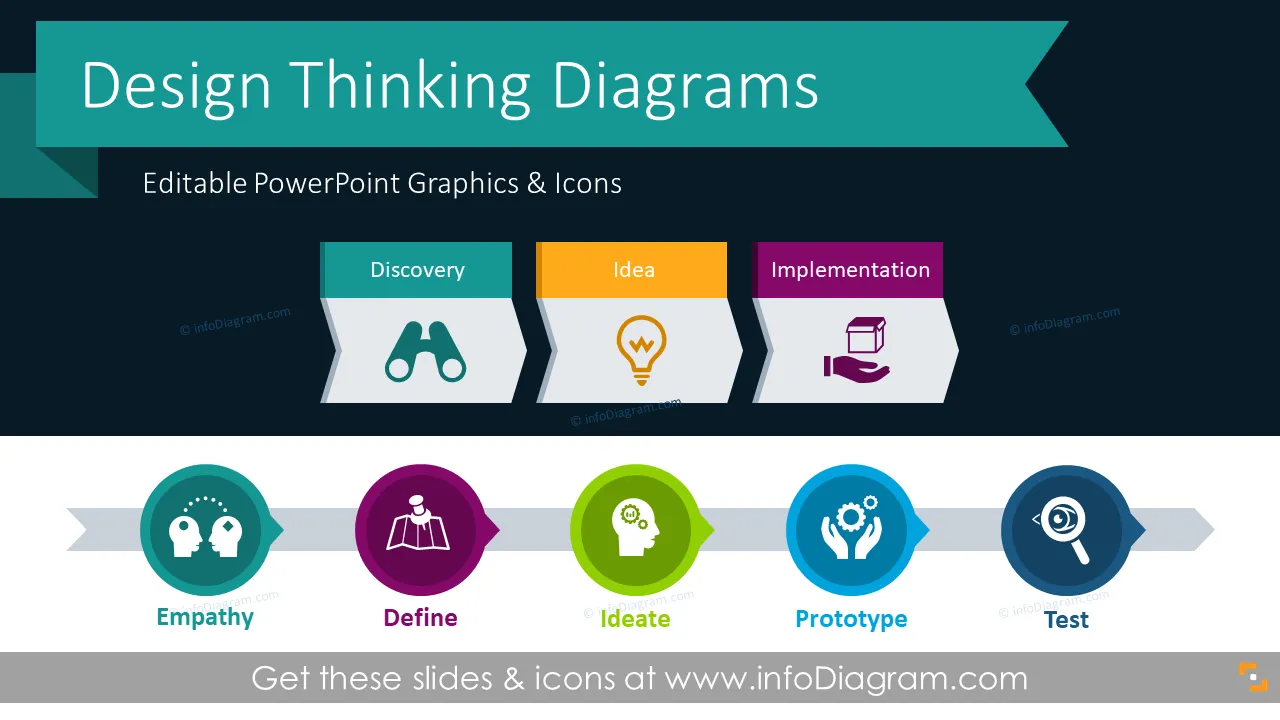
It’s an iterative approach for creative problem-solving. Design thinking methodology is based on understanding users in the first place, defining the user problem based on this understanding and then creatively generate ideas addressing user problems. The next step is to create a prototype and test it with the user, before the implementation of the final product.
In the last part of this deck, we added a set of icons you can use instead of icons in slide examples. You can extend this symbol icon collection by getting more flat business icons (see Related Diagrams section).
Colors of all text placeholders, text graphics, and icons are fully editable (all graphics are a vector format). So you can change them to colors of your template or company brand.
Those Design Thinking diagrams can be used in various business contexts:
Coming up with an idea is easy. Coming up with the right one takes time and hard work. With design thinking, throwing out what you think you know and starting from scratch opens up all kinds of possibilities. Design thinking is an innovative process for creative problem-solving. Our design thinking diagrams lay out the six phases. With our five-step infographics, you can better understand the clients, perceive a problem, and take action. These practices are easily applicable, flexible, nonlinear, and iterative, drawing all focus on the end-user. Impress your audience with the professional design thinking slides. Transmit your message with graphics that appeals to professionals.
Fully editable in PowerPoint set of vector shapes fully editable by using built-in PowerPoint tools, including
See editing demonstration in our HowTo Videos.
Your graphics add a nice touch to my presentations and I recently used them for one of my all-hands meetings. Your toolbox adds professionalism to my slides. Instead of using standard clipart.
Claude Jones, Director of Engineer, @Walmartlabs, USA
I needed a fresh look at some of my slides. I've tried to find a way to create a paintbrush effect, to underline, accentuate, add some color and the handwritten markers were just the things. Very easy to use, easy to size, change the color. It was an affordable, perfect solution and I'm happy to recommend it.
Anonymous, US
The crisp, clean look of the graphics, and the fact that it allowed me to easily edit and change the colors to match the template was my main reason for purchasing them.
Brandie Jenkins, E-learning Developer, USA



You may also need