

Your graphics add a nice touch to my presentations and I recently used them for one of my all-hands meetings. Your toolbox adds professionalism to my slides. Instead of using standard clipart.
Claude Jones, Director of Engineer, @Walmartlabs, USA

Your graphics add a nice touch to my presentations and I recently used them for one of my all-hands meetings. Your toolbox adds professionalism to my slides. Instead of using standard clipart.
Claude Jones, Director of Engineer, @Walmartlabs, USA
I needed a fresh look at some of my slides. I've tried to find a way to create a paintbrush effect, to underline, accentuate, add some color and the handwritten markers were just the things. Very easy to use, easy to size, change the color. It was an affordable, perfect solution and I'm happy to recommend it.
Anonymous, US
The crisp, clean look of the graphics, and the fact that it allowed me to easily edit and change the colors to match the template was my main reason for purchasing them.
Brandie Jenkins, E-learning Developer, USA
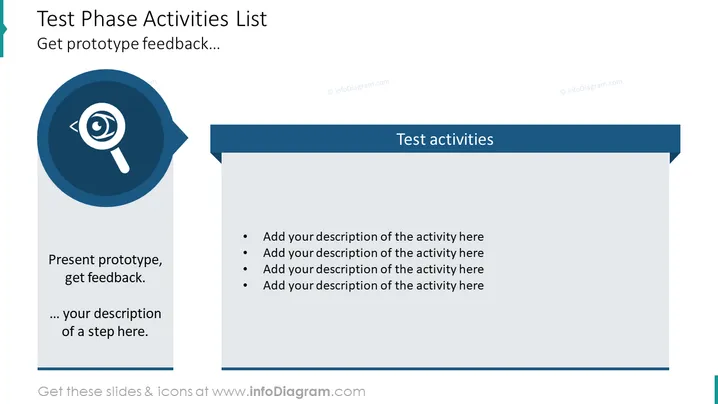
The slide is entitled "Test Phase Activities List" and hints at providing a structured breakdown of tasks to be completed during the testing phase of a project. "Present prototype, get feedback" suggests showcasing a preliminary model or design to gather user opinions or expert critiques, which is a critical step to refine and improve the product before finalizing. The bulleted points "Add your description of the activity here" imply that there are additional customizable activities or steps which the presenter is expected to expand upon based on the context of their project.
The slide features a balanced design with clear separation of visual elements. The iconography and color choices are professional, ensuring focus on the content.



