
Reviews
Your graphics add a nice touch to my presentations and I recently used them for one of my all-hands meetings. Your toolbox adds professionalism to my slides. Instead of using standard clipart.
I needed a fresh look at some of my slides. I've tried to find a way to create a paintbrush effect, to underline, accentuate, add some color and the handwritten markers were just the things. Very easy to use, easy to size, change the color. It was an affordable, perfect solution and I'm happy to recommend it.
The crisp, clean look of the graphics, and the fact that it allowed me to easily edit and change the colors to match the template was my main reason for purchasing them.
Description
Define Phase Activities List
Slide Content
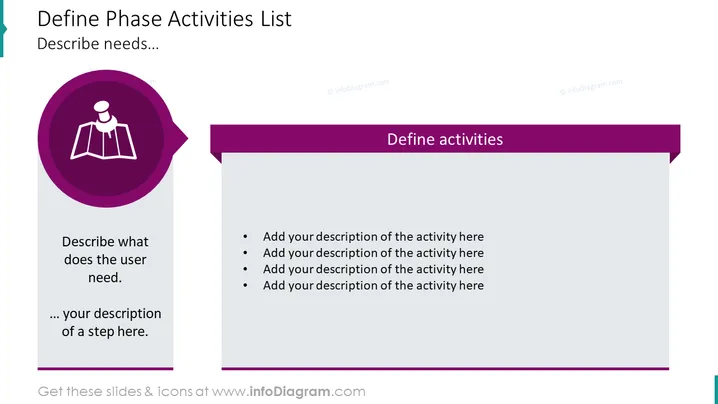
The slide titled "Define Phase Activities List" appears to be a template for outlining the tasks within a specific phase of a project or process. On one side, there's a circular icon with an illustration of an open book, possibly indicating knowledge or documentation, accompanied by a text block to describe user needs and a step in the process. Adjacent to this is a section labeled "Define activities" which includes bullet points where descriptions of the activities should be added. Each bullet point is a placeholder to expand upon different tasks or steps within the define phase.
Graphical Look
- The slide has a white background with a gray text box on the left side and a dark purple banner across the top extending to the right side.
- On the left, a large circular icon with a white figure that resembles an open book is featured, set against a dark purple circular background with a speech bubble tail.
- Two pieces of text are located beneath the icon: one says "Describe what does the user need." and the other appears to be a placeholder for additional descriptions.
- On the right side, the dark purple banner titled "Define activities" with a lighter purple text box features four bullet points. Each bullet point starts with "Add your description of the activity here" indicating placeholders for user input.
The slide utilizes a two-column layout with a balance of text and graphical elements. The icon with the book figure and the speech bubble elements suggest a focus on user needs and communication of information, which complements the textual content of the slide.
Use Cases
- Utilizing during a project kickoff meeting to outline the activities planned for the Define phase of the project.
- Employing in a strategy session to itemize specific steps required to understand user needs and set project goals.
- Using it as part of a workshop or training session to teach participants how to structure the initial phase of problem-solving or process improvement.
- Incorporating it into project documentation or a project management presentation to communicate the detailed steps and tasks to stakeholders.
How to Edit
How to edit text & colors

How to expand / shorten diagram

How to Replace Icons in infoDiagram PPT


