

Your graphics add a nice touch to my presentations and I recently used them for one of my all-hands meetings. Your toolbox adds professionalism to my slides. Instead of using standard clipart.
Claude Jones, Director of Engineer, @Walmartlabs, USA

Your graphics add a nice touch to my presentations and I recently used them for one of my all-hands meetings. Your toolbox adds professionalism to my slides. Instead of using standard clipart.
Claude Jones, Director of Engineer, @Walmartlabs, USA
I needed a fresh look at some of my slides. I've tried to find a way to create a paintbrush effect, to underline, accentuate, add some color and the handwritten markers were just the things. Very easy to use, easy to size, change the color. It was an affordable, perfect solution and I'm happy to recommend it.
Anonymous, US
The crisp, clean look of the graphics, and the fact that it allowed me to easily edit and change the colors to match the template was my main reason for purchasing them.
Brandie Jenkins, E-learning Developer, USA
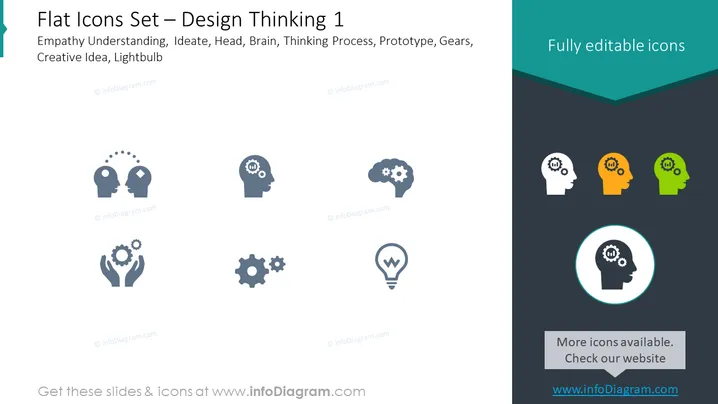
The PowerPoint slide presents a collection of flat design icons related to Design Thinking. The concepts depicted by the icons include Empathy Understanding, Ideate, Head, Brain, Thinking Process, Prototype, Gears, Creative Idea, and Lightbulb. Each item represents a stage or component of the Design Thinking process: Empathy Understanding signifies the need to grasp users' feelings, Ideate refers to generating ideas, Head and Brain represent mental processing, Thinking Process alludes to the progression of thoughts, Prototype suggests creating a preliminary model, Gears signify working mechanisms, Creative Idea is about novel solutions, and Lightbulb embodies innovation and insights.
The slide has a professional look with a clear focus on visual iconography to convey different aspects of Design Thinking. The use of color is sparing, providing visual emphasis to certain elements while maintaining overall simplicity and readability.



