

Your graphics add a nice touch to my presentations and I recently used them for one of my all-hands meetings. Your toolbox adds professionalism to my slides. Instead of using standard clipart.
Claude Jones, Director of Engineer, @Walmartlabs, USA

Your graphics add a nice touch to my presentations and I recently used them for one of my all-hands meetings. Your toolbox adds professionalism to my slides. Instead of using standard clipart.
Claude Jones, Director of Engineer, @Walmartlabs, USA
I needed a fresh look at some of my slides. I've tried to find a way to create a paintbrush effect, to underline, accentuate, add some color and the handwritten markers were just the things. Very easy to use, easy to size, change the color. It was an affordable, perfect solution and I'm happy to recommend it.
Anonymous, US
The crisp, clean look of the graphics, and the fact that it allowed me to easily edit and change the colors to match the template was my main reason for purchasing them.
Brandie Jenkins, E-learning Developer, USA
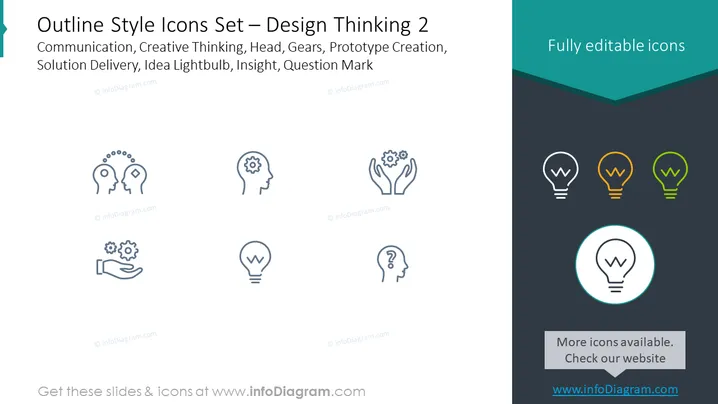
The slide is titled "Outline Style Icons Set – Design Thinking 2" and lists concepts such as Communication, Creative Thinking, Head, Gears, Prototype Creation, Solution Delivery, Idea Lightbulb, Insight, and Question Mark. Each concept likely corresponds to an icon designed to visually represent these ideas. Communication may involve exchanging ideas, Creative Thinking could relate to innovation, Head might represent thought processes, Gears could symbolize mechanics or workings, Prototype Creation involves making initial models, Solution Delivery refers to implementing strategies, Idea Lightbulb suggests a new idea, Insight denotes deep understanding, and Question Mark signifies inquiry or uncertainty.
The graphical look of the slide presents a clean design with a balanced use of white space and icon placement. The contrasting background colors create a visual division that helps highlight the icons, while the outlined and partially filled icons imply a progression or hierarchy.



