

Your graphics add a nice touch to my presentations and I recently used them for one of my all-hands meetings. Your toolbox adds professionalism to my slides. Instead of using standard clipart.
Claude Jones, Director of Engineer, @Walmartlabs, USA

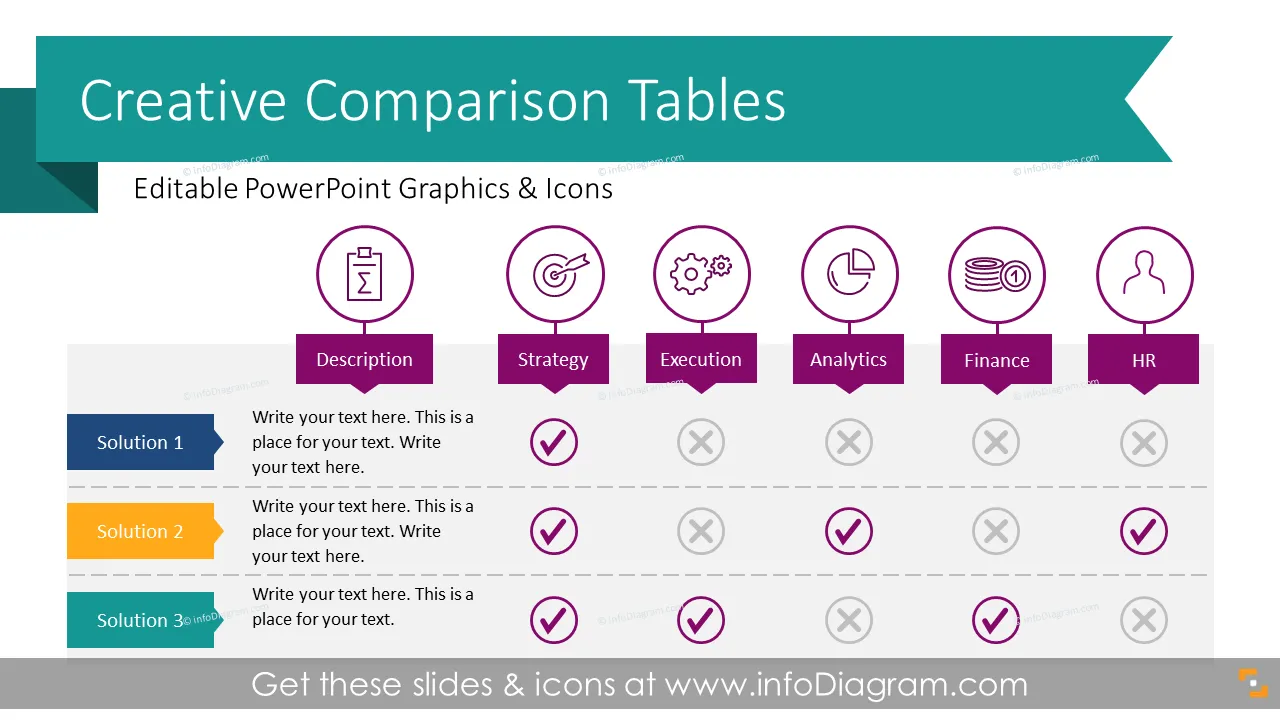
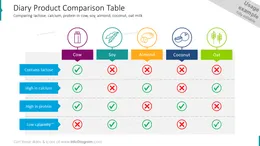
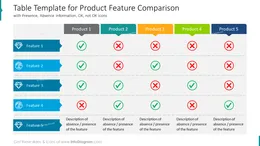
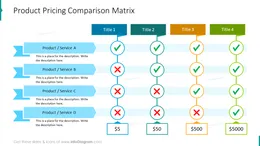
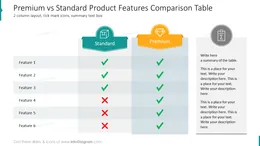
Before and after
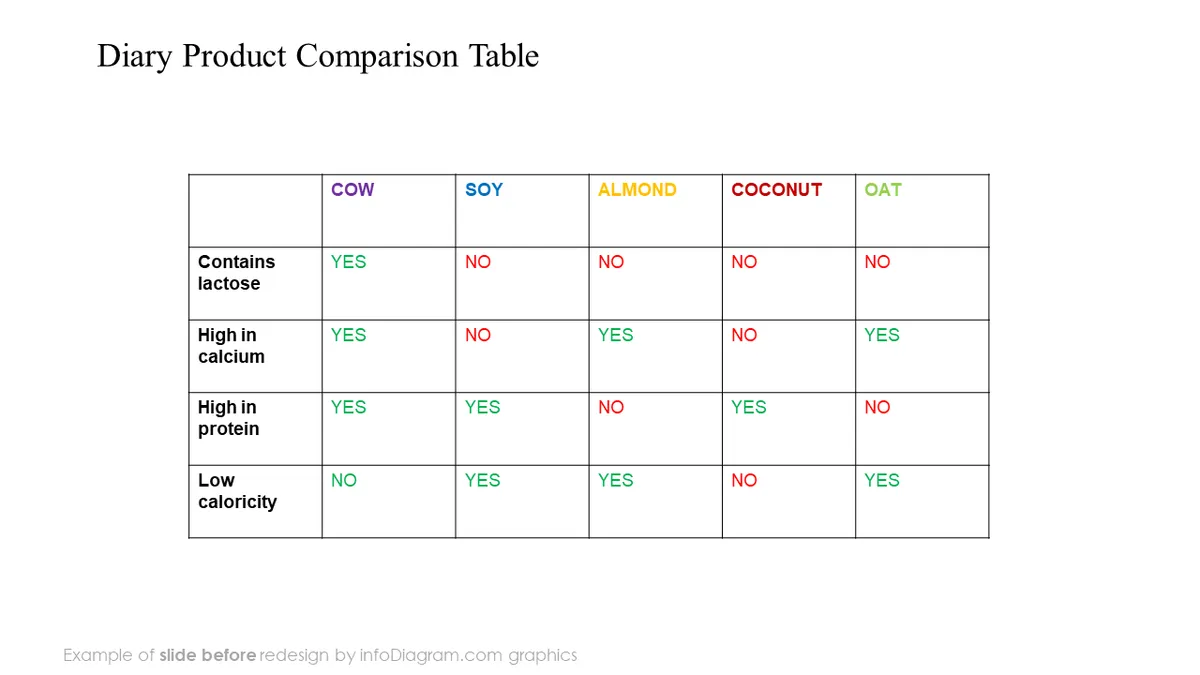
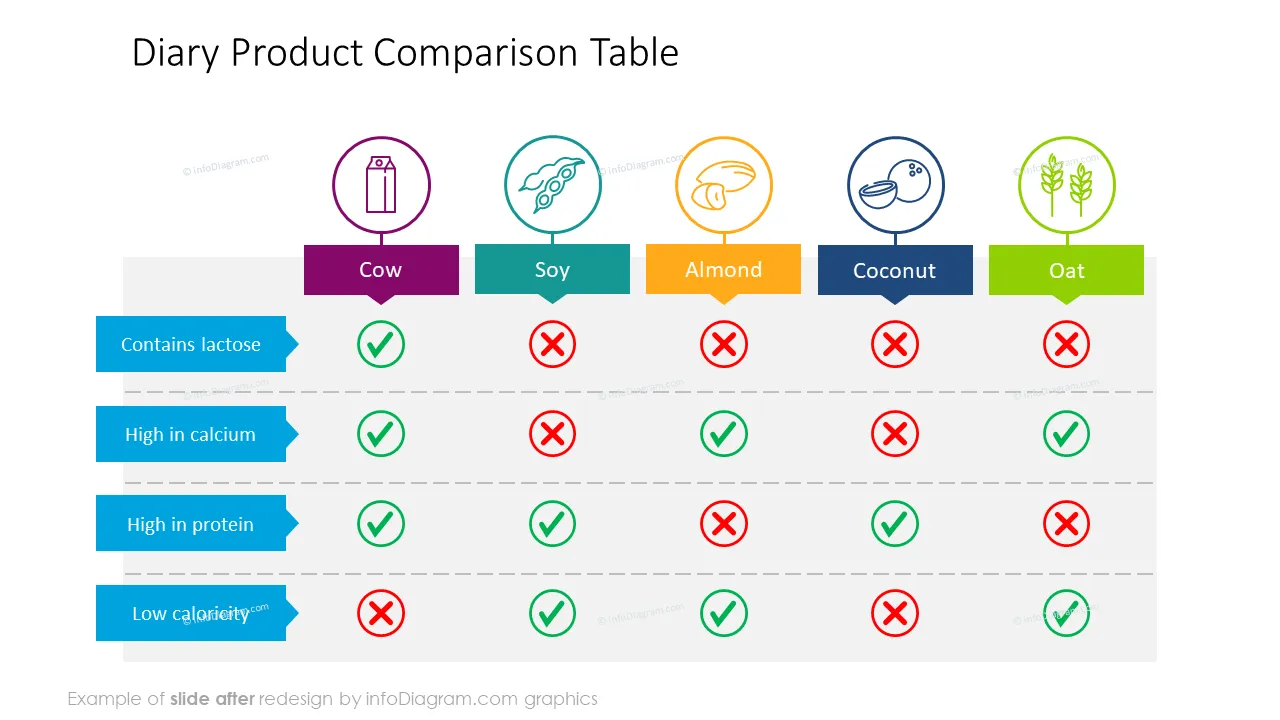
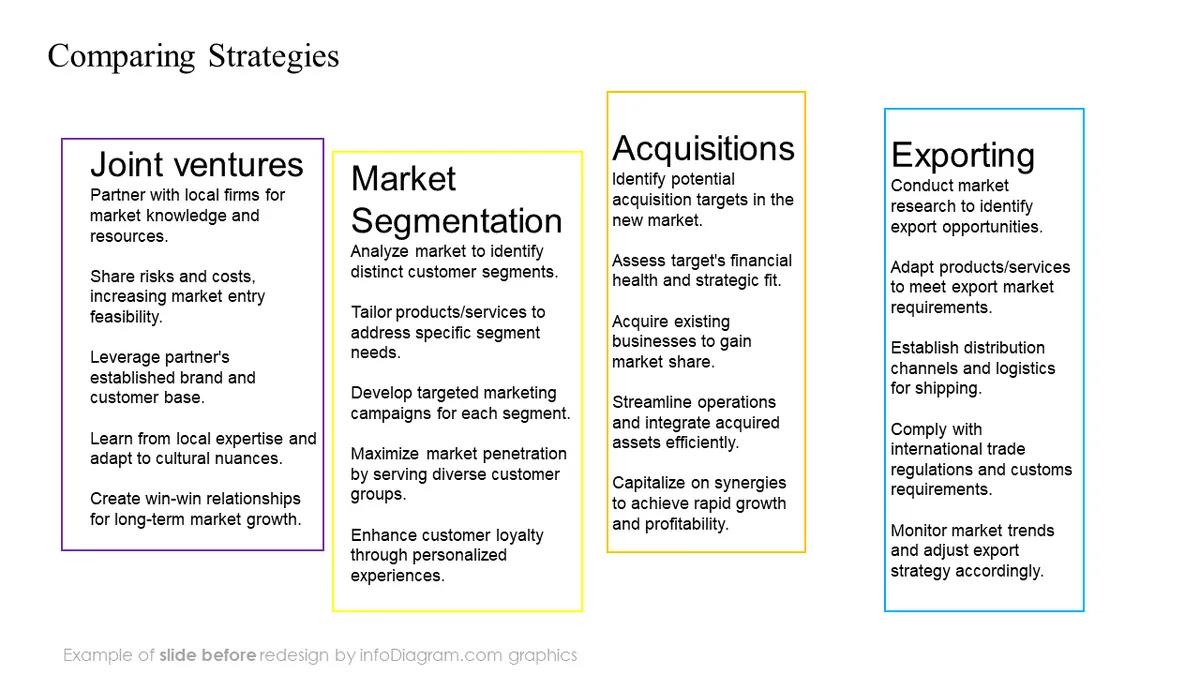
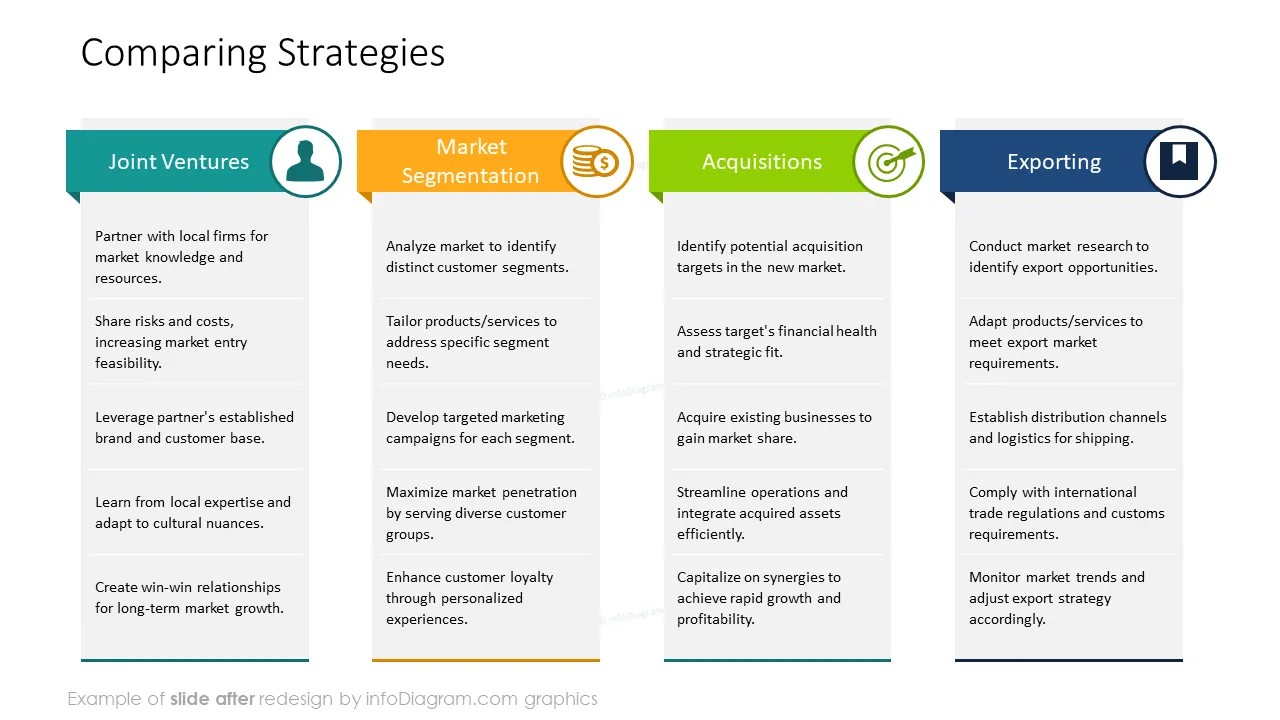
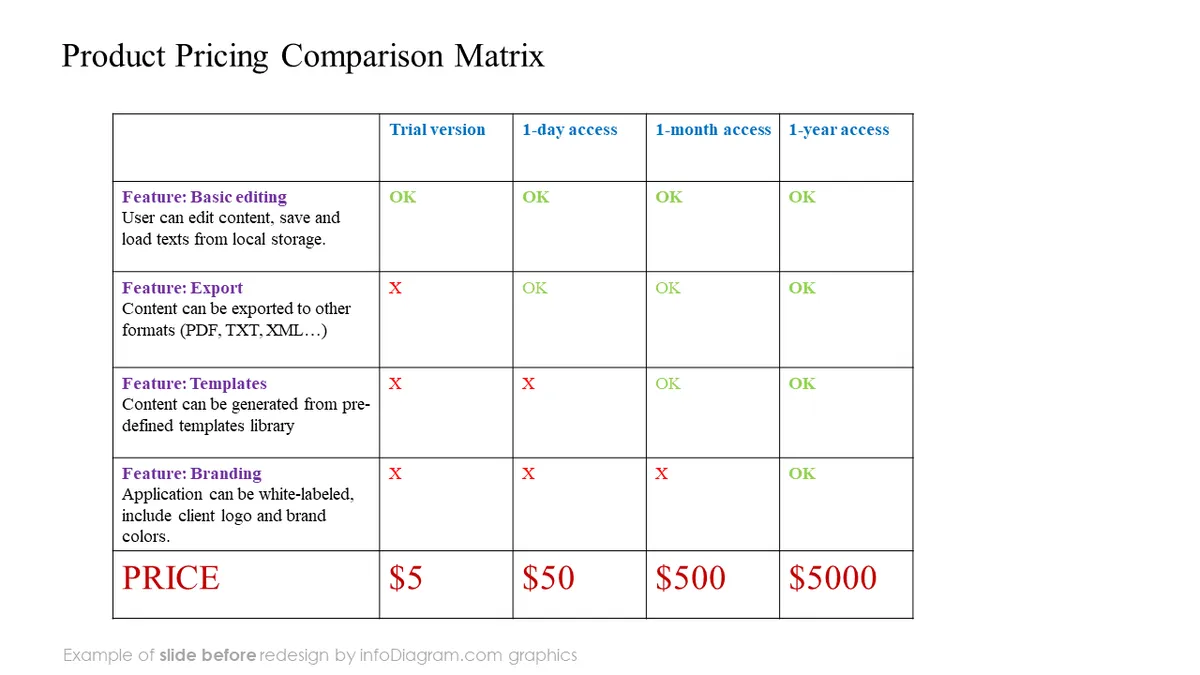
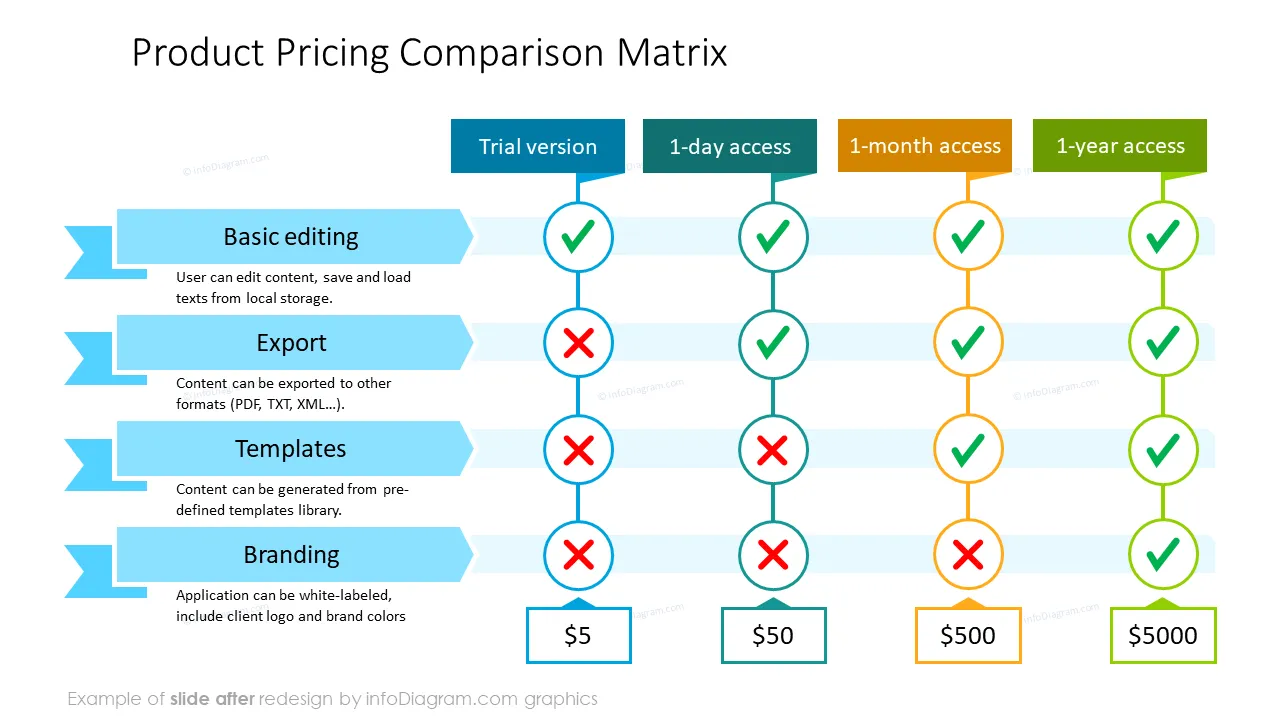
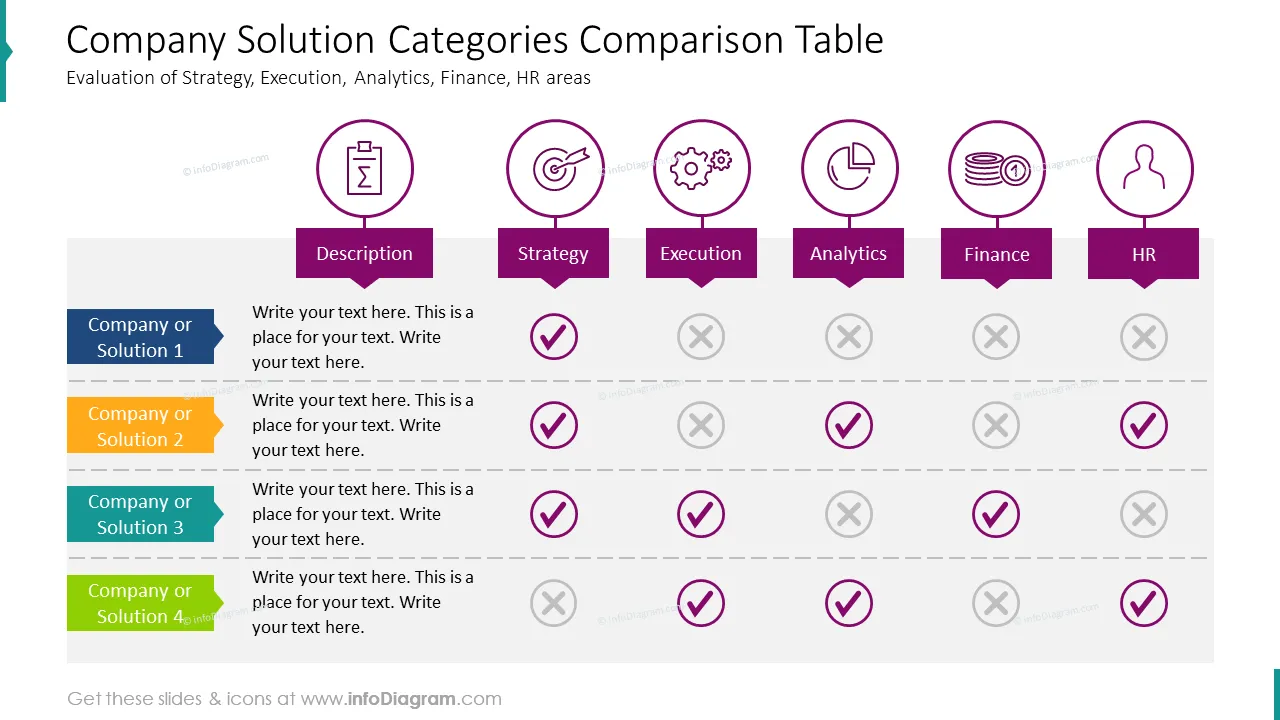
Presenting market research on your competitors? Want a Venn diagram to compare and contrast 2 processes? Require a chart to show the similarities and differences between product or service features. Consider choosing our creative comparison charts to raise the bar for your product prices, feature/element evaluations, and other analyses.
All chart templates can be easily modified in PowerPoint. Use these comparison charts to create professional and modern presentations and as an efficient way to compare two things or more.
This PowerPoint Comparison Template set includes:
For example, your company might be in the digital goods or cyber security industry. You could use the product pricing comparison matrix as an effective way to show your customers what features are available in your product or service (The standard option comes with x & y elements - but not z - and costs 'x' amount, whereas the premium option has all 3 and costs 'y' amount), giving them an easy way to click on their preferred option.
Format: fully editable vector shapes (modify colors of diagrams and icons, resize without quality loss)
This collection is an easy and artistic way to excel at comparing things in a visually appealing and structured way - the charts and models come in a flat, minimalist style. You can include simple descriptions for quick comparisons, or fit in more detailed descriptions to provide more in-depth ones.
Copy the comparison chart templates and modify them (change colors, move icons, add or remove columns, include and change information as needed). A few ideas where you can apply these shapes include:
The Comparison Chart Collection contains these ready-made designs:
All Templates, Charts, Graphs, and Icons are Fully Editable in PowerPoint. This set of vector shapes is fully editable using built-in PowerPoint tools, you can:
See editing demonstration in our HowTo Videos.
To deepen your understanding and skills, we suggest exploring additional materials such as our blog and YouTube video, which are trusted sources dedicated to refining presentation decks:
Your graphics add a nice touch to my presentations and I recently used them for one of my all-hands meetings. Your toolbox adds professionalism to my slides. Instead of using standard clipart.
Claude Jones, Director of Engineer, @Walmartlabs, USA
I needed a fresh look at some of my slides. I've tried to find a way to create a paintbrush effect, to underline, accentuate, add some color and the handwritten markers were just the things. Very easy to use, easy to size, change the color. It was an affordable, perfect solution and I'm happy to recommend it.
Anonymous, US
The crisp, clean look of the graphics, and the fact that it allowed me to easily edit and change the colors to match the template was my main reason for purchasing them.
Brandie Jenkins, E-learning Developer, USA



You may also need