
Your graphics add a nice touch to my presentations and I recently used them for one of my all-hands meetings. Your toolbox adds professionalism to my slides. Instead of using standard clipart.
Claude Jones, Director of Engineer, @Walmartlabs, USA
Your graphics add a nice touch to my presentations and I recently used them for one of my all-hands meetings. Your toolbox adds professionalism to my slides. Instead of using standard clipart.
Claude Jones, Director of Engineer, @Walmartlabs, USA
I needed a fresh look at some of my slides. I've tried to find a way to create a paintbrush effect, to underline, accentuate, add some color and the handwritten markers were just the things. Very easy to use, easy to size, change the color. It was an affordable, perfect solution and I'm happy to recommend it.
Anonymous, US
The crisp, clean look of the graphics, and the fact that it allowed me to easily edit and change the colors to match the template was my main reason for purchasing them.
Brandie Jenkins, E-learning Developer, USA
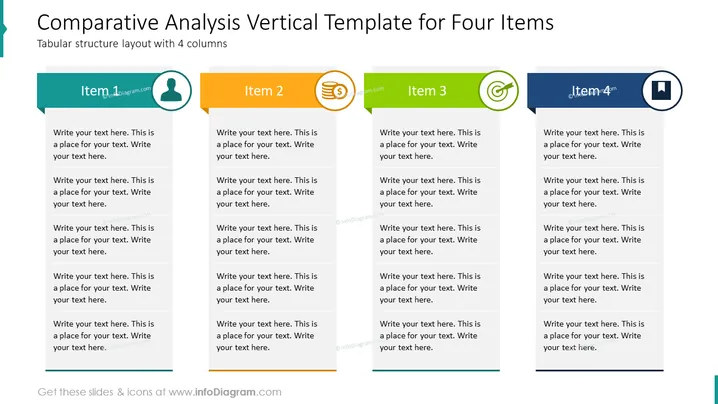
The slide is structured to facilitate a comparative analysis across four different items, each represented in its own column with space for detailed descriptions. "Item 1" features a person icon, suggesting a focus on individuals or human resources. "Item 2" includes a financial symbol, possibly representing financial aspects or economic metrics. "Item 3" shows a gear symbol, which might be related to processes or operations. "Item 4" is identified with a computer screen, hinting at technology or digital topics. Each column provides multiple text placeholders for the presenter to expand upon these concepts.
The slide is neatly organized with a clear, four-column layout and uses color coding to visually differentiate each category. The simple icons convey the general themes without being overly complex or distracting.




