FINANCIAL REPORTS
PPT visuals to present your key numbers
Present Your Topic Visually:
Reviews
Your graphics add a nice touch to my presentations and I recently used them for one of my all-hands meetings. Your toolbox adds professionalism to my slides. Instead of using standard clipart.
I needed a fresh look at some of my slides. I've tried to find a way to create a paintbrush effect, to underline, accentuate, add some color and the handwritten markers were just the things. Very easy to use, easy to size, change the color. It was an affordable, perfect solution and I'm happy to recommend it.
The crisp, clean look of the graphics, and the fact that it allowed me to easily edit and change the colors to match the template was my main reason for purchasing them.
Usage example
Description
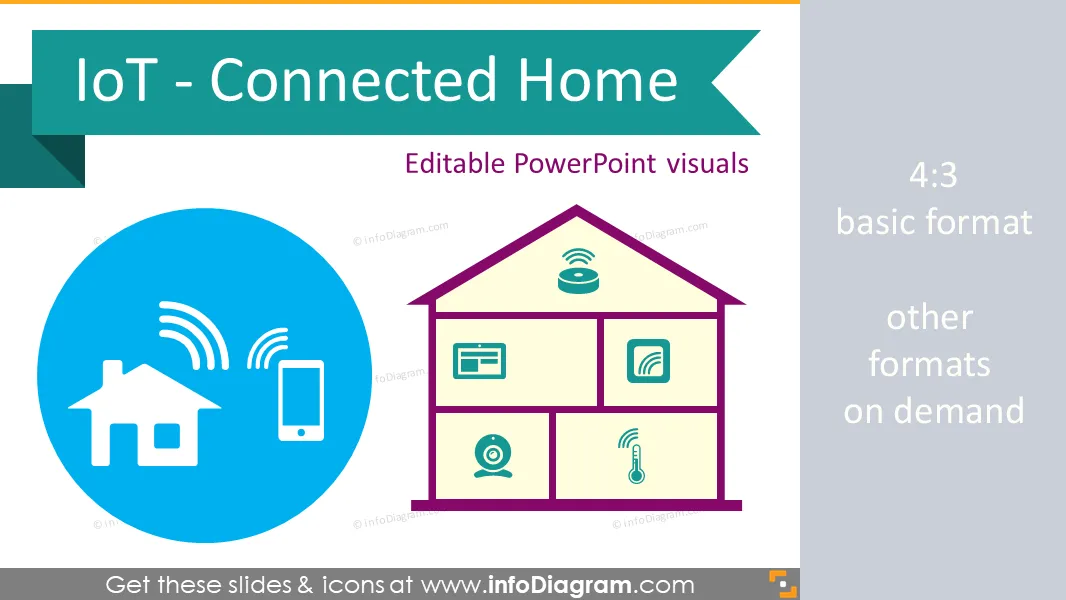
Internet of Things graphics library for creating a presentation on Connnected Home topic. Using only PowerPoint or Keynote, you can easily draw a connected home with all IoT equipment, create a diagram illustrating any IoT process, structure, IT system communication flow.
- symbols of connected home devices for house monitoring and smart building control
- diagrams of Internet of Things structure and applications
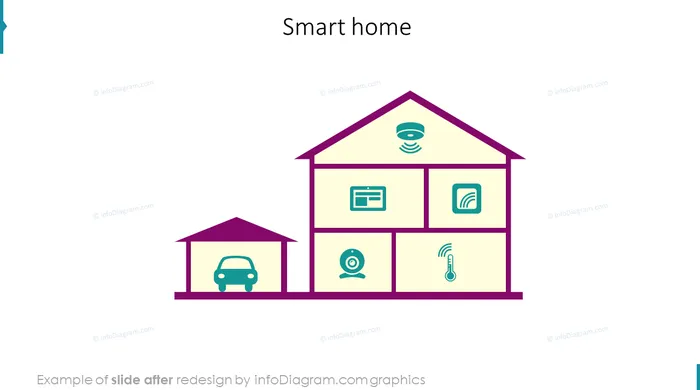
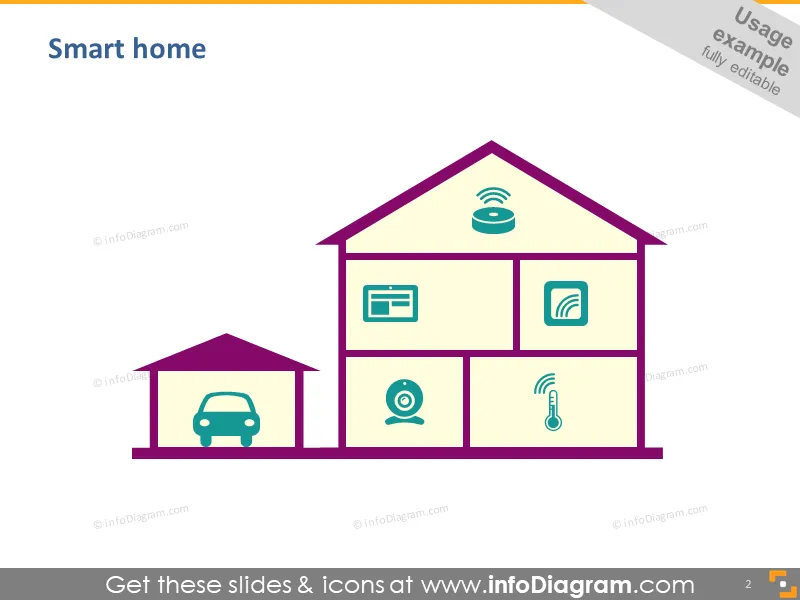
- house picture to visualize the smart home system
- extendable set of flat icon symbols for infographics
- fully editable style, size and colors
Content:
Editable icon clip art and diagram templates for do-it-yourself infographics in PowerPoint.
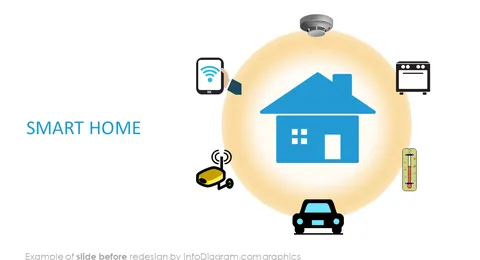
- Smart Home outline graphics
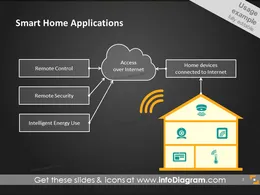
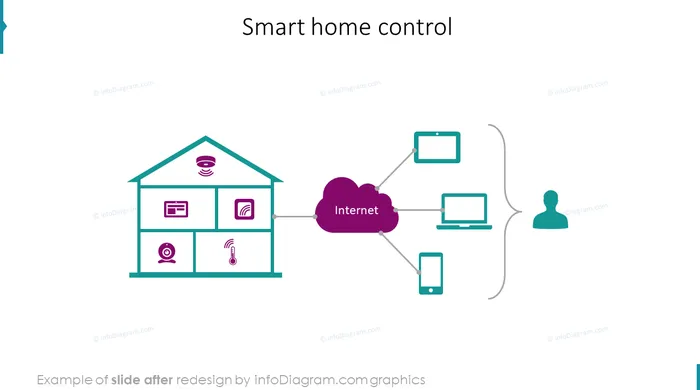
- Process diagram and connections schema of Smart Home Applications
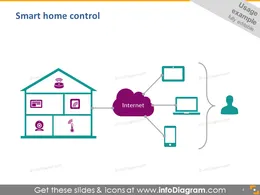
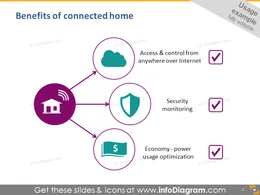
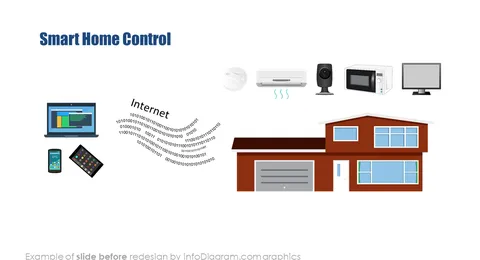
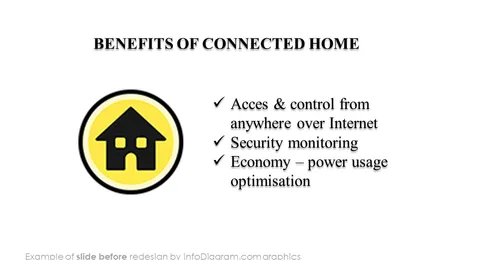
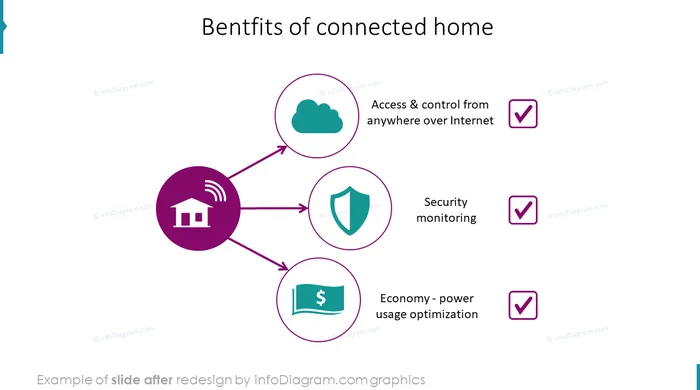
- Smart home control and benefits of connected home. Symbols of security monitoring and power usage optimization.
- Connected Intelligent House equipment symbols for PowerPoint
- Different types of connected houses and connected buildings (garage, family house, office building)
- Monitoring sensors device: vision sensor, video monitoring, camera, smart sensor, smoke detector
- Examples of control devices: on wall display, tablet with app, mobile devices, tablet
- Control and settings icons
- Smart devices and appliances: light control or motor / engines control
- Symbols of monitoring temperature, fire, smoke, humidity
- Graphics of: house outline, office building outline
- Different security and protection icons
- Icons of reporting, data, usage statistics
- Connection symbols: Wireless, Wi-Fi, network,
- IT server, Database, Cloud, Global connections
- User and status symbols
Check our partner's blog on the Smart Home topic: How To Make Your Home Smarter Than You
Fully editable in PowerPoint set of vector shapes fully editable by using built-in PowerPoint tools, including
- changing color of the icon filling and its outline
- adding shadows
- changing shape and size, rotating, flipping the object
- putting shapes behind or on top of text
See editing demonstration in our HowTo Videos.
Authors
- Design: Izabela Zvirinska, Contact via infoDiagram.com
Slides included in this PowerPoint Presentation:
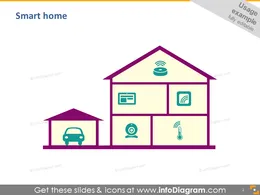
- Smart home
- Smart home applications
- Smart home control
- Benefits of connected home
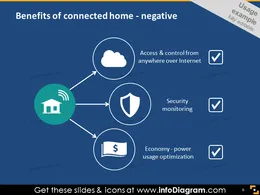
- Benefits of connected home - negative
- Connected home symbols
- Connected house
- Connected building
- Monitoring sensor devices
- Control devices
- Control and settings
- Smart devices & appliances
- Monitoring temperature, fire, smoke, humidity
- House – interior setup
- House outline
- Office building outline
- Security symbols
- Reporting, data, usage statistics
- Connection, wireless, network
- IT server, database, cloud, global connection
- User, status symbols
- Example of editability of icons Connected Home
How to Edit
How to edit text & colors

How to expand / shorten diagram

How to Replace Icons in infoDiagram PPT