

Your graphics add a nice touch to my presentations and I recently used them for one of my all-hands meetings. Your toolbox adds professionalism to my slides. Instead of using standard clipart.
Claude Jones, Director of Engineer, @Walmartlabs, USA

Your graphics add a nice touch to my presentations and I recently used them for one of my all-hands meetings. Your toolbox adds professionalism to my slides. Instead of using standard clipart.
Claude Jones, Director of Engineer, @Walmartlabs, USA
I needed a fresh look at some of my slides. I've tried to find a way to create a paintbrush effect, to underline, accentuate, add some color and the handwritten markers were just the things. Very easy to use, easy to size, change the color. It was an affordable, perfect solution and I'm happy to recommend it.
Anonymous, US
The crisp, clean look of the graphics, and the fact that it allowed me to easily edit and change the colors to match the template was my main reason for purchasing them.
Brandie Jenkins, E-learning Developer, USA
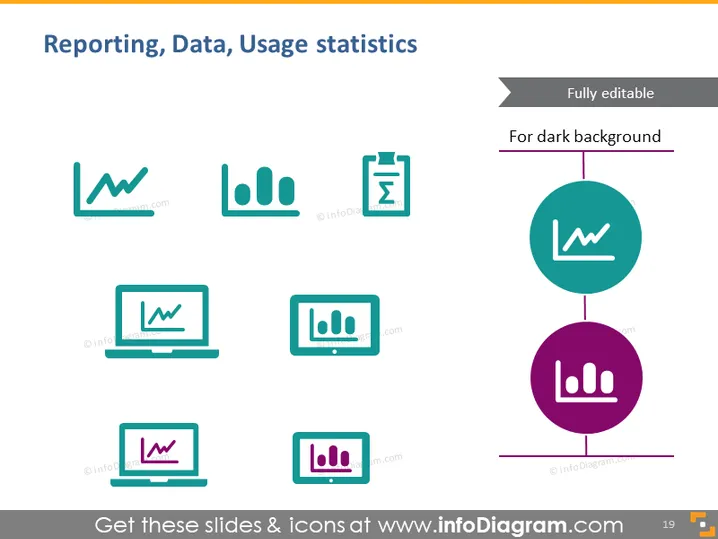
The PowerPoint slide is titled "Reporting, Data, Usage statistics" and presents a collection of icons and infographics representing different aspects of data management and analysis. The slide seems to highlight essential tools and processes used for reporting and visualizing usage statistics, such as graph/chart icons, a clipboard with a check mark, and laptop screens with data representations. Each icon represents a different aspect of data interaction: line chart for trend analysis, bar graph for comparisons, clipboard for data verification, and laptops for data processing and presentation.
The slide has a clean, modern look with a straightforward layout that emphasizes the icons. The use of colors is subtle, primarily composed of teal and purple, which adds a touch of visual interest without being overwhelming.



