
Reviews
Sus gráficos añaden un toque agradable a mis presentaciones y recientemente los usé para una de mis reuniones generales. Su conjunto de herramientas añade profesionalismo a mis diapositivas. En lugar de usar imágenes prediseñadas estándar.
Necesitaba un aspecto fresco para algunas de mis diapositivas. Había intentado encontrar una forma de crear un efecto de pincel, de subrayar, acentuar, añadir algo de color y los marcadores escritos a mano fueron justo lo que necesitaba. Muy fácil de usar, fácil de ajustar el tamaño, cambiar el color. Fue una solución asequible y perfecta, y estoy feliz de recomendarla.
El aspecto nítido y limpio de los gráficos, y el hecho de que me permitiera editar y cambiar fácilmente los colores para que coincidieran con la plantilla fue mi principal razón para comprarlos.
Description
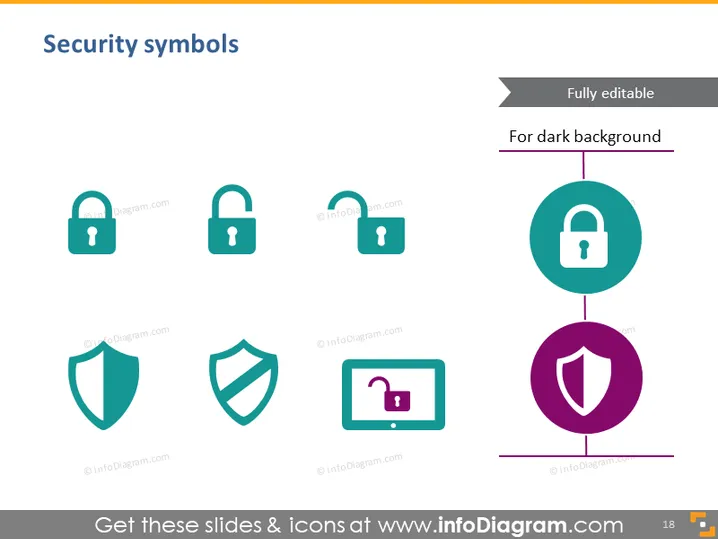
Security symbols
Slide Content
The slide titled "Security symbols" presents an assortment of icons related to cybersecurity and secure systems. There are four padlock icons, each varying slightly in design, signifying different aspects or levels of security measures. Additionally, there are two shield icons, often used to represent protection against threats or vulnerabilities in the context of information security. The icons are intended to be fully editable and are suitable for use against dark backgrounds.
Graphical Look
- The slide background is light.
- The slide title "Security symbols" is displayed at the top in a large, bold font.
- Six icons are evenly distributed across the slide, three on top and three on the bottom.
- Each icon has a simple, flat design, and two-tone color scheme.
- The icons are accompanied by small labels including "infoDiagram.com."
- There is a note on top right that the symbols are "Fully editable" and suitable "For dark background."
- The slide has a minimalistic design with plenty of white space around the graphics.
The overall look of the slide is clean and professional, with a modern flat design that emphasizes clarity and ease of understanding. The color scheme is consistent, making the symbols easily visible against the light background.
Use Cases
- Illustrating cybersecurity topics in a business or technology presentation.
- Enhancing slides concerning data protection policies or privacy issues.
- Visualizing secure transactions or encrypted communications in financial presentations.
- Providing visual aids in a workshop or seminar about IT security best practices.
How to Edit
How to edit text & colors

How to expand / shorten diagram

How to Replace Icons in infoDiagram PPT


