
FINANCIAL REPORTS
PPT visuals to present your key numbers
Present Your Topic Visually:
Reviews
Ihre Grafiken verleihen meinen Präsentationen eine nette Note, und ich habe sie kürzlich für eines meiner All-Hands-Meetings verwendet. Ihre Toolbox verleiht meinen Folien Professionalität, anstatt Standard-Clipart zu verwenden.
Ich brauchte einen neuen Blick auf einige meiner Folien. Ich habe versucht, einen Weg zu finden, einen Pinselschlag-Effekt zu erzielen, um zu unterstreichen, hervorzuheben, Farbe hinzuzufügen, und die handgeschriebenen Markierungen waren genau das Richtige. Sehr einfach zu bedienen, leicht in der Größe zu ändern, die Farbe zu ändern. Es war eine erschwingliche, perfekte Lösung und ich empfehle sie gerne weiter.
Die klare, saubere Optik der Grafiken und die Tatsache, dass ich die Farben leicht bearbeiten und an die Vorlage anpassen konnte, war mein Hauptgrund für den Kauf.
Usage example
Description
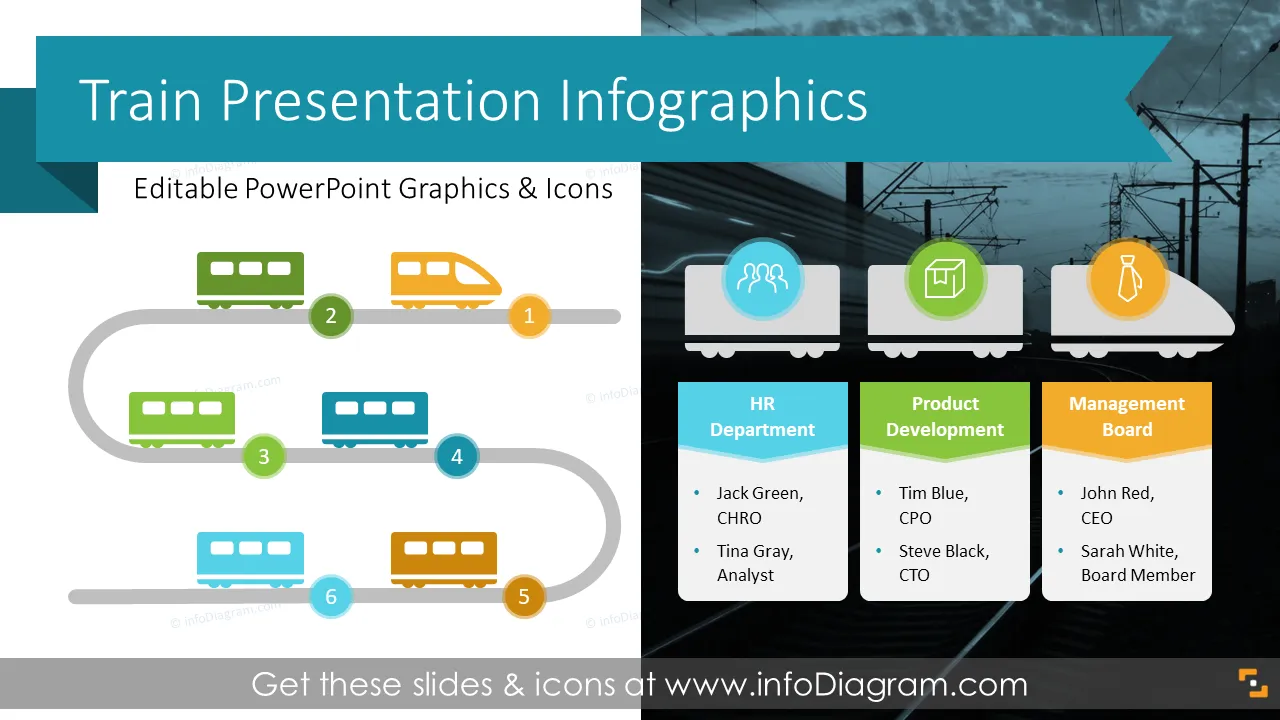
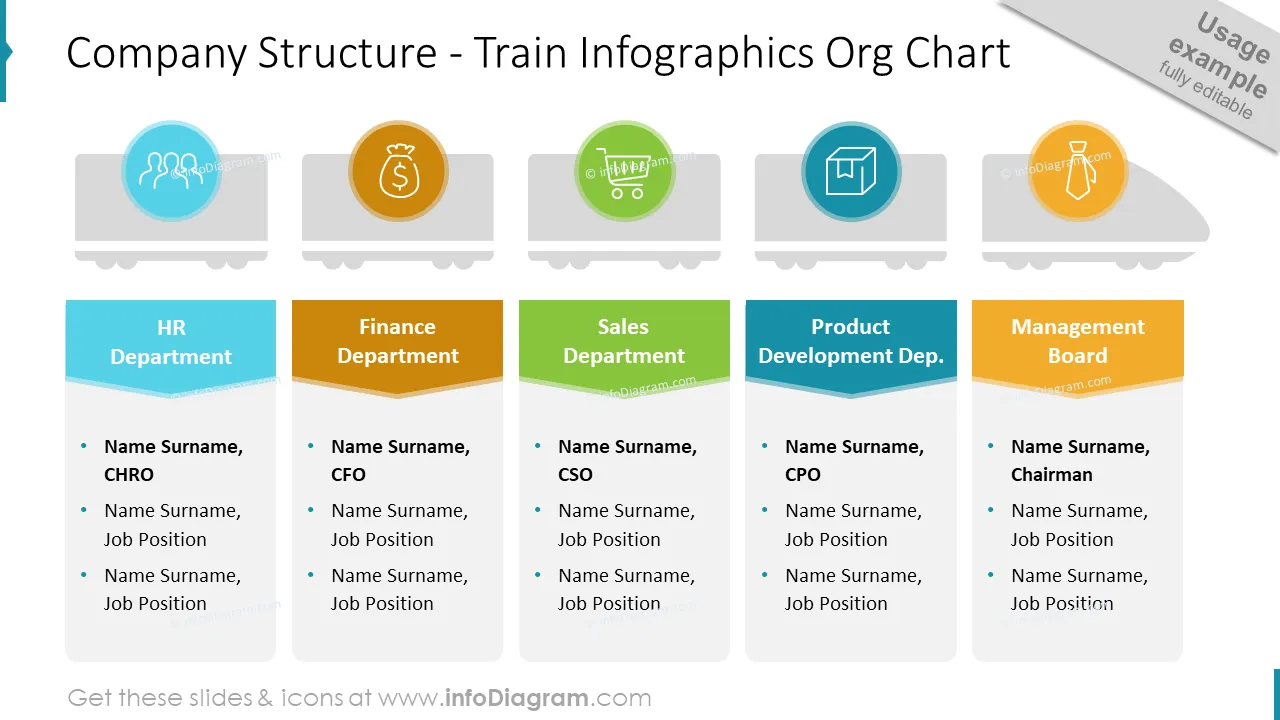
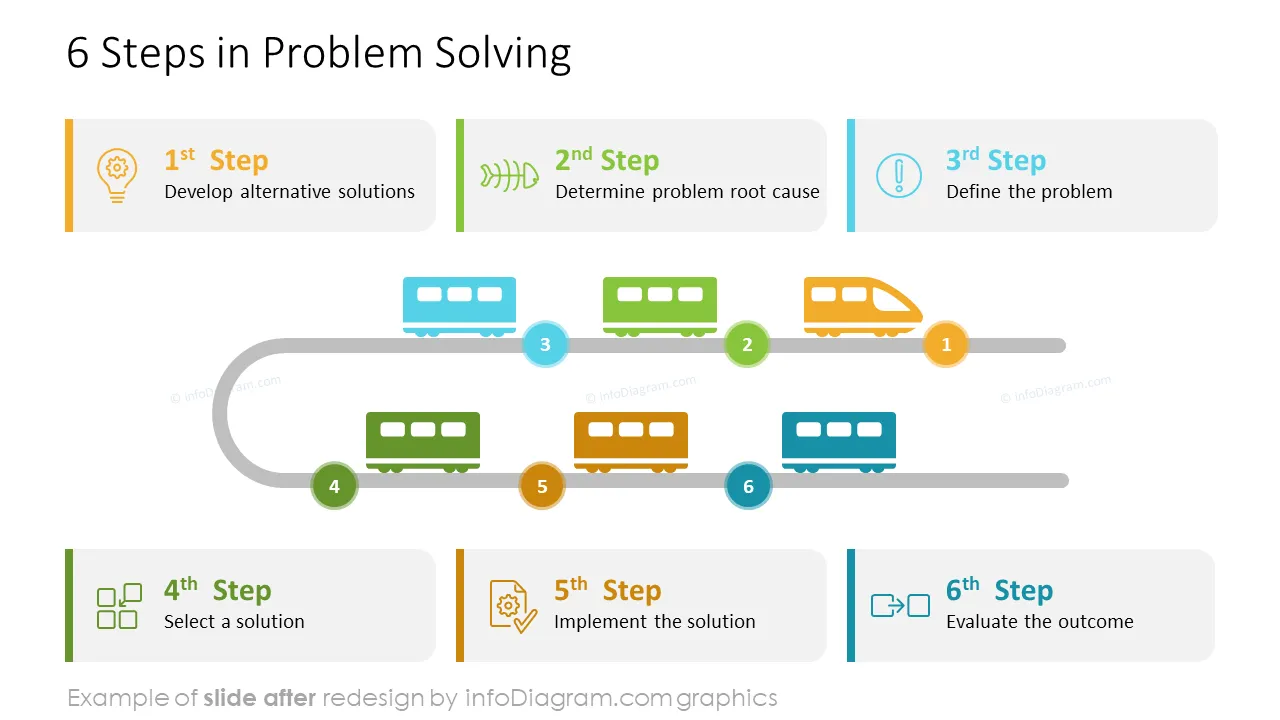
Need to illustrate a process or a roadmap in an inspiring and meaningful way? Try our creative train deck using locomotives and carriages to symbolize the following chapters, steps, or periods. This unique illustration covers time-related processes such as problem-solving and compositions of structures such as the company’s departments with a common goal they move towards.
This Train Presentation Graphics Template contains slides of
- 15 diagrams using train illustrations to coven various business-related topics. They are fully editable so you can adjust them to your specific situation.
- 47 unique outline icons cover status, strategy, business, problem & solution, and levels & stages.
- This PowerPoint slide deck is designed in a colorful flat style with elegant outline icons.
- Instruction on modifying those diagrams using standard PowerPoint editing tools.
- Format: fully editable vector shapes (modify colors of diagrams and icons, resize without quality loss).
Authors of this Job Interview Portfolio:
Design by infoDiagram designer
Contact here
Try using those PowerPoint graphics to present your data visually in an elegant way.
All graphics are editable, so you can modify the colors and text. You can also extend the collection further with more PPT symbols.
Fully editable in PowerPoint set of vector shapes fully editable with built-in PowerPoint tools, including
- replacing icons
- changing the filling and outline color of all shapes and icons
- modifying shapes and sizes, rotating, flipping the objects, moving shapes behind or on top of texts or charts
Slides included in this PowerPoint Presentation:
- Company Structure - Train Infographics Org Chart
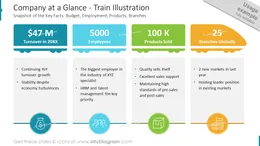
- Company at a Glance - Train Illustration
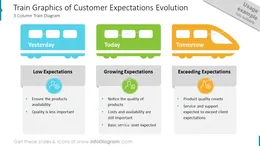
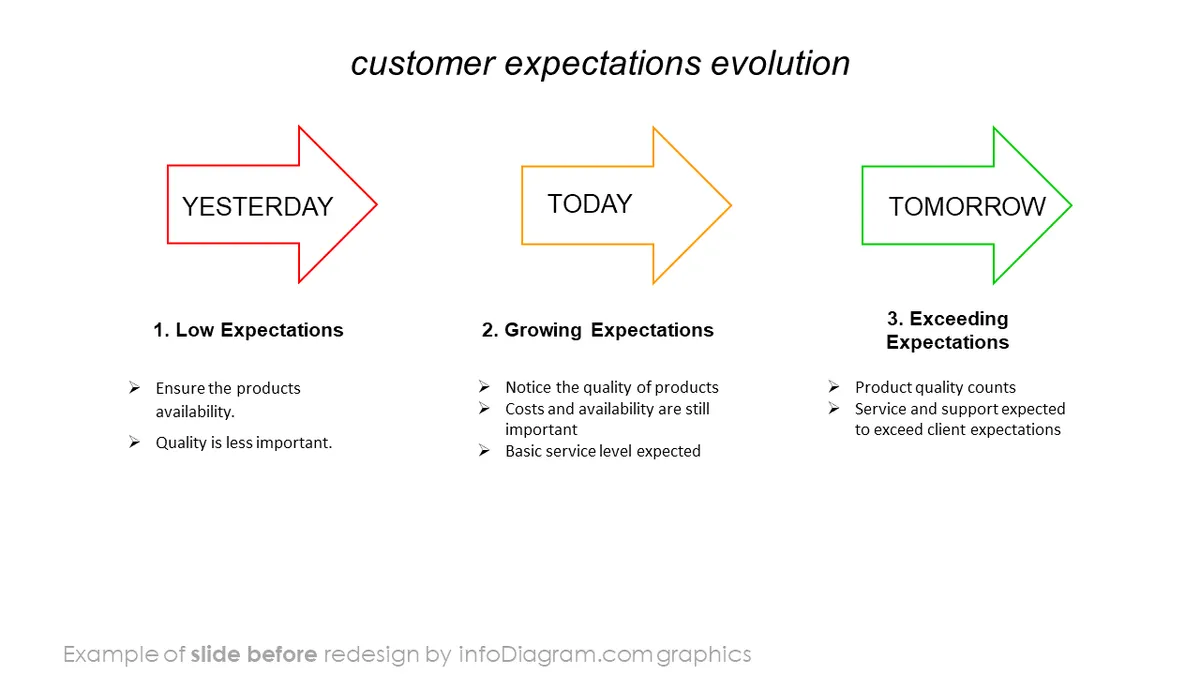
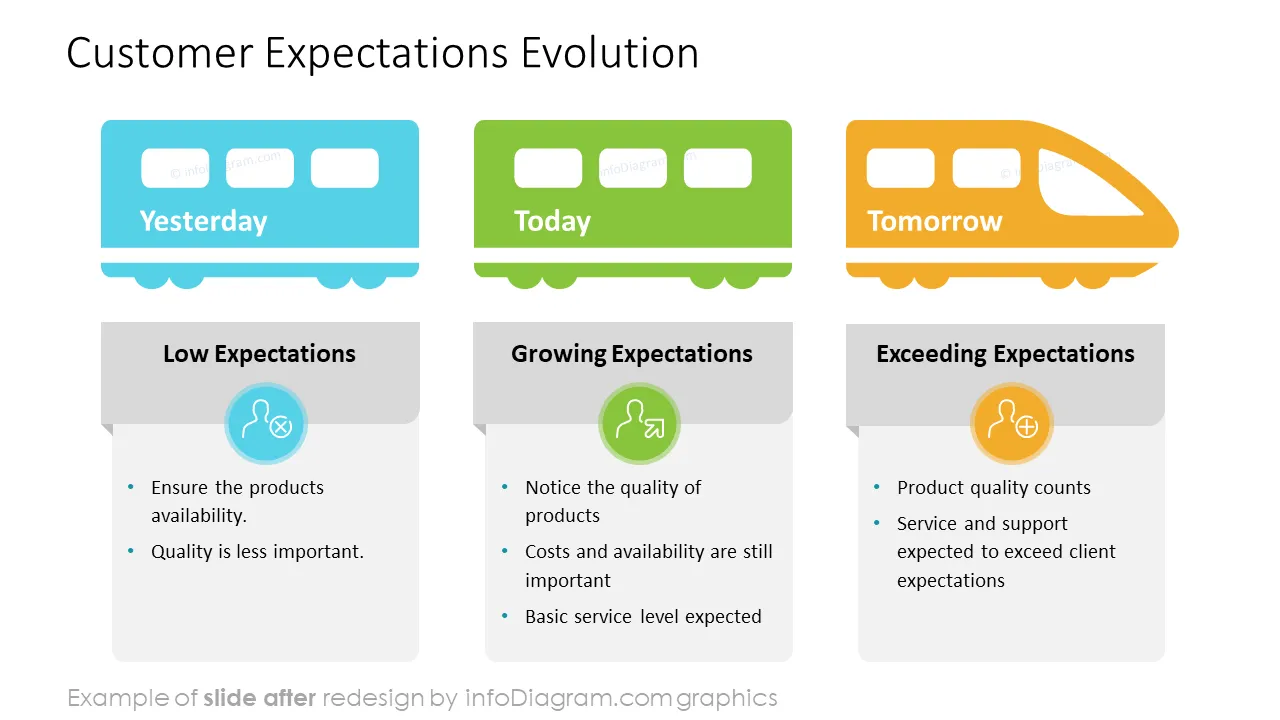
- Train Graphics of Customer Expectations Evolution
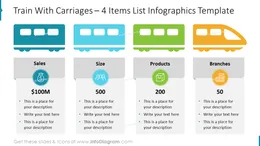
- Train With Carriages – 4 Items List Infographics Template
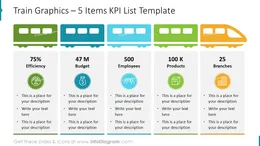
- Train Graphics – 5 Items KPI List Template
- Problem Solving Process Train Roadmap
- 7 Stages Process Template - Railway Train Graphics
- 8 Items Process Template - Train Graphics
- Railroad Train Timeline – 9 Steps Diagram
- Railroad Train Timeline – 10 Steps Diagram
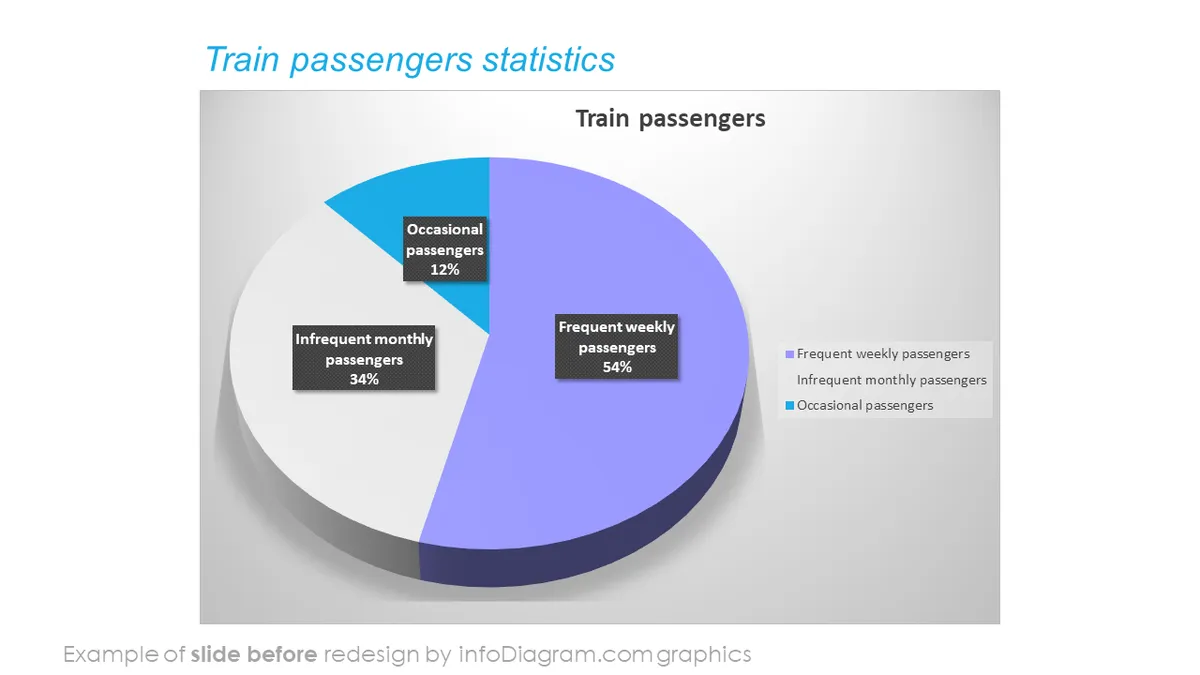
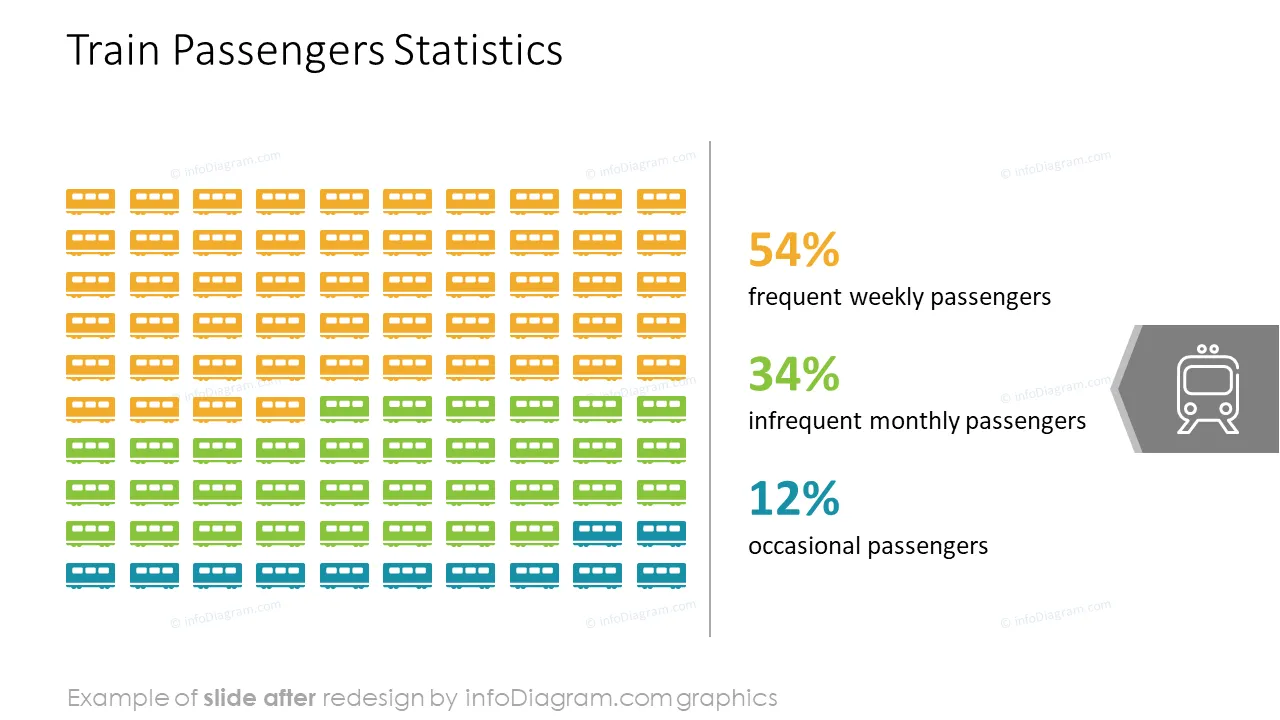
- Train Infographics Picto-chart, Passenger Statistics
- Gap Analysis - Train Infographics with Railway Bridge
- Business Characteristics – 3 KPIs List Train Graphics Template
- Creative Table Design With Train Icons Header
- Year Planning Table – Train Illustration Design Template
- 6 Steps Process Train Roadmap
- How to use & edit these Train PPT graphics
- Modifying Train Cars Shapes in PowerPoint
- Editing Train Deck Outline Icons in PowerPoint
- Train Infographics Icons Set – Status & Strategy
- Train Infographics Icons Set – Business
- Train Infographics Icons Set – Problem & Solution
- Train Infographics Icons Set – Levels & Stages
How to Edit
How to edit text & colors

How to expand / shorten diagram

How to Replace Icons in infoDiagram PPT


