

Your graphics add a nice touch to my presentations and I recently used them for one of my all-hands meetings. Your toolbox adds professionalism to my slides. Instead of using standard clipart.
Claude Jones, Director of Engineer, @Walmartlabs, USA

Your graphics add a nice touch to my presentations and I recently used them for one of my all-hands meetings. Your toolbox adds professionalism to my slides. Instead of using standard clipart.
Claude Jones, Director of Engineer, @Walmartlabs, USA
I needed a fresh look at some of my slides. I've tried to find a way to create a paintbrush effect, to underline, accentuate, add some color and the handwritten markers were just the things. Very easy to use, easy to size, change the color. It was an affordable, perfect solution and I'm happy to recommend it.
Anonymous, US
The crisp, clean look of the graphics, and the fact that it allowed me to easily edit and change the colors to match the template was my main reason for purchasing them.
Brandie Jenkins, E-learning Developer, USA
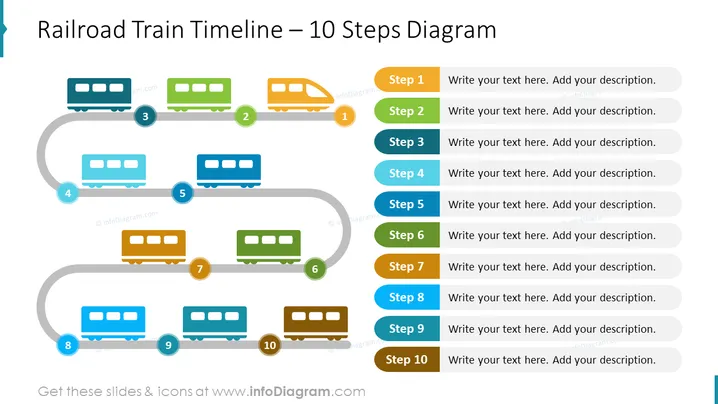
Slide Content: The slide presents a timeline concept using the metaphor of a railroad train with ten carriages representing sequential steps. Each carriage has a corresponding number and a content block to the right side for adding descriptions. The steps are laid out along a track that imply progression, starting from Step 1 to Step 10, suggesting this diagram could be used to display phases in a project, chronological events, or procedural steps. Each step denotes a stage that requires an explanation or description from the presenter, facilitating structured information delivery.
Graphical Look:
The slide employs a playful yet professional design using a train and its carriages to represent a sequence of steps. The color palette is cheerful, providing a visually engaging way to display information.
Use Cases:



