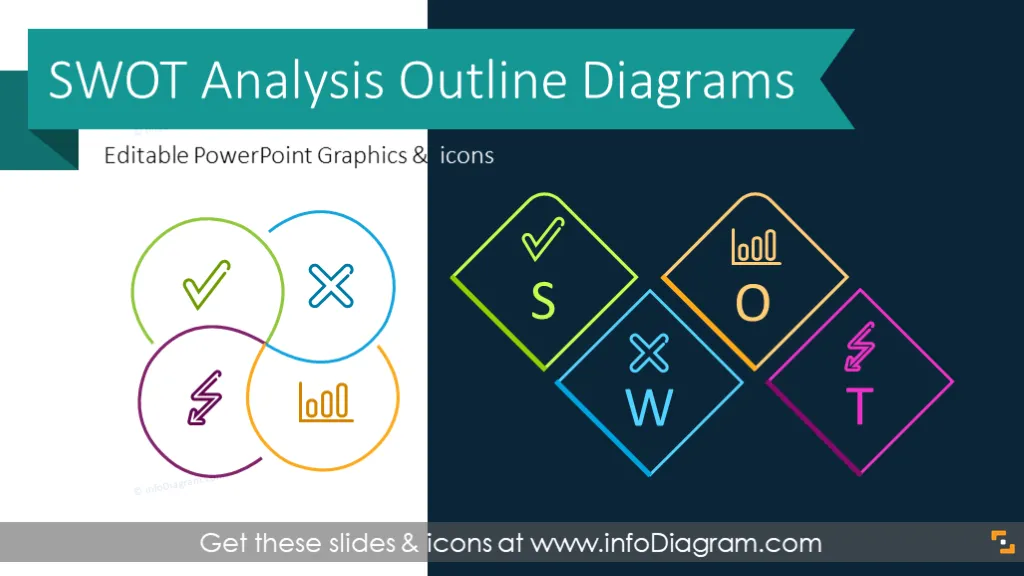
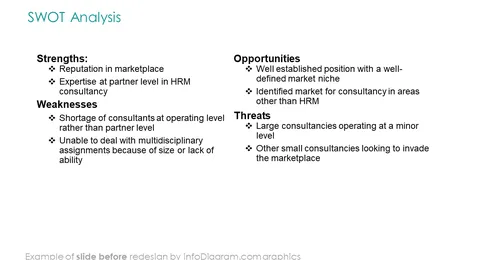
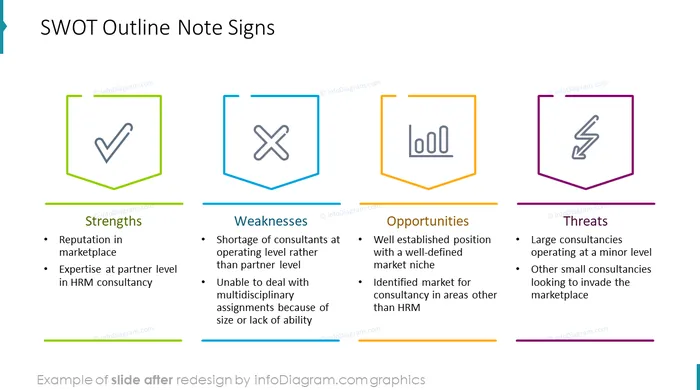
Outline diagram template for making a modern-looking SWOT analysis presentation in PowerPoint.
This collection of SWOT Analysis presentations slides contains elegant line shape editable diagrams including
- 13 diagram charts for describing all four sections of S.W.O.T (as light outline style infographics)
- 12 line icons representing Strengths, Weaknesses, Opportunities, Threats: OK and Not OK check signs, warning, plan, danger, energy light bulb, measures, improvement, growth, partnership, status
- instruction on how to modify those comparison visuals using PowerPoint editing tools
- Format: fully editable vector shapes (modify colors of diagrams and icons, resize without quality loss
What is SWOT analysis?
SWOT technique was developed in the 60s and 70s for the XX century by Albert Humphrey from Stanford University. He used data from Fortune 500 companies from various industries:
- automotive
- airways
- financial institutions
- pharmacy
Despite the SWOT technique being created basing on the research of large corporations like airways or financial institutions it can be successfully used for a small business like a cafeteria, restaurant, social media or small consulting companies. It is a vital part of the marketing plan or product strategy.
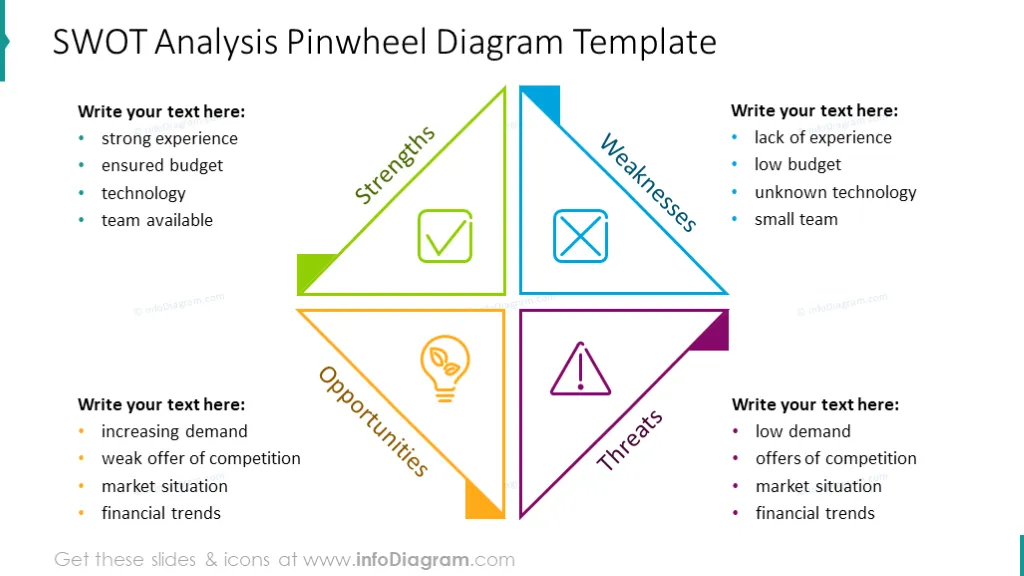
S.W.O.T. acronym stands for:
- Strengths - internal helpful factors
- Weaknesses - internal harmful factors
- Opportunities - external helpful factors
- Threats - external harmful factors
SWOT puts the company into the context of market conditions and may be used to display marketing situations and strategy both large corporations and small businesses.
SWOT method might be used to tackle corporate strategies, but also a department or even personal strategy for career planning.
When and How to use this Outline SWOT template?
To make your presentation more readable and engaging, use modern diagram infographics to explain all SWOT items. SWOT analysis is applied in business strategy planning and market evaluation areas. The typical cases are:
- management strategy presentation
- market evaluation for new products and business activities
- marketing plan
- competition analysis
- startups business plan
Originally SWOT technique was used in large corporations like airways or banks, however today it's widespread also in small businesses such as startups, HoReCa, retail, e-commerce, or consulting companies, often in marketing planning or product strategy analysis.
SWOT for business development Business proposals may be also enriched with strategic information and the SWOT technique is an option to visualize the general picture of a company's strategic planning.
Content description
SWOT Analysis Outline Diagrams collection contains pre-designed slides:
- SWOT analysis illustrated with outline pinwheel diagram with text placeholders.
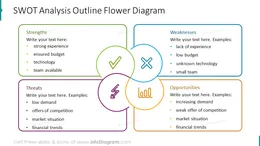
- SWOT analysis flower chart with text and outline icons.
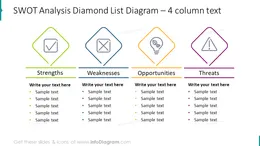
- Four-column chart for describing each part of a SWOT analysis.
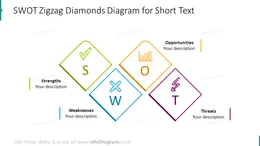
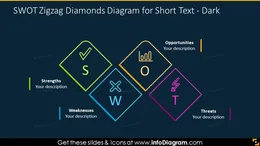
- Zigzag diamonds SWOT analysis chart with text placeholders for a short description (versions on light and dark background).
- Honeycomb diagram illustrated with vivid colors and outline icons.
- SWOT analysis presented with outline horizontal note with text boxes.
- SWOT analysis presented with outline letters with picture filling for each component description: strengths, weaknesses, opportunities, and threats.
- SWOT action card and action plan slide illustrated with 4 text placeholders and outline icons.
Further information resources
Fully editable in PowerPoint set of vector shapes fully editable by using built-in PowerPoint tools, including
- changing the color of all shapes filling and its outline, including icons
- adding shadows
- changing shape and size, rotating, flipping the object
- putting shapes behind or on top of text
See the editing demonstration in our HowTo Videos.
Authors
- infoDiagram's designer
- Contact: here