

Your graphics add a nice touch to my presentations and I recently used them for one of my all-hands meetings. Your toolbox adds professionalism to my slides. Instead of using standard clipart.
Claude Jones, Director of Engineer, @Walmartlabs, USA



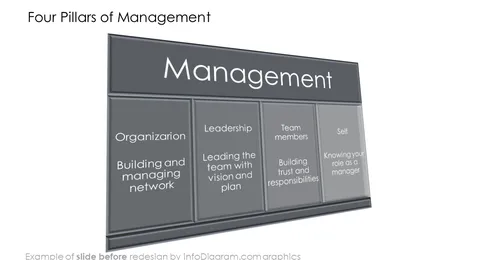
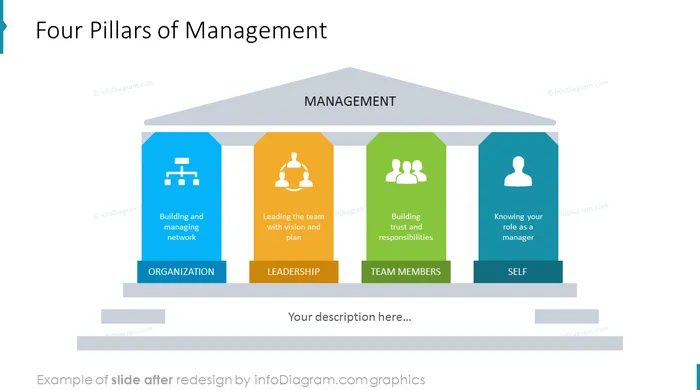
Before and after
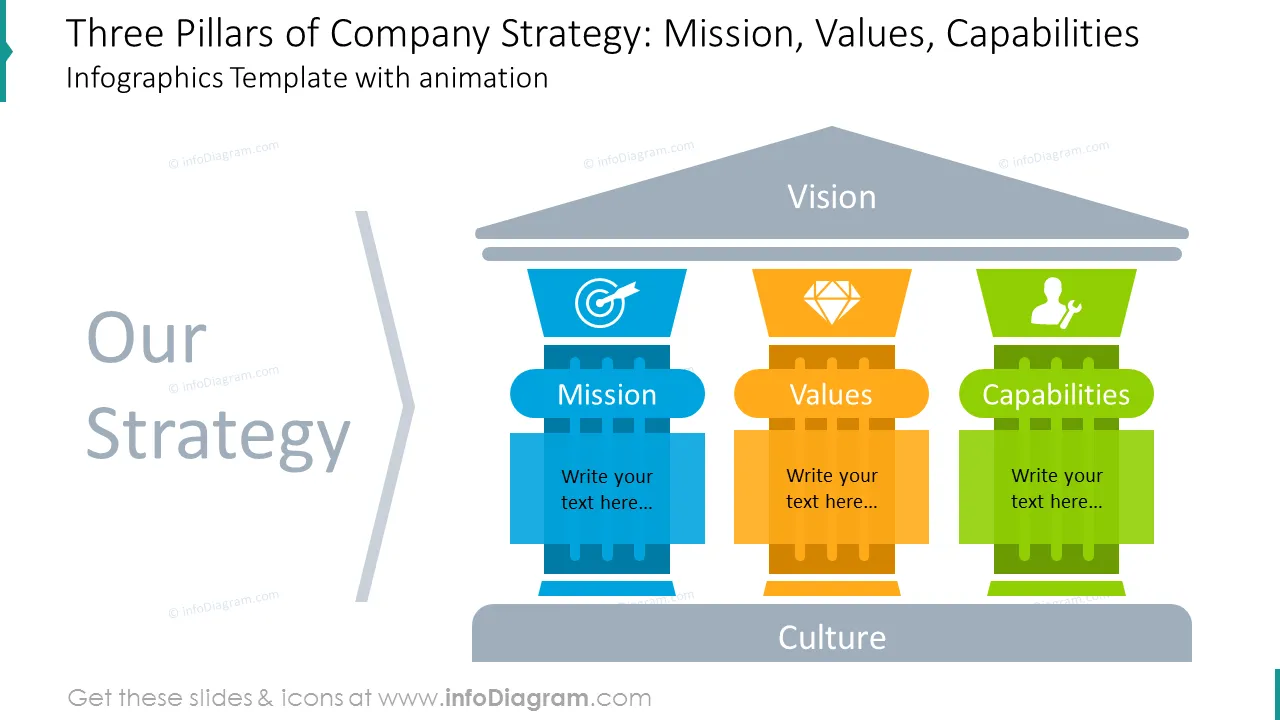
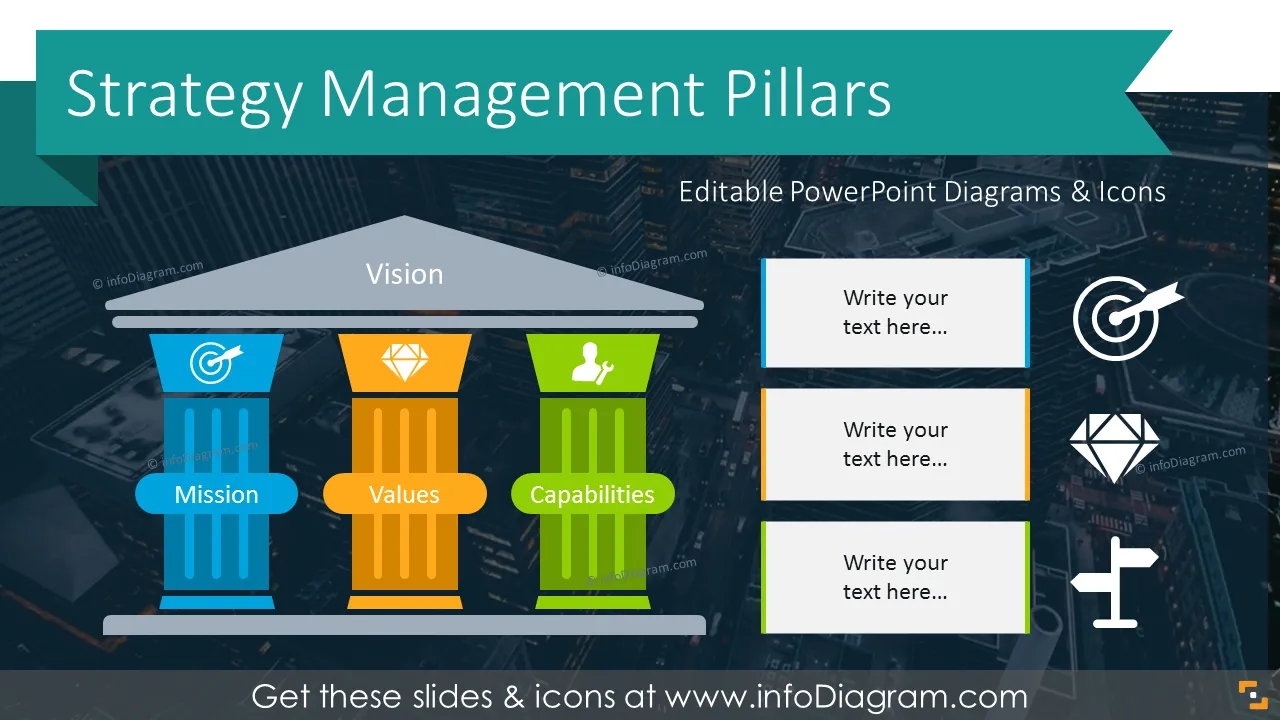
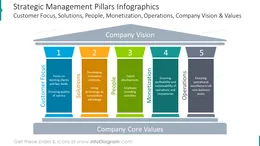
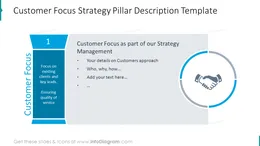
Picture of ancient columns is a commonly recognized illustration that is often used to present foundation elements holding the building. Use this visual metaphor to show the essential values of business strategy. The typical corporate strategy includes five pillars of business excellence: Starting with the Customer Focus pillar, the offered Solution pillar, the column representing people inside the company, the Monetization model, and the Operations pillar. Those five pillars are based on the core values foundation and support the "roof" of the company vision. Examples where strategy pillars graphics can be applied:
Presentation infographics for presenting strategic pillars of corporate business. The ancient column structure illustration is a handy visual metaphor to present key values the company is built on.
This PowerPoint template contains:
Consider using such diagrams to replace text bullets in your slides.
All graphics are editable, so you can modify the colors and text. We added also a general icon collection at the end of the presentation deck. Optionally you can also extend the collection by more PPT symbols (see Related Diagrams section).
Photographs are included in the template. You can easily replace them as well with pictures of your own.
Having a clear strategy foundation is crucial in business. It's like building a house: if you don't have a solid foundation, everything else is at risk of collapsing. A well-defined strategy provides direction, aligning the efforts of everyone in the organization toward common goals. It helps us understand where we are, where we want to go, and how we're going to get there. With a clear strategy in place, decision-making becomes more straightforward, and resources are allocated more effectively. It also fosters adaptability, allowing businesses to navigate through challenges and seize opportunities in an ever-changing landscape.
Strategy Management Pillars Graphic contains ready-to-use slides:
Fully editable in PowerPoint set of vector shapes fully editable by using built-in PowerPoint tools, including
See the editing demonstration in our HowTo Videos.
Your graphics add a nice touch to my presentations and I recently used them for one of my all-hands meetings. Your toolbox adds professionalism to my slides. Instead of using standard clipart.
Claude Jones, Director of Engineer, @Walmartlabs, USA
I needed a fresh look at some of my slides. I've tried to find a way to create a paintbrush effect, to underline, accentuate, add some color and the handwritten markers were just the things. Very easy to use, easy to size, change the color. It was an affordable, perfect solution and I'm happy to recommend it.
Anonymous, US
The crisp, clean look of the graphics, and the fact that it allowed me to easily edit and change the colors to match the template was my main reason for purchasing them.
Brandie Jenkins, E-learning Developer, USA



You may also need