
Your graphics add a nice touch to my presentations and I recently used them for one of my all-hands meetings. Your toolbox adds professionalism to my slides. Instead of using standard clipart.
Claude Jones, Director of Engineer, @Walmartlabs, USA
Your graphics add a nice touch to my presentations and I recently used them for one of my all-hands meetings. Your toolbox adds professionalism to my slides. Instead of using standard clipart.
Claude Jones, Director of Engineer, @Walmartlabs, USA
I needed a fresh look at some of my slides. I've tried to find a way to create a paintbrush effect, to underline, accentuate, add some color and the handwritten markers were just the things. Very easy to use, easy to size, change the color. It was an affordable, perfect solution and I'm happy to recommend it.
Anonymous, US
The crisp, clean look of the graphics, and the fact that it allowed me to easily edit and change the colors to match the template was my main reason for purchasing them.
Brandie Jenkins, E-learning Developer, USA
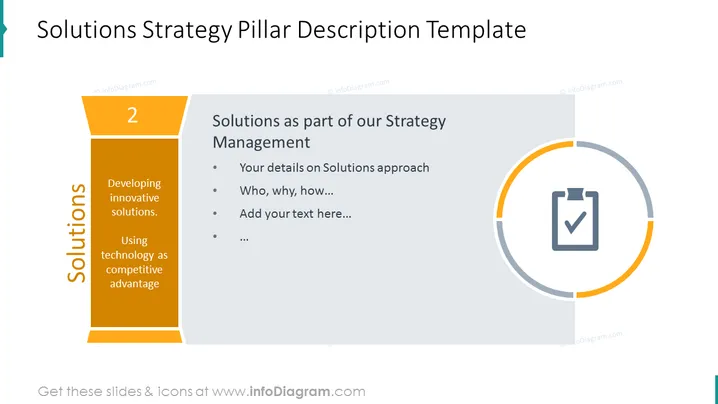
##Slide content: This slide shows the solution strategy management pillar. Explain your approach to solving some issue that concerns your company, a project, or customer pain. After you have detected the problem, offer a solution that you will present to your team. Solutions in strategy management are all about developing innovative solutions and using technology as a competitive advantage. Use a professionally designed template that will catch your audience’s attention.
##Slide infographic description: Pillar Infographic, Text Block, Bullet Points, Flat Outline Icon Vector, Checklist Icon




