

Your graphics add a nice touch to my presentations and I recently used them for one of my all-hands meetings. Your toolbox adds professionalism to my slides. Instead of using standard clipart.
Claude Jones, Director of Engineer, @Walmartlabs, USA

Before and after
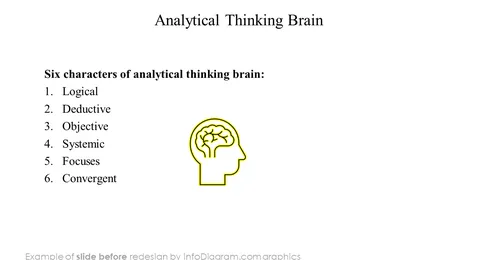
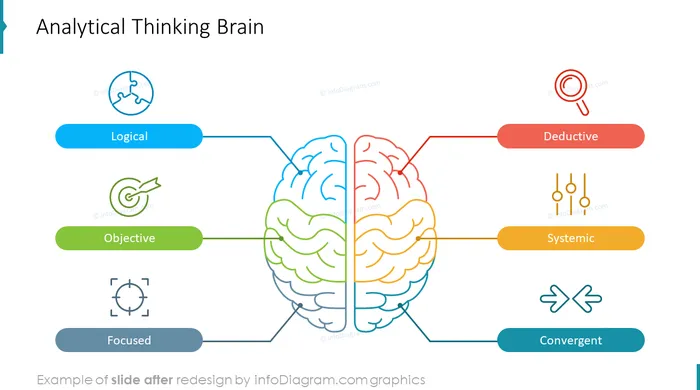
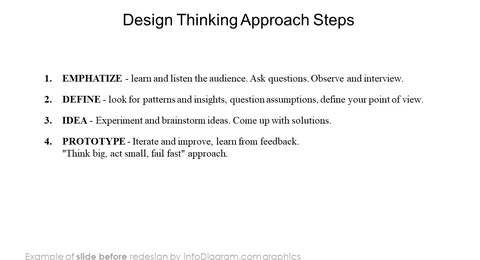
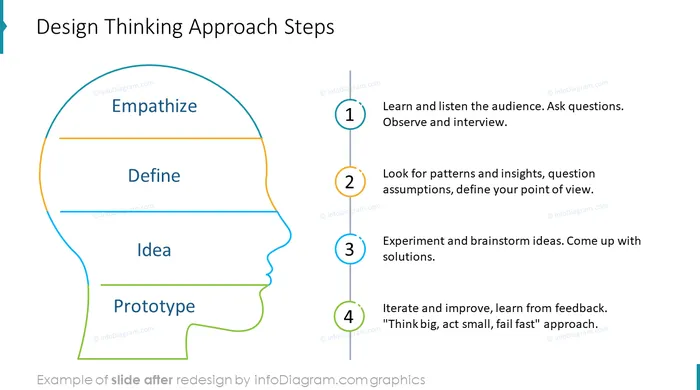
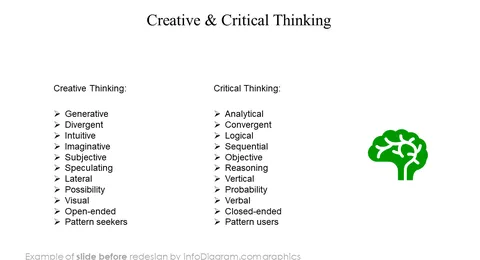
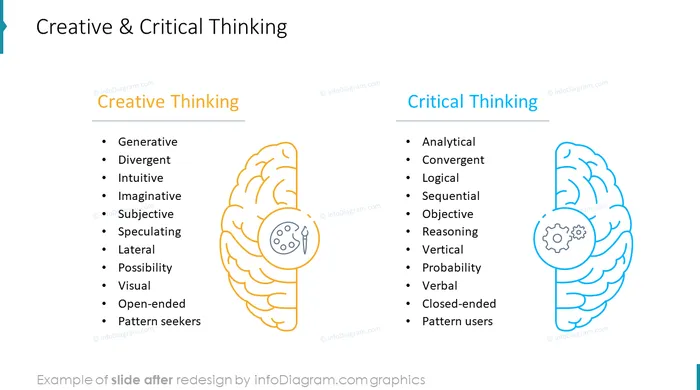
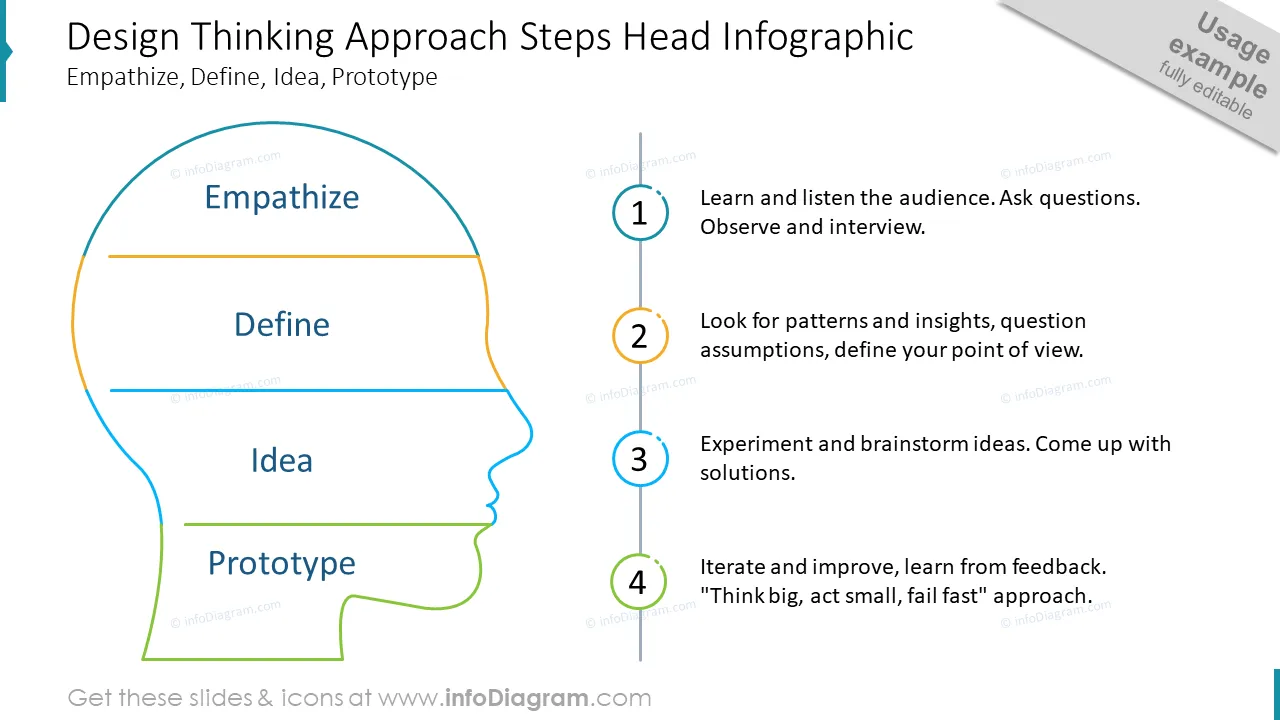
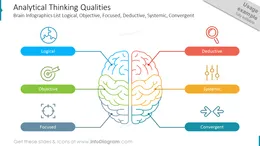
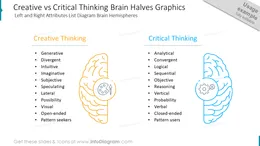
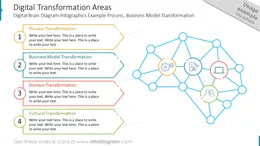
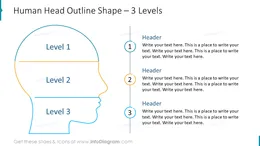
Giving a presentation about creative thinking, analytical thinking qualities, or a mind map is easier with head and brain diagrams. Use the human brain infographics or the head shape diagrams as a metaphor to represent segments, lists, or levels. We have designed a PowerPoint template with a collection of universal human head and brain outline graphics to help you show information visually instead of blocks of text.
The Brain and Head Diagrams contain slides with:
Format: Fully editable vector shapes and fonts. (You can recolor infographics, diagrams, and icons. It's also possible to resize elements without quality loss).
Head and brain diagrams are a collection of visual elements using the human head and brain as a metaphor to illustrate topics related to the mind, creativity, or various thinking processes. It's recommended to utilize graphical elements for public speaking because presenting information with visuals is much more comprehensive than bullet-point text. It's also more effective to replace text items with graphical diagrams that will illustrate all of your points. The outline infographic style is subtle and will complement your message without overshadowing it.
The template is easy to edit. So, after you buy this template, you can immediately download and change the text according to your needs. You can edit your presentation using Microsoft PowerPoint, Google Slides, or other presentation software. Copy and paste the contents using shortcuts or dragging the PowerPoint template to adapt it to your presentation topic. The slides and visuals are professionally designed and the content is very easy to customize. If you have creative ideas and want a unique look, play around with the elements and make the design your own with a personal touch!
You can utilize the head and brain shapes template to visualize a multitude of different topics including brain functions, brain anatomy, major parts and areas of the brain, brain health, symptoms of a brain condition, or psychological topics involving different types of thinking:
Try using those PowerPoint illustrations to present your content visually in an elegant way.
All graphics are editable, so you can modify the colors and text. We also added a general icon collection at the end of the presentation deck. Optionally you can also extend the collection by more PPT symbols (see Related Diagrams section).
Fully editable in PowerPoint set of vector shapes fully editable by using built-in PowerPoint tools, including
See editing demonstration in our HowTo Videos.
Your graphics add a nice touch to my presentations and I recently used them for one of my all-hands meetings. Your toolbox adds professionalism to my slides. Instead of using standard clipart.
Claude Jones, Director of Engineer, @Walmartlabs, USA
I needed a fresh look at some of my slides. I've tried to find a way to create a paintbrush effect, to underline, accentuate, add some color and the handwritten markers were just the things. Very easy to use, easy to size, change the color. It was an affordable, perfect solution and I'm happy to recommend it.
Anonymous, US
The crisp, clean look of the graphics, and the fact that it allowed me to easily edit and change the colors to match the template was my main reason for purchasing them.
Brandie Jenkins, E-learning Developer, USA



You may also need