

Your graphics add a nice touch to my presentations and I recently used them for one of my all-hands meetings. Your toolbox adds professionalism to my slides. Instead of using standard clipart.
Claude Jones, Director of Engineer, @Walmartlabs, USA

Your graphics add a nice touch to my presentations and I recently used them for one of my all-hands meetings. Your toolbox adds professionalism to my slides. Instead of using standard clipart.
Claude Jones, Director of Engineer, @Walmartlabs, USA
I needed a fresh look at some of my slides. I've tried to find a way to create a paintbrush effect, to underline, accentuate, add some color and the handwritten markers were just the things. Very easy to use, easy to size, change the color. It was an affordable, perfect solution and I'm happy to recommend it.
Anonymous, US
The crisp, clean look of the graphics, and the fact that it allowed me to easily edit and change the colors to match the template was my main reason for purchasing them.
Brandie Jenkins, E-learning Developer, USA
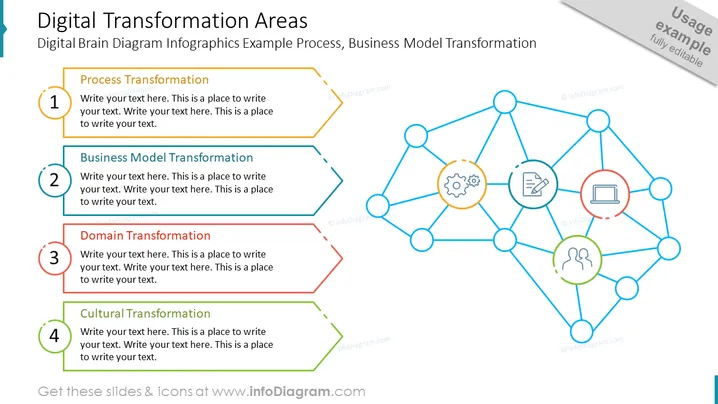
The slide outlines key areas of digital transformation, detailing four primary components: Process Transformation, which involves updating and optimizing workflows; Business Model Transformation, which signifies a strategic change in how a company operates; Domain Transformation, which suggests an expansion or shift into new markets or services; and Cultural Transformation, where there's a focus on changing the company ethos and behavior. Each area is meant to guide an organization through its digital evolution.
The slide has a modern and clean design, using a neural network-like diagram to represent the interconnected nature of digital transformation. The use of color coding and icons provides a visual distinction between the different transformation areas.



