

Your graphics add a nice touch to my presentations and I recently used them for one of my all-hands meetings. Your toolbox adds professionalism to my slides. Instead of using standard clipart.
Claude Jones, Director of Engineer, @Walmartlabs, USA


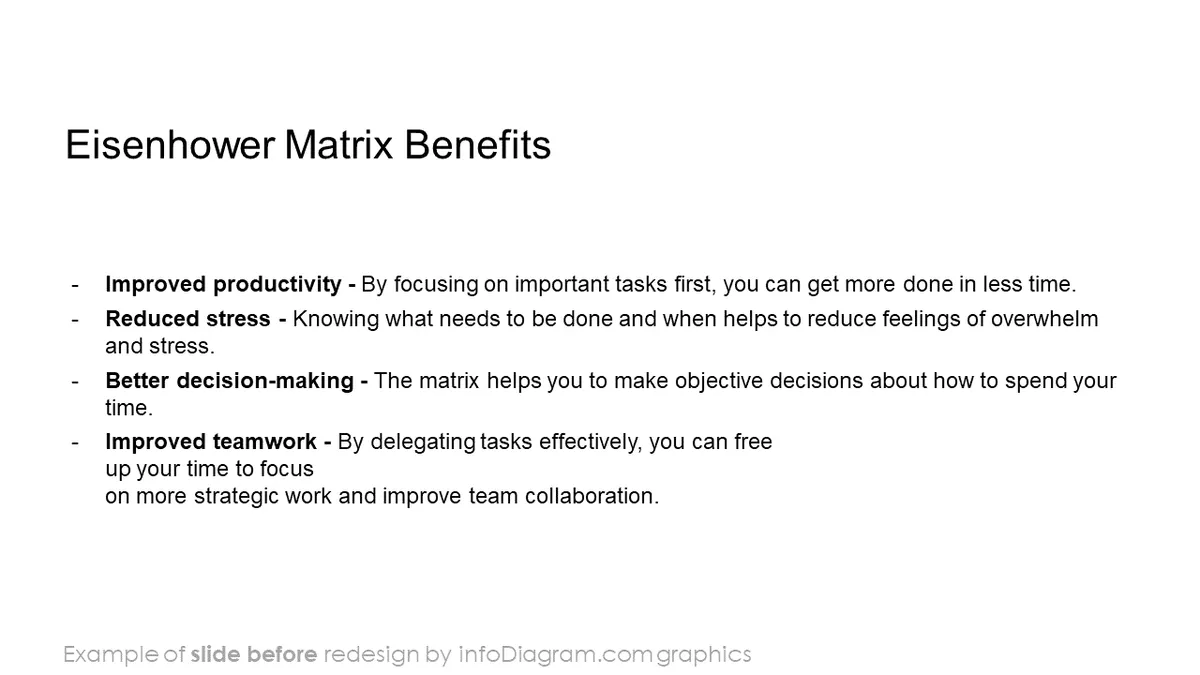
Before and after
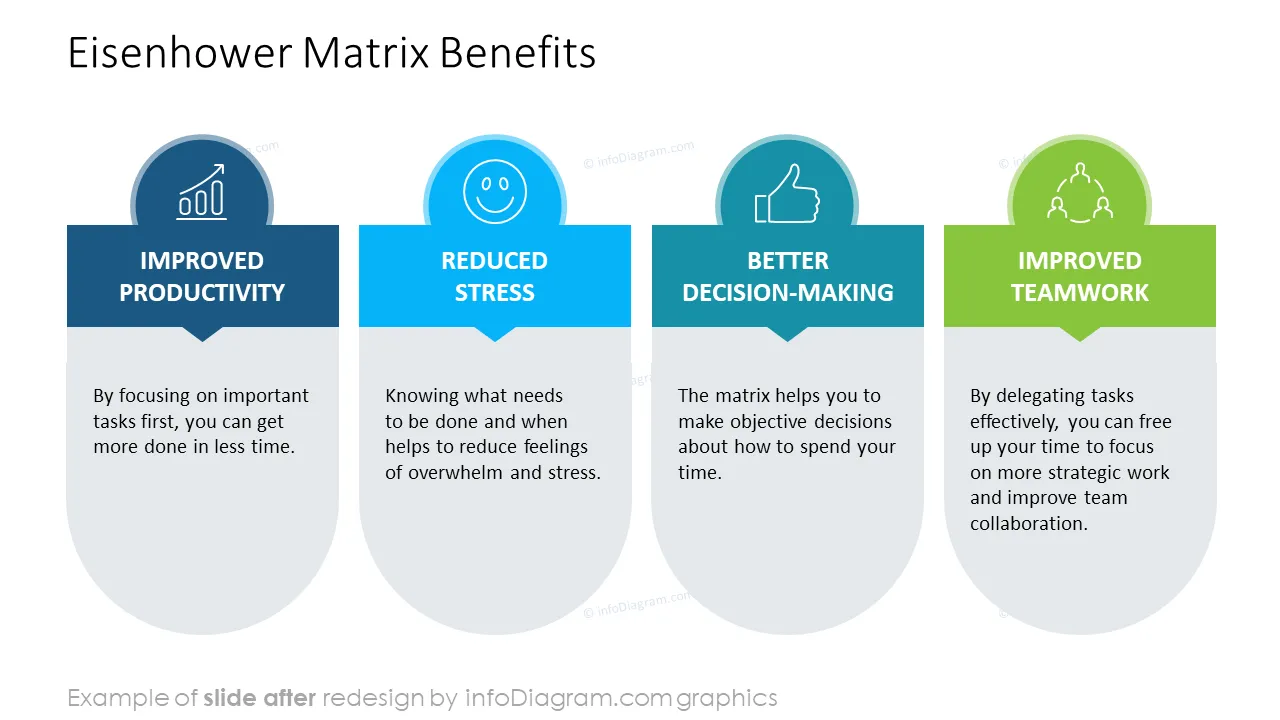
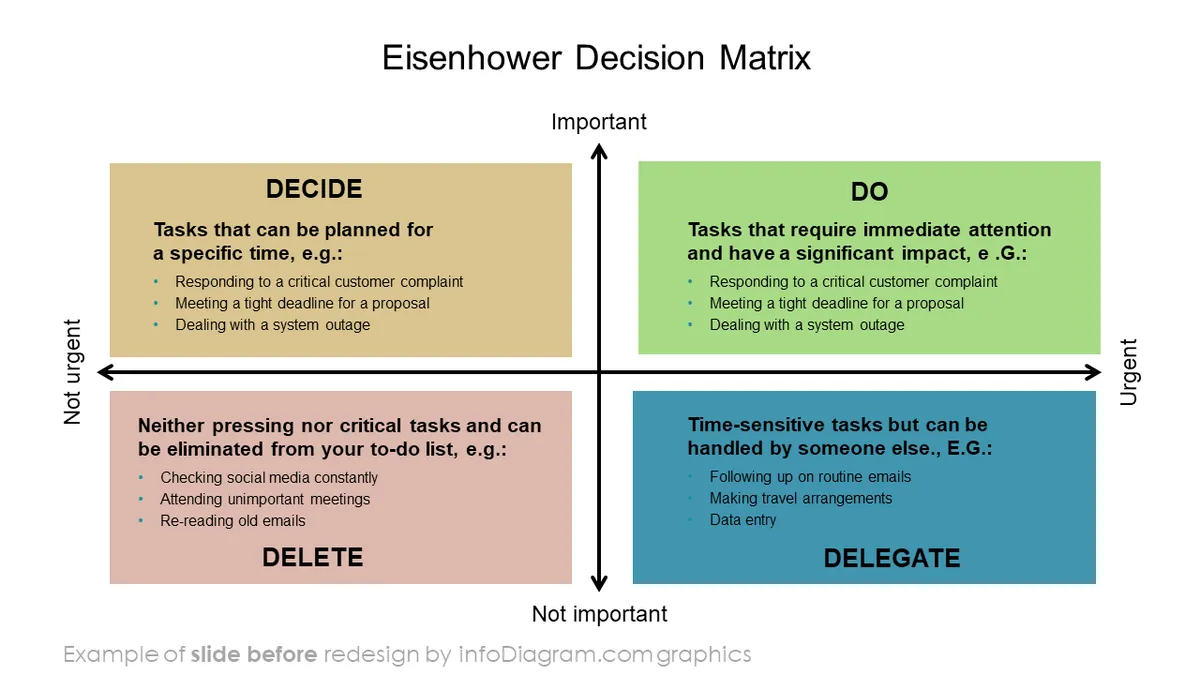
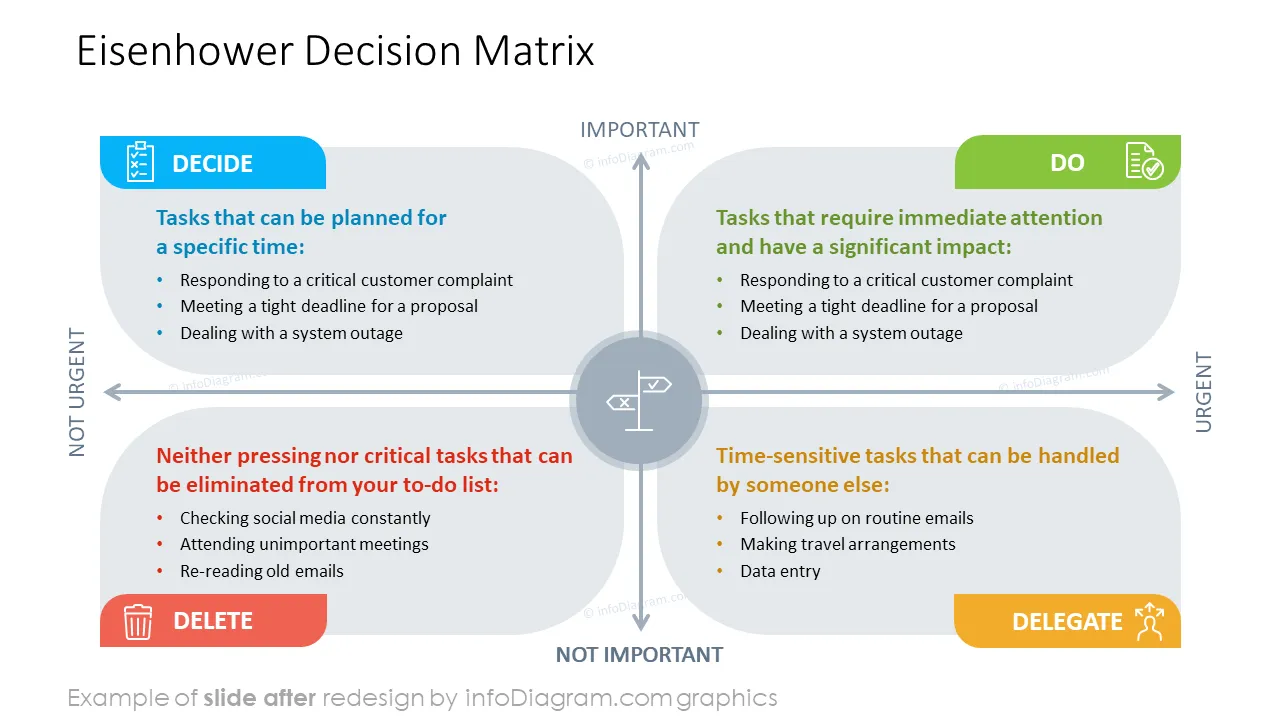
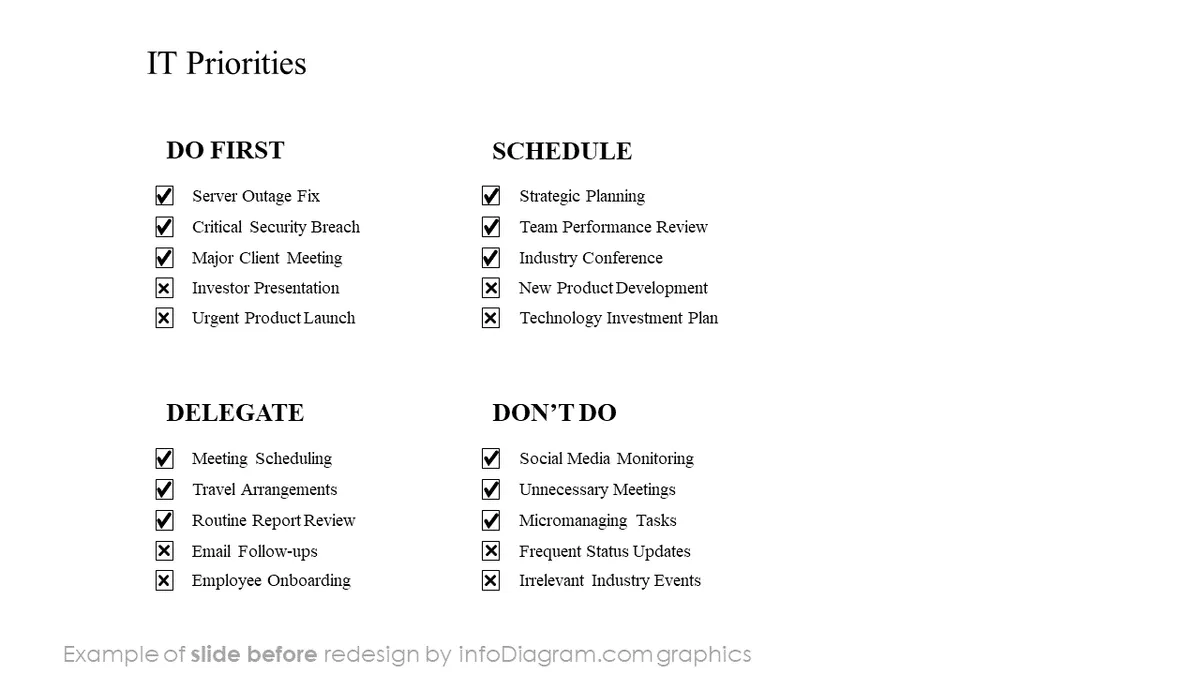
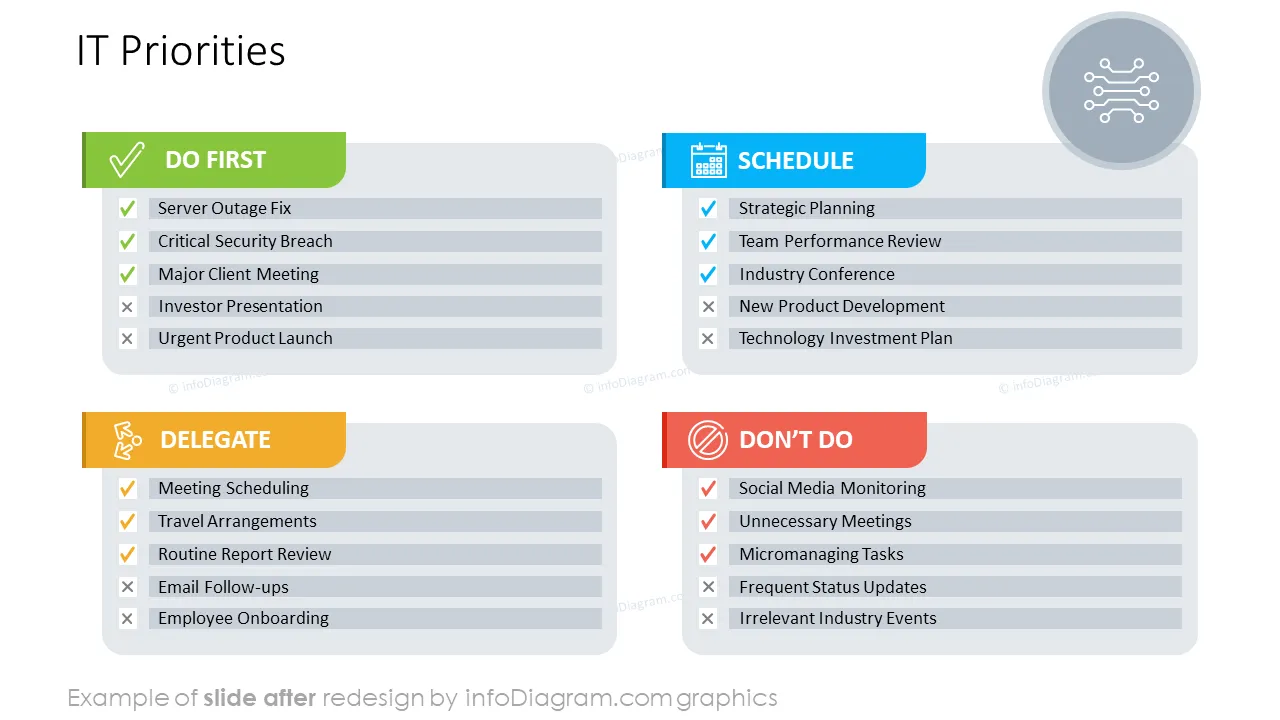
Introducing the Eisenhower Matrix PowerPoint Presentation: Our ready-to-use content allows you to showcase your results in an attractive and eye-catching format, ensuring that your audience remains engaged and informed throughout.
Whether you're presenting to stakeholders, team members, or clients, our Eisenhower Matrix presentation provides you with the tools you need to communicate your priorities and achievements with clarity and impact. From identifying areas for improvement to celebrating successes, this deck empowers you to make informed decisions and drive your business forward with confidence.
This PowerPoint slide deck is designed in an elegant flat style with colorful vector illustrations and outline icons. All graphic shapes can be recolored and resized without quality loss.
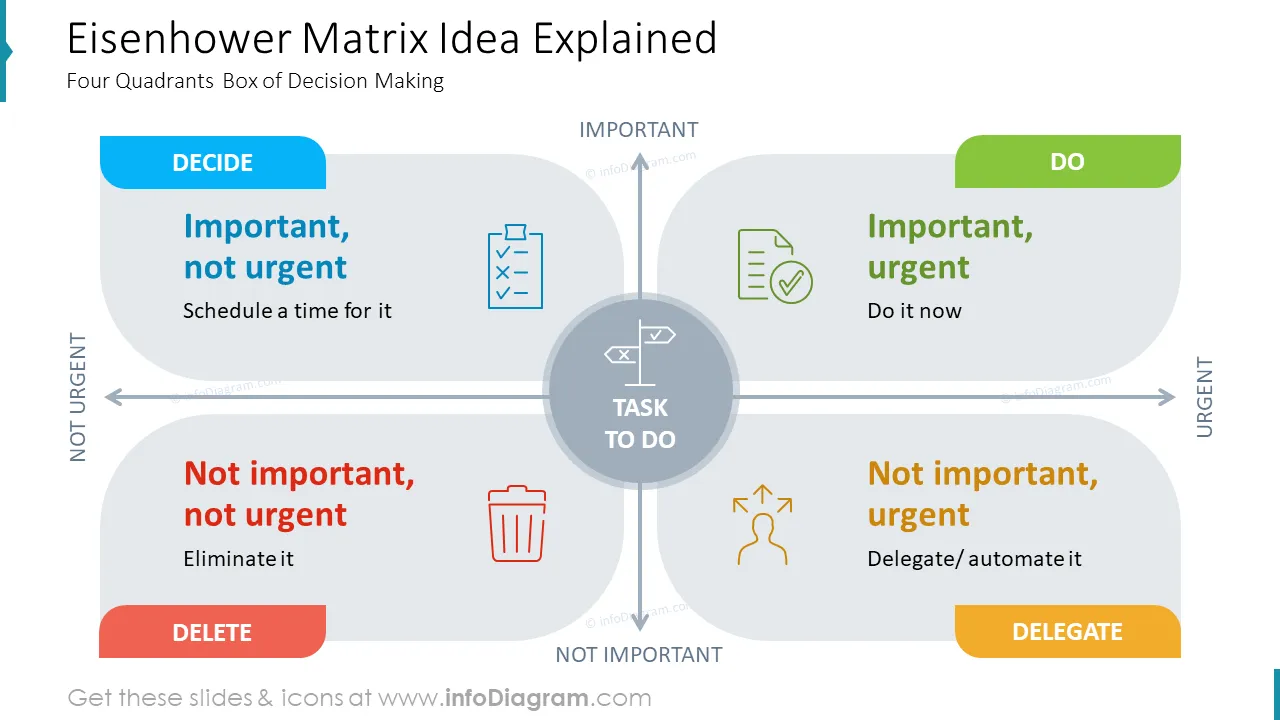
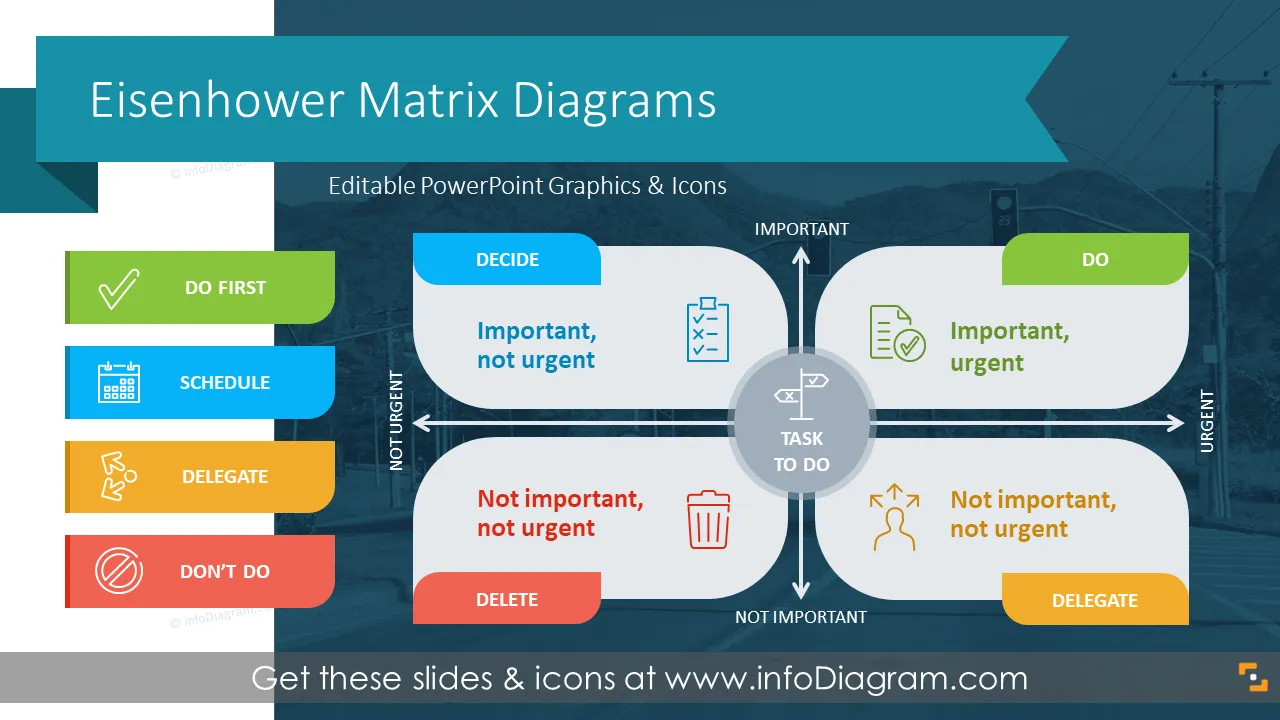
The Eisenhower Matrix is a simple tool for prioritizing actions. It organizes actions into four boxes, organized by two categories: urgency and importance. The matrix helps to decide on task priority and focus on what's critical.
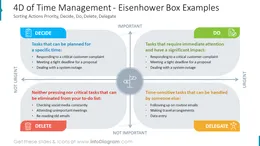
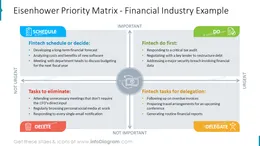
It makes you decide what task to do first, what to schedule for later, what to delegate, and what to eliminate. There are four boxes where you should put tasks: Urgent & Important (tasks that require immediate attention and have a significant impact), Important & Not Urgent (important but not time-sensitive task), Urgent & Not Important (time-sensitive but not crucial issues, Not Urgent & Not Important (neither pressing nor critical).
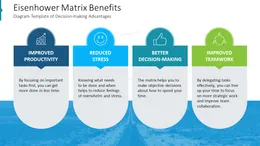
Using a visual form of presenting the Eisenhower Matrix has several benefits:
Here are a few examples of using the Eisenhower matrix in a business or educational context:
Try using those PowerPoint graphics to present your data visually in an elegant way.
All graphics are editable to modify the size, colors, and text. Also, you can extend the collection further with more PPT symbols (see Related Diagrams section).
Try using thisset of fully editable PowerPoint vector shapes to present your data visually in an elegant way. You can easily modify all elements:
Your graphics add a nice touch to my presentations and I recently used them for one of my all-hands meetings. Your toolbox adds professionalism to my slides. Instead of using standard clipart.
Claude Jones, Director of Engineer, @Walmartlabs, USA
I needed a fresh look at some of my slides. I've tried to find a way to create a paintbrush effect, to underline, accentuate, add some color and the handwritten markers were just the things. Very easy to use, easy to size, change the color. It was an affordable, perfect solution and I'm happy to recommend it.
Anonymous, US
The crisp, clean look of the graphics, and the fact that it allowed me to easily edit and change the colors to match the template was my main reason for purchasing them.
Brandie Jenkins, E-learning Developer, USA



You may also need