

Your graphics add a nice touch to my presentations and I recently used them for one of my all-hands meetings. Your toolbox adds professionalism to my slides. Instead of using standard clipart.
Claude Jones, Director of Engineer, @Walmartlabs, USA

Your graphics add a nice touch to my presentations and I recently used them for one of my all-hands meetings. Your toolbox adds professionalism to my slides. Instead of using standard clipart.
Claude Jones, Director of Engineer, @Walmartlabs, USA
I needed a fresh look at some of my slides. I've tried to find a way to create a paintbrush effect, to underline, accentuate, add some color and the handwritten markers were just the things. Very easy to use, easy to size, change the color. It was an affordable, perfect solution and I'm happy to recommend it.
Anonymous, US
The crisp, clean look of the graphics, and the fact that it allowed me to easily edit and change the colors to match the template was my main reason for purchasing them.
Brandie Jenkins, E-learning Developer, USA
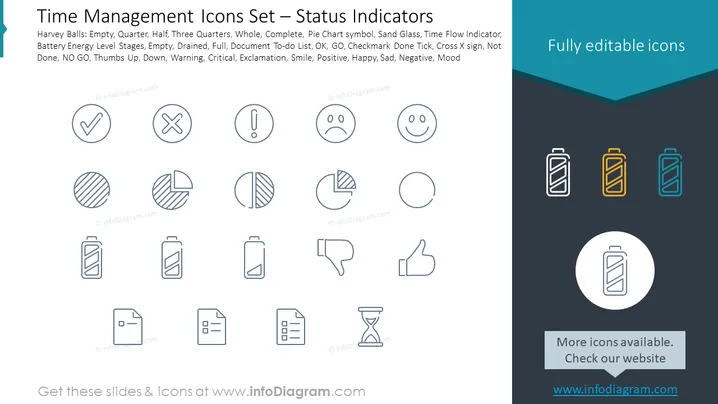
This PowerPoint slide presents a set of icons representing various status indicators relevant to time management and project status. It includes: five stages of battery energy level (Empty, Quarter, Half, Three Quarters, Whole, Complete), a pie chart symbol to depict portions or divisions, hourglasses indicating time flow, a checklist for to-do items, binary options (OK, GO, and NO GO), feedback signs (thumbs up and down), alert symbols (Warning, Critical), an end symbol (Checkmark Done Tick, Cross X sign for not done), and mood expressions (smileys conveying positive, happy, sad, and negative emotions).
The slide has a clean, modern look with a consistent iconographic theme emphasizing clarity and readability. The splash of color in the corner provides a visual accent.



