

Your graphics add a nice touch to my presentations and I recently used them for one of my all-hands meetings. Your toolbox adds professionalism to my slides. Instead of using standard clipart.
Claude Jones, Director of Engineer, @Walmartlabs, USA

Your graphics add a nice touch to my presentations and I recently used them for one of my all-hands meetings. Your toolbox adds professionalism to my slides. Instead of using standard clipart.
Claude Jones, Director of Engineer, @Walmartlabs, USA
I needed a fresh look at some of my slides. I've tried to find a way to create a paintbrush effect, to underline, accentuate, add some color and the handwritten markers were just the things. Very easy to use, easy to size, change the color. It was an affordable, perfect solution and I'm happy to recommend it.
Anonymous, US
The crisp, clean look of the graphics, and the fact that it allowed me to easily edit and change the colors to match the template was my main reason for purchasing them.
Brandie Jenkins, E-learning Developer, USA
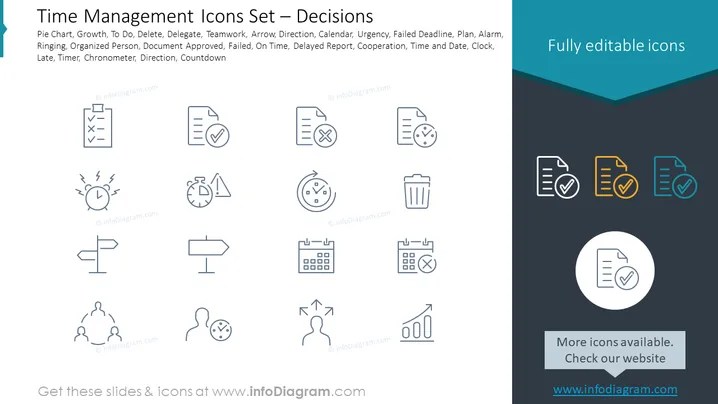
The PowerPoint slide is a collection of icons related to time management and decision-making. These represent common tasks and concepts essential for organizing and prioritizing work. For example, a Pie Chart for data representation, Growth indicating progress, To Do for listing tasks, Delete for removing items, Delegate to assign tasks to others, and Teamwork for collaborative efforts. The icons additionally depict various states such as Urgency, Failed Deadline, and On Time, as well as tools like Calendar, Clock, and Timer to manage and track time efficiently.
The overall look of the slide is clean and professional, leveraging ample whitespace to ensure each icon stands out. The simplicity of the design allows for quick recognition of each symbol's intended function.



