

Your graphics add a nice touch to my presentations and I recently used them for one of my all-hands meetings. Your toolbox adds professionalism to my slides. Instead of using standard clipart.
Claude Jones, Director of Engineer, @Walmartlabs, USA

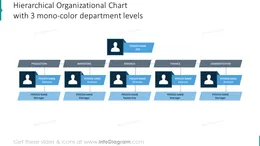
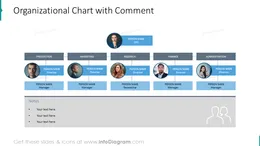
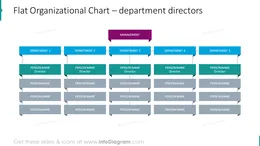
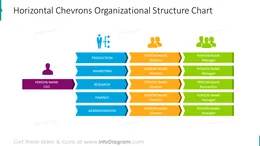
Before and after
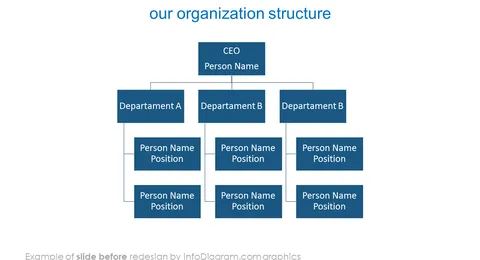
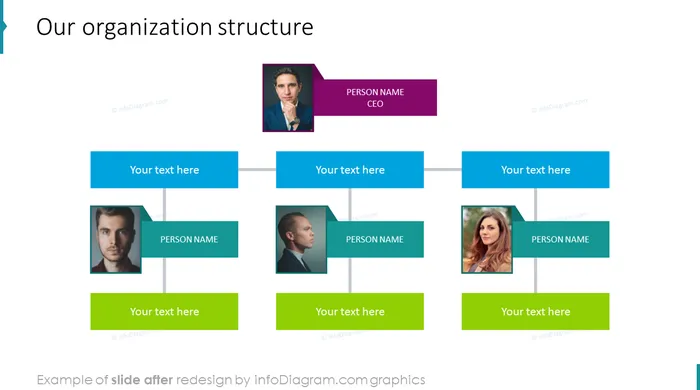
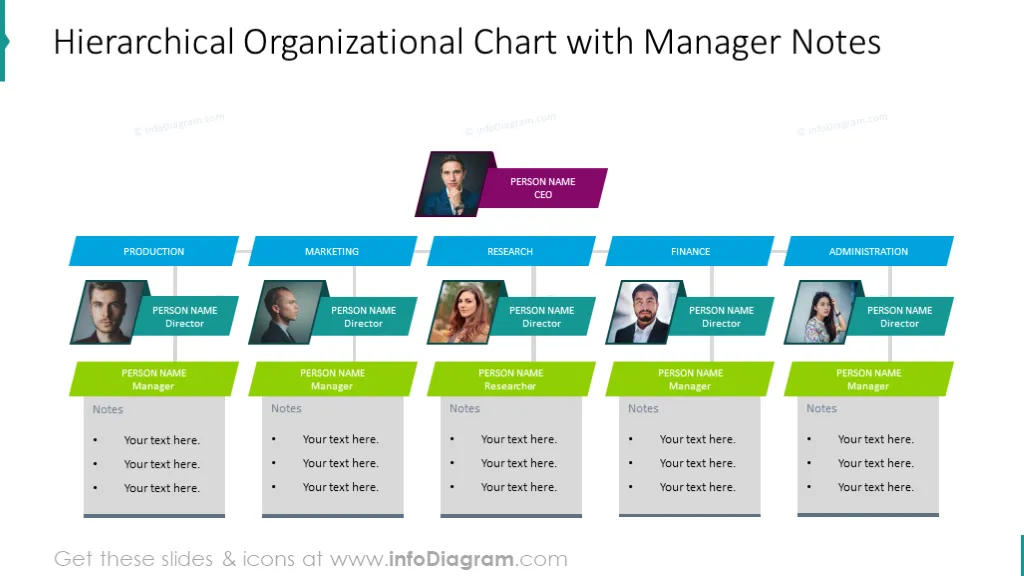
If you need to show your company's structure, consider using our flat organizational chart templates. You can use organizational charts for showing many aspects such as leadership structure, management structure, different departmental, divisional, or other types of organizational structures such as human resources or sales teams; how many employees or staff members are in different departments, including new employees; team members in a project team, showing the reporting structure, to see how roles and responsibilities are spread out, present to stakeholders, onboarding, interdepartmental collaborating, etc.
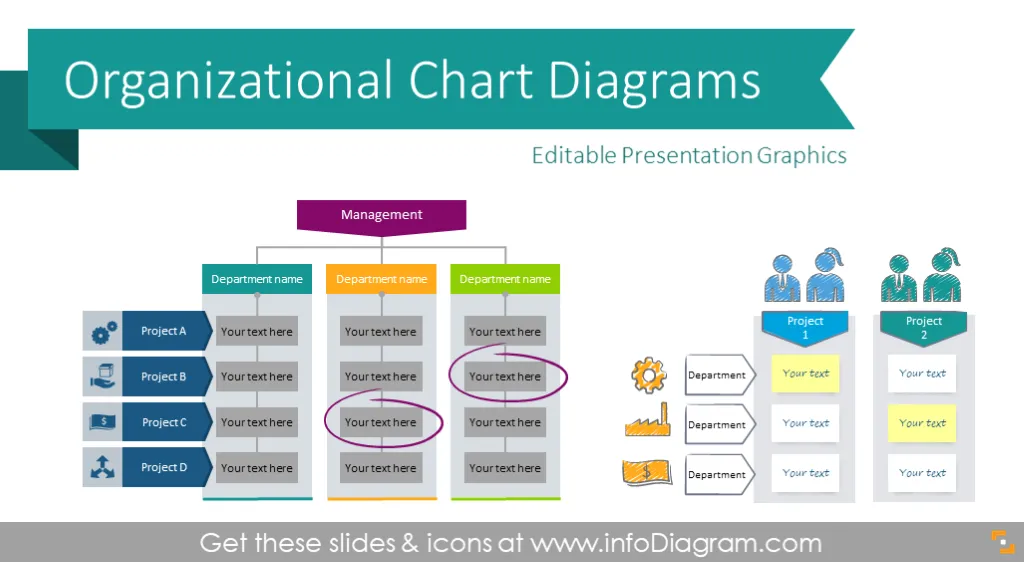
These creative organization chart templates help with presenting organizational structures using professional infographics. You can reuse these slides to quickly create a modern organization map in PowerPoint. The template includes flat graphics, diagrams, and editable icons for departments and personnel positions (e.g. represent project managers, employees, startups, marketing managers, sales managers, VPS).
This slide deck includes a company structure organogram as well as a matrix management structure with several projects spanning multiple departments. We also added hand-drawn markers you can use to highlight the company structure areas or to point to a specific person or department in an attractive sketch style. The chart designs have two graphical styles - you can design a uniquely creative organization chart using hand-drawn scribble shapes and people icons. Or to do a more neutral structure presentation, use modern flat diagrams to show company divisions and management hierarchy. Such flat org charts fit any presentation template.
You can modify all org charts in PowerPoint, as all templates are editable. Feel free to remove or add new departments and projects. You can also adjust the chart colors to align with your logo or corporate palette.
There are 16 predesigned org charts editable in PowerPoint and set of additional graphics for HR management:
Format: fully editable vector shapes (customize colors of templates and icons, resize without image quality loss).
Benefits of creating an organizational chart in PowerPoint:
Fully editable in PowerPoint set of vector shapes fully editable by using built-in PowerPoint tools, including
See editing demonstration in our HowTo Videos.
Your graphics add a nice touch to my presentations and I recently used them for one of my all-hands meetings. Your toolbox adds professionalism to my slides. Instead of using standard clipart.
Claude Jones, Director of Engineer, @Walmartlabs, USA
I needed a fresh look at some of my slides. I've tried to find a way to create a paintbrush effect, to underline, accentuate, add some color and the handwritten markers were just the things. Very easy to use, easy to size, change the color. It was an affordable, perfect solution and I'm happy to recommend it.
Anonymous, US
The crisp, clean look of the graphics, and the fact that it allowed me to easily edit and change the colors to match the template was my main reason for purchasing them.
Brandie Jenkins, E-learning Developer, USA



You may also need