

Your graphics add a nice touch to my presentations and I recently used them for one of my all-hands meetings. Your toolbox adds professionalism to my slides. Instead of using standard clipart.
Claude Jones, Director of Engineer, @Walmartlabs, USA

Your graphics add a nice touch to my presentations and I recently used them for one of my all-hands meetings. Your toolbox adds professionalism to my slides. Instead of using standard clipart.
Claude Jones, Director of Engineer, @Walmartlabs, USA
I needed a fresh look at some of my slides. I've tried to find a way to create a paintbrush effect, to underline, accentuate, add some color and the handwritten markers were just the things. Very easy to use, easy to size, change the color. It was an affordable, perfect solution and I'm happy to recommend it.
Anonymous, US
The crisp, clean look of the graphics, and the fact that it allowed me to easily edit and change the colors to match the template was my main reason for purchasing them.
Brandie Jenkins, E-learning Developer, USA
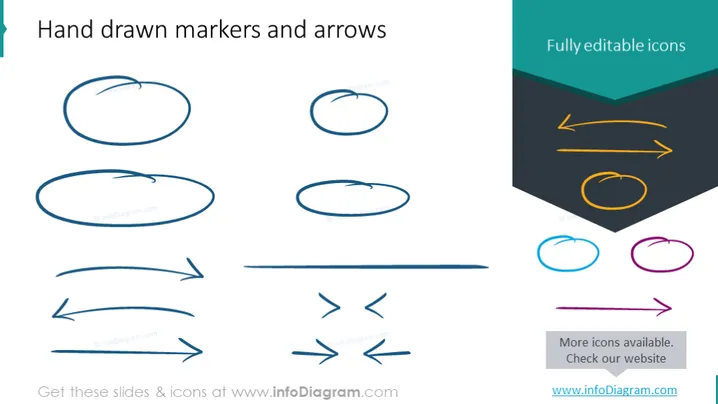
Hand drawn markers and arrows are depicted on the slide, emphasizing a casual or creative approach compared to formal vector graphics. These include various elliptical and circular scribble shapes, accompanied by irregular straight and curved arrows. The markers could indicate areas of focus or importance, while the arrows suggest direction, movement, or connections between ideas. On the right side, a contrasting column showcases neatly designed, fully editable icons that provide a professional alternative to the hand-drawn elements.
The slide offers a visual juxtaposition between informal, sketch-like elements and formal graphic design elements. It creates a distinct visual balance by aligning the hand-drawn items to the left and the polished icons to the right.



