
FINANCIAL REPORTS
PPT visuals to present your key numbers
Present Your Topic Visually:
Reviews
Vos graphiques ajoutent une belle touche à mes présentations et je les ai récemment utilisés pour l'une de mes réunions générales. Votre boîte à outils ajoute du professionnalisme à mes diapositives. Au lieu d'utiliser des cliparts standards.
J'avais besoin d'un nouveau regard sur certaines de mes diapositives. J'ai essayé de trouver un moyen de créer un effet de pinceau, de souligner, d'accentuer, d'ajouter de la couleur et les marqueurs manuscrits étaient exactement ce qu'il fallait. Très facile à utiliser, facile à ajuster la taille, à changer la couleur. C'était une solution abordable et parfaite et je suis heureux de la recommander.
L'aspect net et épuré des graphiques, et le fait qu'il m'ait permis d'éditer et de changer facilement les couleurs pour les adapter au modèle, ont été les principales raisons de mon achat.
Usage example
Description
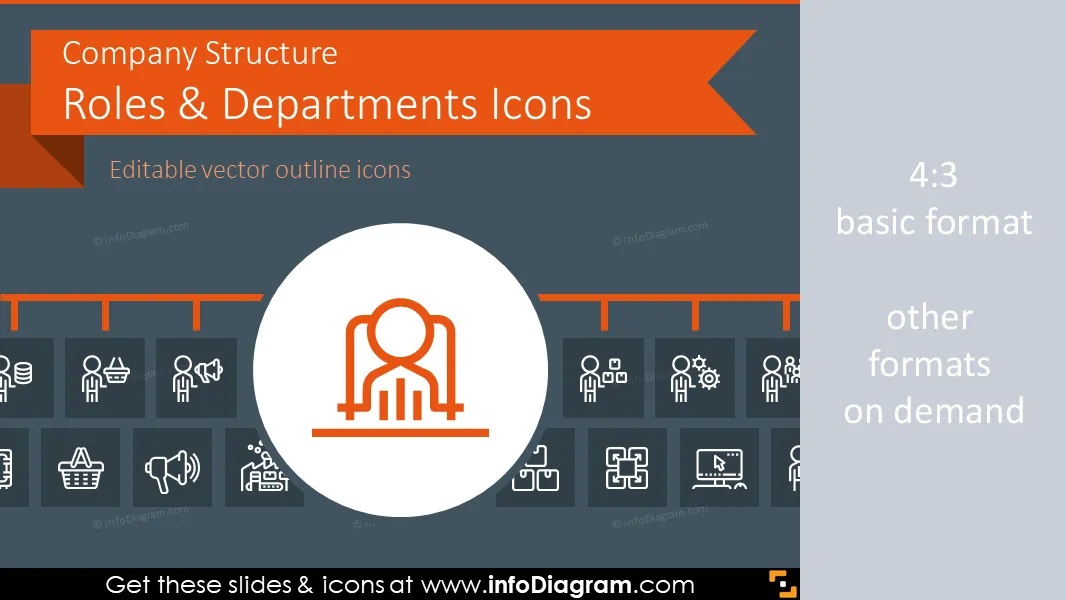
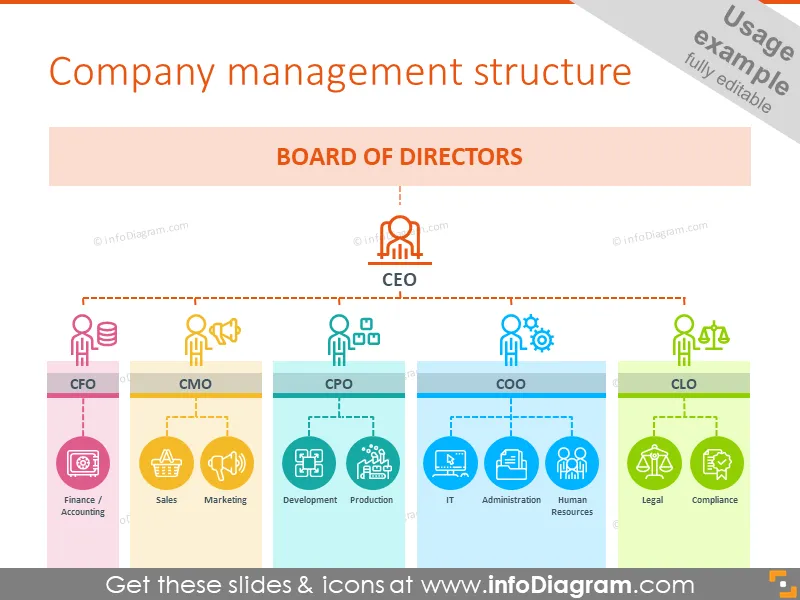
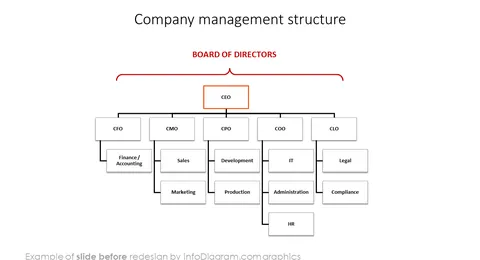
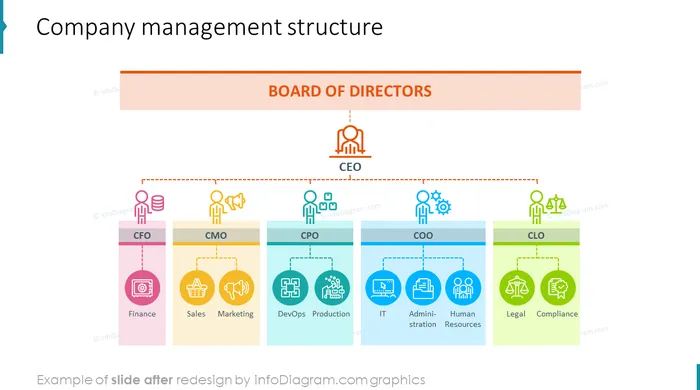
Outlined Symbols Set of Company Structure Roles, Positions and Corporate Departments for PowerPoint. You can reuse the icons and organizational chart templates for presenting your company hierarchy from board, CEO, directors to specific department heads and subordinates:
- Org Chart examples with senior management presentation, division structure diagram, product development process involving several business sections
- Outline Icons of top management positions: Chief Officers such as CEO, CFO, COO, CMOm HR head, Legals and Chief Sales Officer.
- Icons for Senior Management roles e.g. Legals, Compliance, Administration department
- Outline Icons representing product-related departments, sales-related issues, back-office and various product development steps
- 32 outline editable symbols in total for modern flat design presentations and graphics
- Format: fully editable vector shapes in PowerPoint (line color, size - no quality loss when zoomed)
All icons in modern outline style, that fits any business presentation. The icons provided in various versions:
- for light or dark background,
- as a standalone symbols,
- as a symbol inside the circle shape.
Fully editable in PowerPoint set of vector shapes fully editable by using built-in PowerPoint tools, including
- changing color of the icon filling and its outline
- adding shadows
- changing shape and size, rotating, flipping the object
- putting shapes behind or on top of text
See editing demonstration in our HowTo Videos.
Authors
- infoDiagram's designer O.Hawlicki
- Contact: here
Slides included in this PowerPoint Presentation:
- Company management structure with icons to each department and position
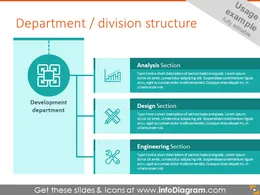
- Example of department structure diagram
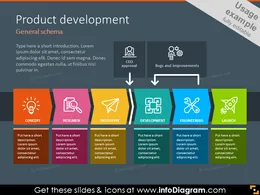
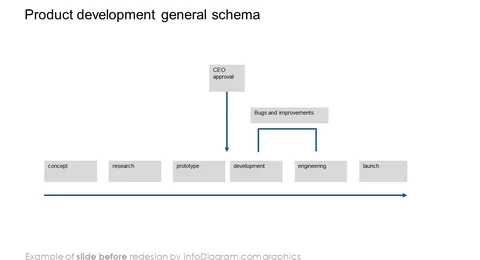
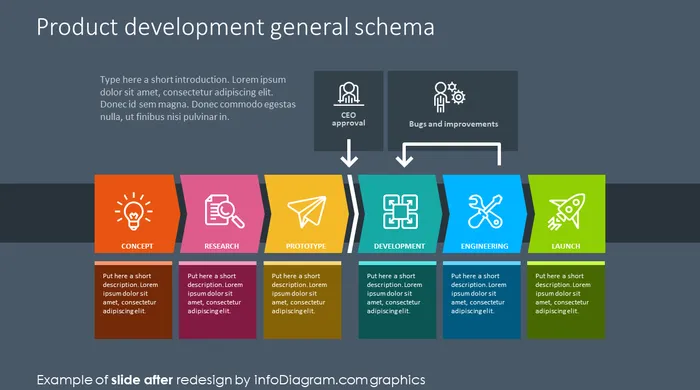
- Product development schema showed with icons
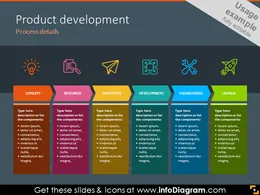
- Example of the product development process illustrated with steps
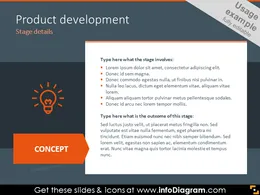
- Product development step details on dark background
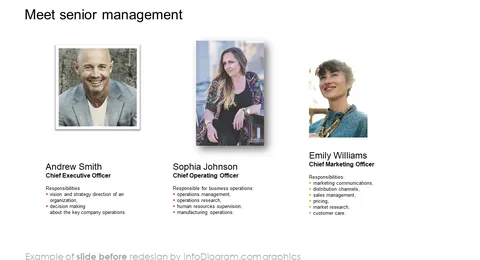
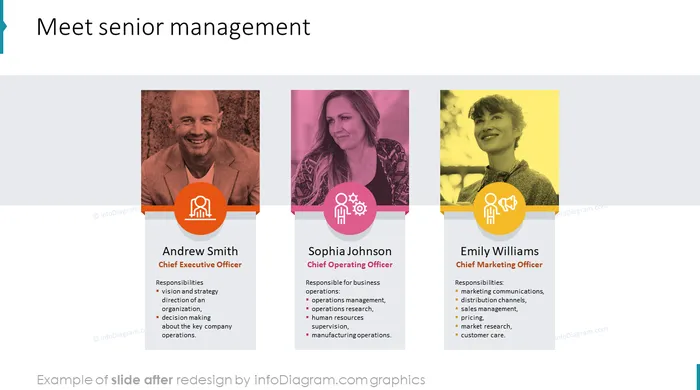
- Senior management slide
- Chief Officers icons: CEO, CFO, CSO, CMO
- Key senior management symbols: COO, HR, CIO, chief officers
- Head department icons: administration, complaints, legal
- Sales related icons: finance, sales, marketing
- Example of products related symbols
- Back office symbols: Human resources, IT, logistics
- Legal and administration symbols: compliance, legal, administration
- Product development icons set: idea, research, analysis, prototype
- Additional departments: design, specification, engineering, launch
- Example of shapes in different versions: basic, filled and outline circles
- Example of style and color customization slide
- Company roles and departments structure icons
- Department structure symbols showed with filled circles
- Example of the company structure diagram on dark background
How to Edit
How to edit text & colors

How to expand / shorten diagram

How to Replace Icons in infoDiagram PPT


