

Your graphics add a nice touch to my presentations and I recently used them for one of my all-hands meetings. Your toolbox adds professionalism to my slides. Instead of using standard clipart.
Claude Jones, Director of Engineer, @Walmartlabs, USA

Your graphics add a nice touch to my presentations and I recently used them for one of my all-hands meetings. Your toolbox adds professionalism to my slides. Instead of using standard clipart.
Claude Jones, Director of Engineer, @Walmartlabs, USA
I needed a fresh look at some of my slides. I've tried to find a way to create a paintbrush effect, to underline, accentuate, add some color and the handwritten markers were just the things. Very easy to use, easy to size, change the color. It was an affordable, perfect solution and I'm happy to recommend it.
Anonymous, US
The crisp, clean look of the graphics, and the fact that it allowed me to easily edit and change the colors to match the template was my main reason for purchasing them.
Brandie Jenkins, E-learning Developer, USA
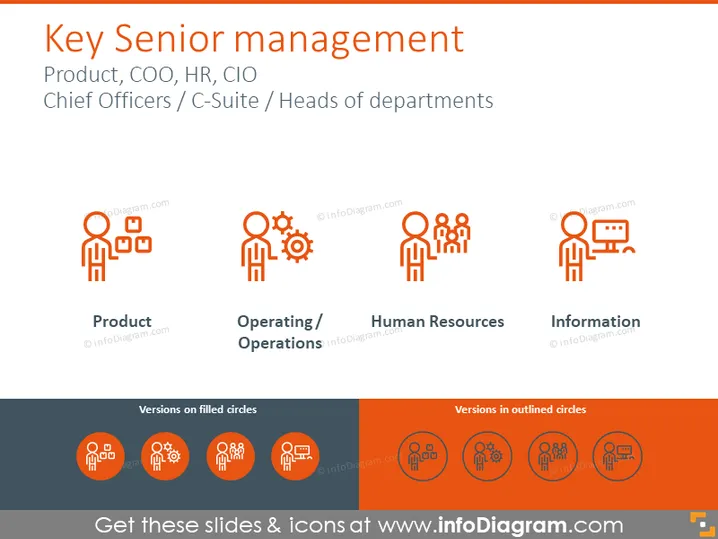
The slide is titled "Key Senior management" which refers to top-tier positions within a corporation such as the Product Manager, Chief Operating Officer (COO), Human Resources (HR) leader, and Chief Information Officer (CIO). These roles are generally encompassed within the C-Suite or chief officer level and includes heads of departments. "Product" might refer to those responsible for the development and lifecycle management of a company's products. "Operating / Operations" can indicate the role that oversees the company's day-to-day activities. "Human Resources" highlights the administration of an organization's people-related tasks and policies. "Information" could represent those in charge of the organization's information technology strategy and implementation.
The slide has a clean, modern look with a simple color palette consisting mainly of shades of orange, white, and grey. The icons and text are well-organized, providing a clear visual hierarchy that aids in conveying the information ### Use Cases



