

FINANCIAL REPORTS
PPT visuals to present your key numbers
Present Your Topic Visually:
Reviews
Ihre Grafiken verleihen meinen Präsentationen eine nette Note, und ich habe sie kürzlich für eines meiner All-Hands-Meetings verwendet. Ihre Toolbox verleiht meinen Folien Professionalität, anstatt Standard-Clipart zu verwenden.
Ich brauchte einen neuen Blick auf einige meiner Folien. Ich habe versucht, einen Weg zu finden, einen Pinselschlag-Effekt zu erzielen, um zu unterstreichen, hervorzuheben, Farbe hinzuzufügen, und die handgeschriebenen Markierungen waren genau das Richtige. Sehr einfach zu bedienen, leicht in der Größe zu ändern, die Farbe zu ändern. Es war eine erschwingliche, perfekte Lösung und ich empfehle sie gerne weiter.
Die klare, saubere Optik der Grafiken und die Tatsache, dass ich die Farben leicht bearbeiten und an die Vorlage anpassen konnte, war mein Hauptgrund für den Kauf.
Usage example
Description
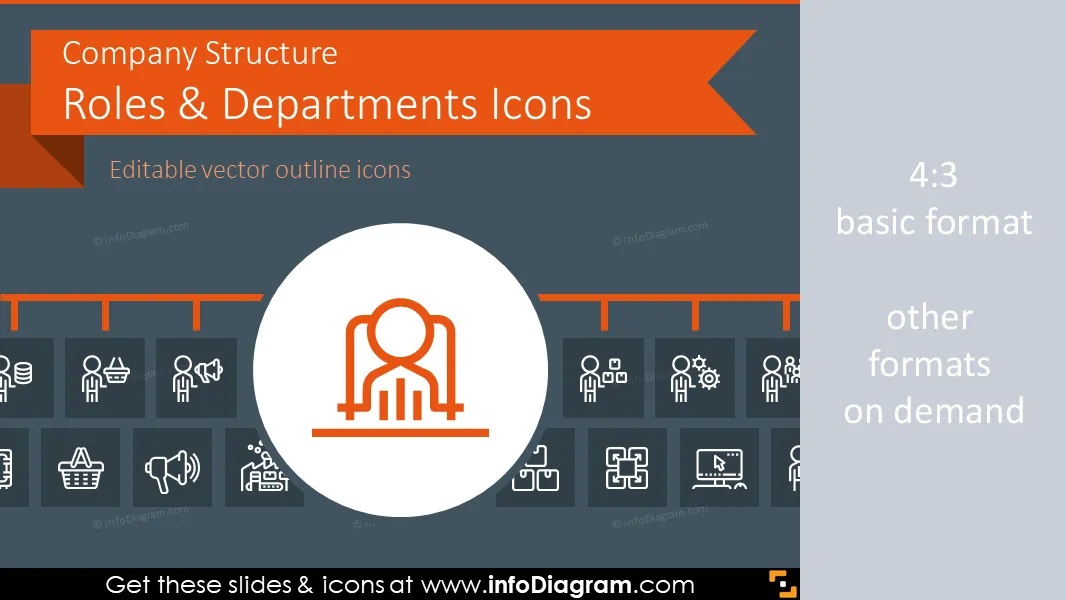
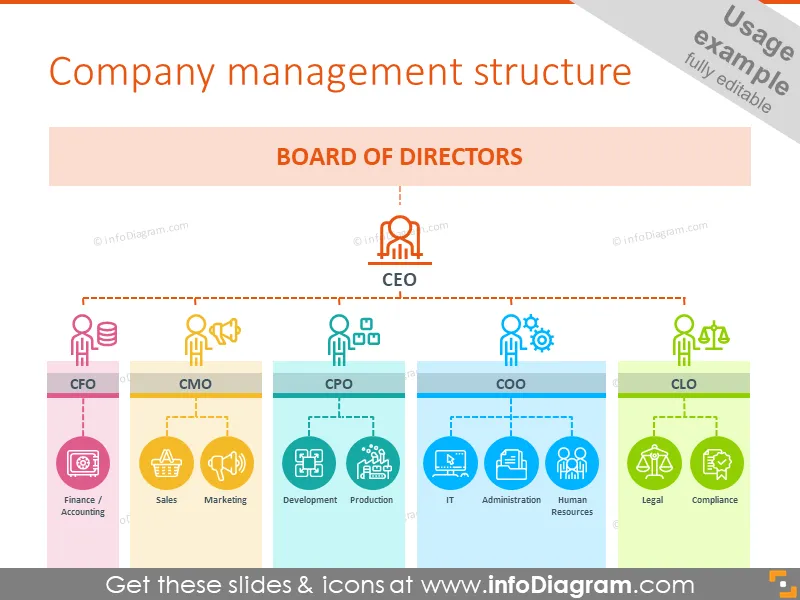
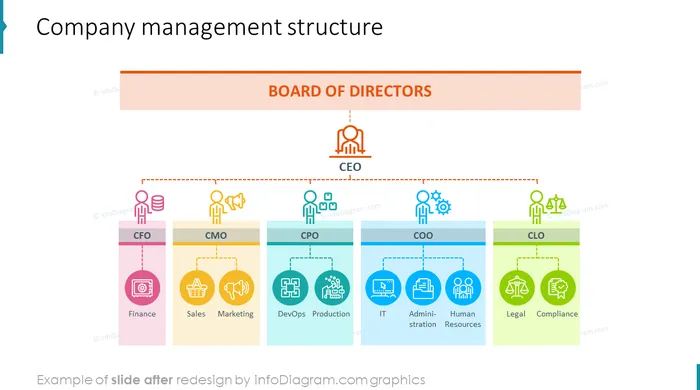
Outlined Symbols Set of Company Structure Roles, Positions and Corporate Departments for PowerPoint. You can reuse the icons and organizational chart templates for presenting your company hierarchy from board, CEO, directors to specific department heads and subordinates:
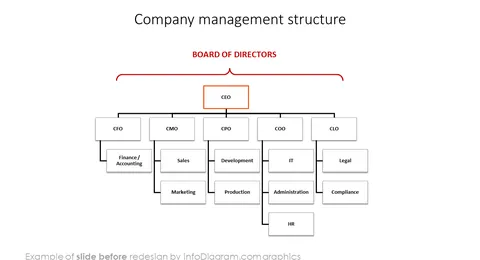
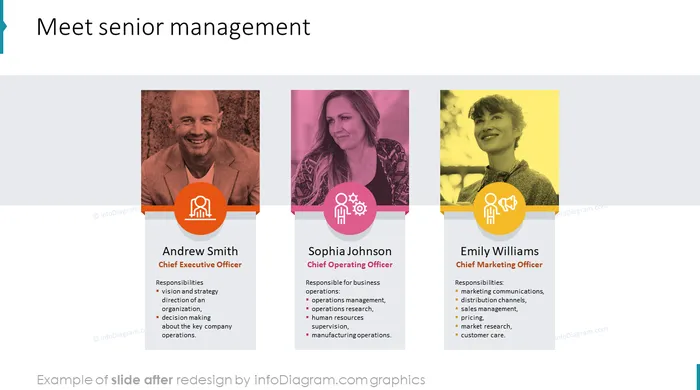
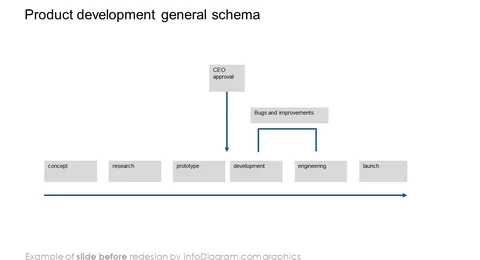
- Org Chart examples with senior management presentation, division structure diagram, product development process involving several business sections
- Outline Icons of top management positions: Chief Officers such as CEO, CFO, COO, CMOm HR head, Legals and Chief Sales Officer.
- Icons for Senior Management roles e.g. Legals, Compliance, Administration department
- Outline Icons representing product-related departments, sales-related issues, back-office and various product development steps
- 32 outline editable symbols in total for modern flat design presentations and graphics
- Format: fully editable vector shapes in PowerPoint (line color, size - no quality loss when zoomed)
All icons in modern outline style, that fits any business presentation. The icons provided in various versions:
- for light or dark background,
- as a standalone symbols,
- as a symbol inside the circle shape.
Fully editable in PowerPoint set of vector shapes fully editable by using built-in PowerPoint tools, including
- changing color of the icon filling and its outline
- adding shadows
- changing shape and size, rotating, flipping the object
- putting shapes behind or on top of text
See editing demonstration in our HowTo Videos.
Authors
- infoDiagram's designer O.Hawlicki
- Contact: here
Slides included in this PowerPoint Presentation:
- Company management structure with icons to each department and position
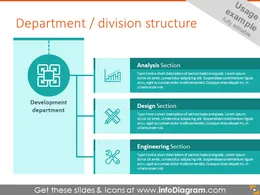
- Example of department structure diagram
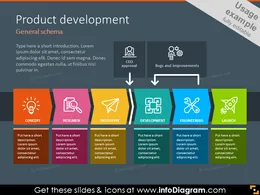
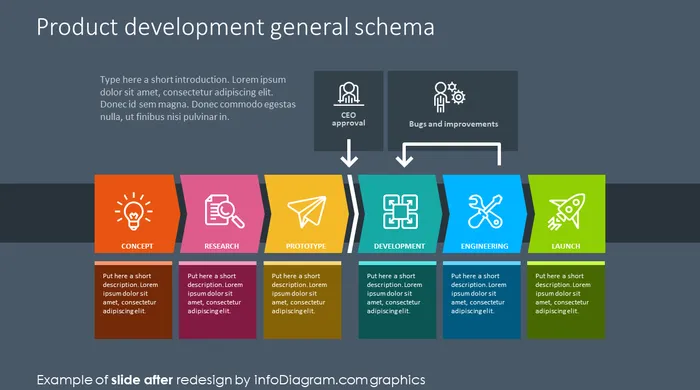
- Product development schema showed with icons
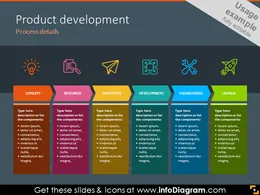
- Example of the product development process illustrated with steps
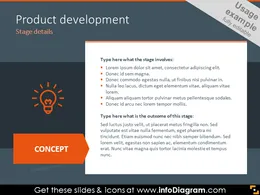
- Product development step details on dark background
- Senior management slide
- Chief Officers icons: CEO, CFO, CSO, CMO
- Key senior management symbols: COO, HR, CIO, chief officers
- Head department icons: administration, complaints, legal
- Sales related icons: finance, sales, marketing
- Example of products related symbols
- Back office symbols: Human resources, IT, logistics
- Legal and administration symbols: compliance, legal, administration
- Product development icons set: idea, research, analysis, prototype
- Additional departments: design, specification, engineering, launch
- Example of shapes in different versions: basic, filled and outline circles
- Example of style and color customization slide
- Company roles and departments structure icons
- Department structure symbols showed with filled circles
- Example of the company structure diagram on dark background
How to Edit
How to edit text & colors

How to expand / shorten diagram

How to Replace Icons in infoDiagram PPT


