

Your graphics add a nice touch to my presentations and I recently used them for one of my all-hands meetings. Your toolbox adds professionalism to my slides. Instead of using standard clipart.
Claude Jones, Director of Engineer, @Walmartlabs, USA

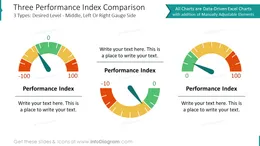
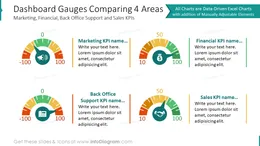
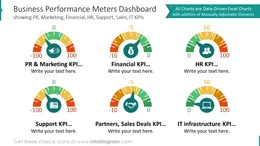
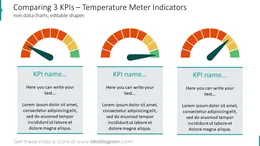
Before and after
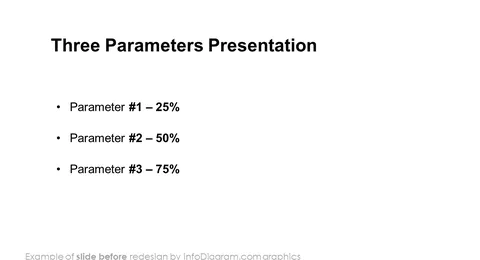
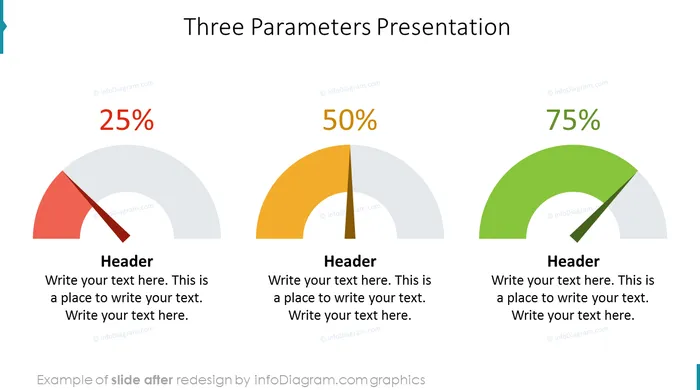
Do you need to review a goal completion, present your business KPI achievement level?
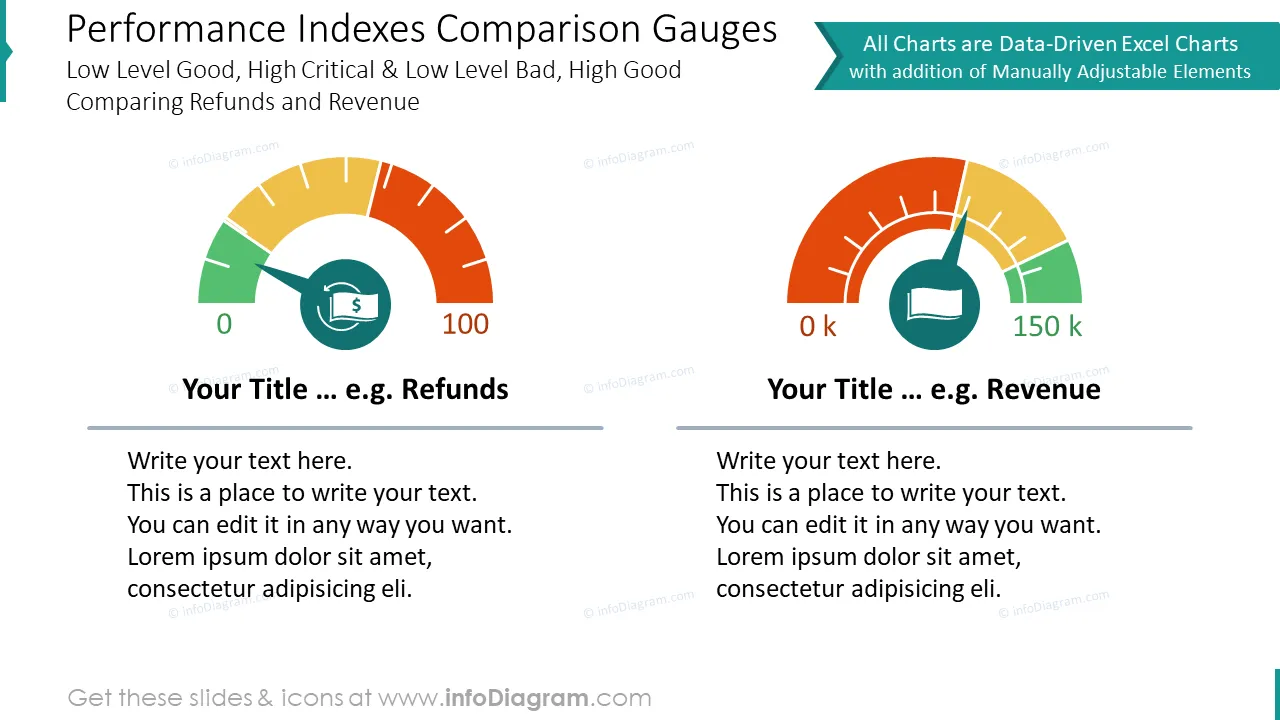
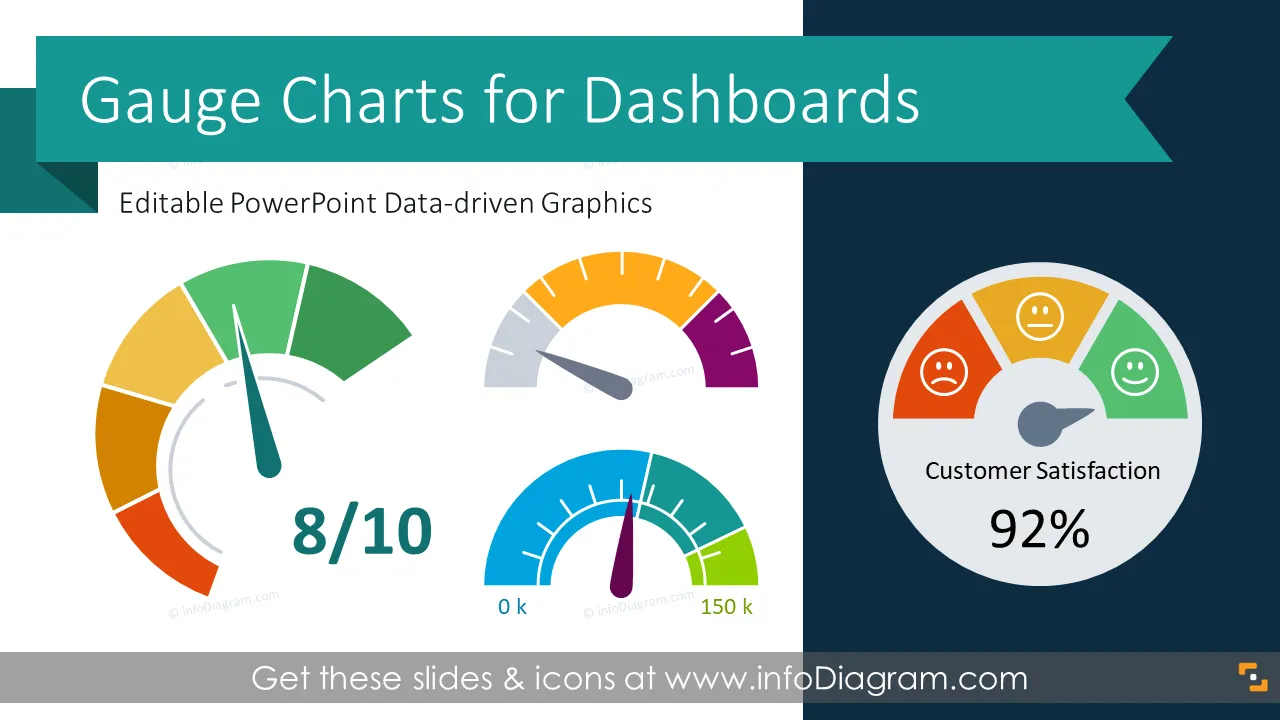
Illustrate your performance index on a slide with a colorful speedometer graph visuals. Show whether your objectives are below, close or over the target value.
We have designed an easy to use gauges graphics with editable data-driven Excel charts.
This Gauges PowerPoint template includes editable charts including:
It is a circular shape graph, resembling a speedometer. The gauge charts are similar to doughnut charts with a needle that points to data range according to measured values. Data range usually shows gradual change from a low to a high level of the variable with assigned status colors (e.g. red, yellow, green or blue - red temperature colors). Gauges can have an additional indicator of a target of a threshold value.
Those charts are good visual tools to represent an achievement level or progress indicators of various business objectives. Move the central needle to show a low, middle or high levels of your measured data.
Here are a few examples where you can apply these speedometer graphics:
When it comes to present data in an understandable way, charts can help your slides stand out. Gauge chart is a very common chart used in information dashboards and you can use a speedometer chart when you want to show a single value within a given scale. Gauge charts are great for visualizing KPI values and performance indicators
On the last part of this deck, we added a set of icons you can use too, to additionally illustrate the specific KPI measure. You can extend this set by getting more business symbols (see Related Diagrams section).
Colors of all symbols, charts, and text are easy to modify (all graphics are in a vector format). So you can change them to colors of your template or company brand.
Fully editable in PowerPoint set of vector shapes fully editable by using built-in PowerPoint tools, including
See editing demonstration in our HowTo Videos.
Your graphics add a nice touch to my presentations and I recently used them for one of my all-hands meetings. Your toolbox adds professionalism to my slides. Instead of using standard clipart.
Claude Jones, Director of Engineer, @Walmartlabs, USA
I needed a fresh look at some of my slides. I've tried to find a way to create a paintbrush effect, to underline, accentuate, add some color and the handwritten markers were just the things. Very easy to use, easy to size, change the color. It was an affordable, perfect solution and I'm happy to recommend it.
Anonymous, US
The crisp, clean look of the graphics, and the fact that it allowed me to easily edit and change the colors to match the template was my main reason for purchasing them.
Brandie Jenkins, E-learning Developer, USA



You may also need