
Reviews
Sus gráficos añaden un toque agradable a mis presentaciones y recientemente los usé para una de mis reuniones generales. Su conjunto de herramientas añade profesionalismo a mis diapositivas. En lugar de usar imágenes prediseñadas estándar.
Necesitaba un aspecto fresco para algunas de mis diapositivas. Había intentado encontrar una forma de crear un efecto de pincel, de subrayar, acentuar, añadir algo de color y los marcadores escritos a mano fueron justo lo que necesitaba. Muy fácil de usar, fácil de ajustar el tamaño, cambiar el color. Fue una solución asequible y perfecta, y estoy feliz de recomendarla.
El aspecto nítido y limpio de los gráficos, y el hecho de que me permitiera editar y cambiar fácilmente los colores para que coincidieran con la plantilla fue mi principal razón para comprarlos.
Description
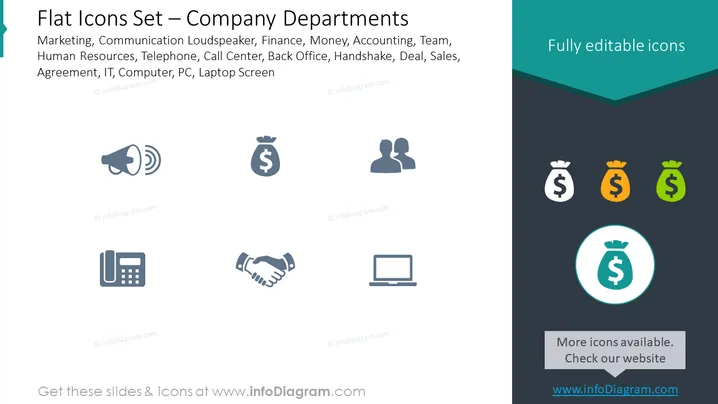
Flat Icons Set — Company Departments
Slide Content
This PowerPoint slide, titled "Flat Icons Set — Company Departments," presents a collection of icons representing various company departments and concepts such as Marketing, Communication, Finance, Human Resources, and IT. Each icon symbolizes a different department or function within a company — the loudspeaker for marketing or communications, money bag for finance or accounting, handshake for sales or agreements, and computer for IT or technology-related tasks.
Graphical Look
- The slide features a dark text box at the top with white text stating the title of the slide.
- A light gray background covers the majority of the slide.
- Each icon is two-toned, with a darker shade on the outline and a lighter shade filling the interior.
- There are eight icons displayed; they are arranged in two rows of four.
- The icons represent a loudspeaker, money bag, two human silhouettes, a telephone, a handshake, and a laptop.
- In the right-hand corner, there's a dark blue-green triangle with text indicating the icons are fully editable.
- Three additional money bag icons are presented in a column to the right, each in different colors (dark gray, orange, and green) with varying shades.
The slide has a clean, professional appearance with a minimalistic design using flat icons and limited color to convey the different departments and functions within a company.
Use Cases
- Presenting the various departments in an organization during an introductory session for new employees.
- Incorporating the slide into a company presentation to showcase different service areas or teams.
- Using the icons to highlight departmental reports or updates during a business meeting.
- Incorporating into marketing materials or infographics to communicate the scope of company functions to potential clients or partners.
How to Edit
How to edit text & colors

How to expand / shorten diagram

How to Replace Icons in infoDiagram PPT


