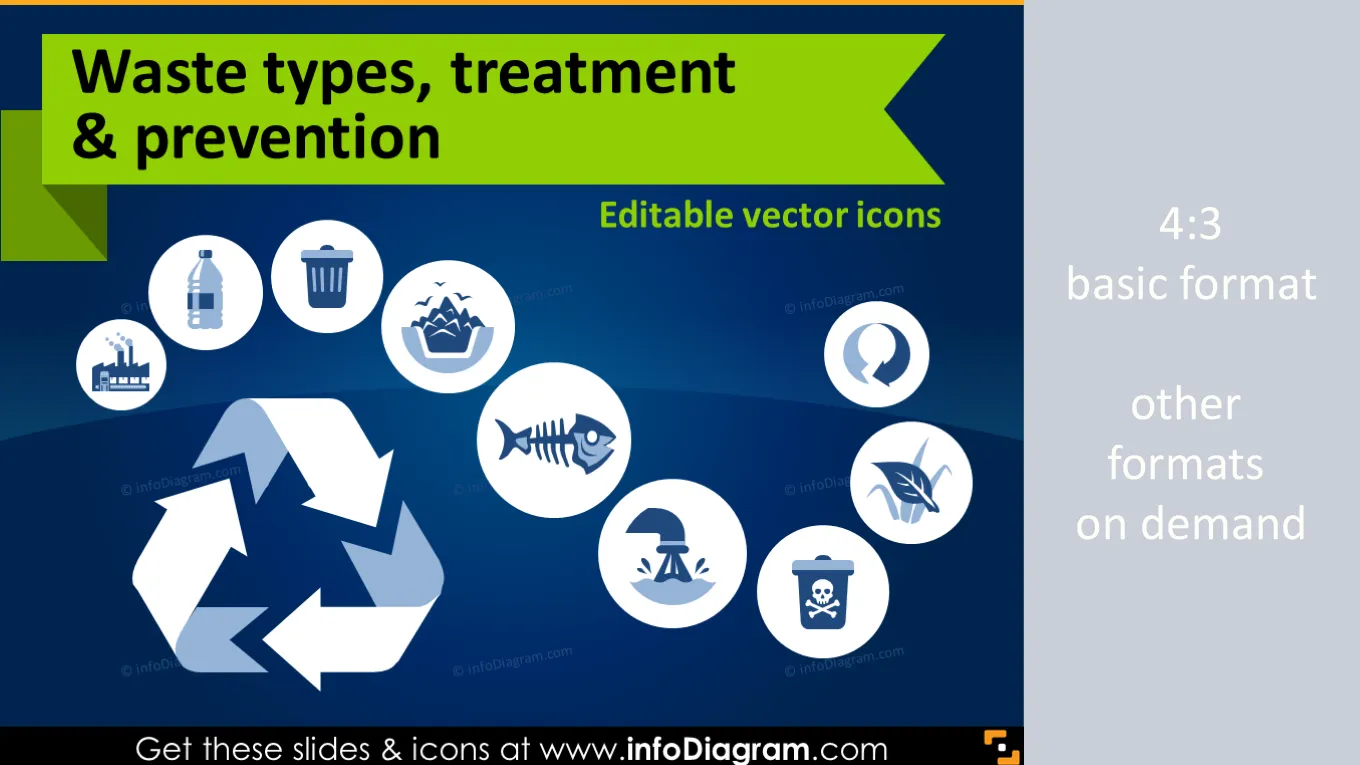
Cover and narrative setup
Usage example
Deck preview
What the deck looks like in practice
This template does not have a dedicated before/after case study, so we show the strongest slides from the actual deck instead.
Cover and narrative setup

Core structure and talking points
Polished visual slide from the deck
Description
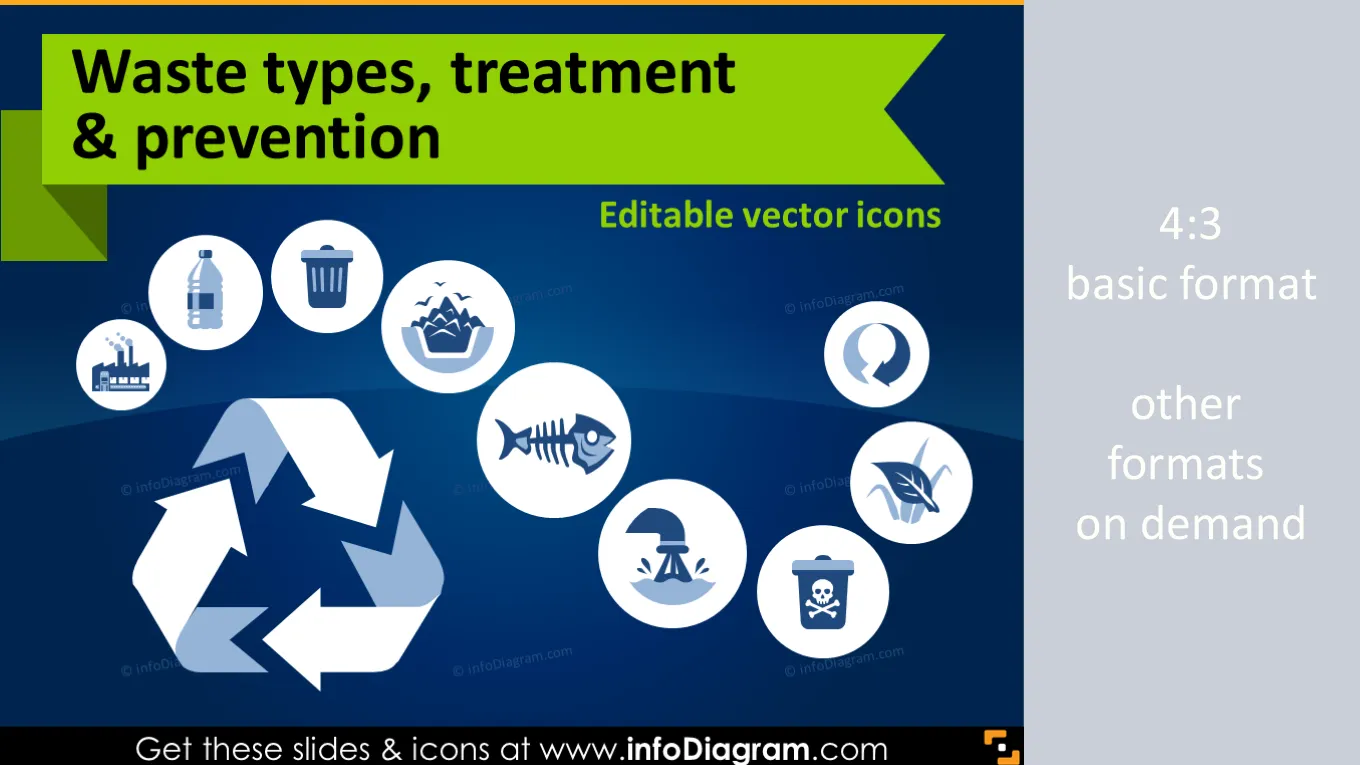
Waste and Ecology icons and visuals for waste industry presentations.
- 36 editable pictogram symbols for various waste related concepts.
- Source of waste, Waste composition, Waste treatment, Special waste types, Waste prevention methodology
- Waste Industry related examples
- Graphical style: Simple flat icons, metro UI style
- Format: fully editable vector shapes in PowerPoint (color, filling, size - no quality loss when zoomed)
Editable Pictograms of Waste industry related sectors
Icons for visualizing ecology related topics. All symbols are as clipart pictures - fully editable in PowerPoint.
Package content:
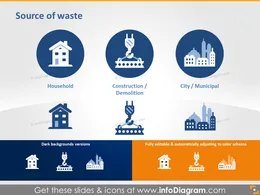
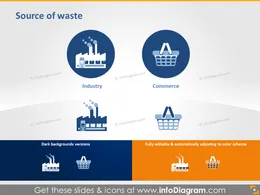
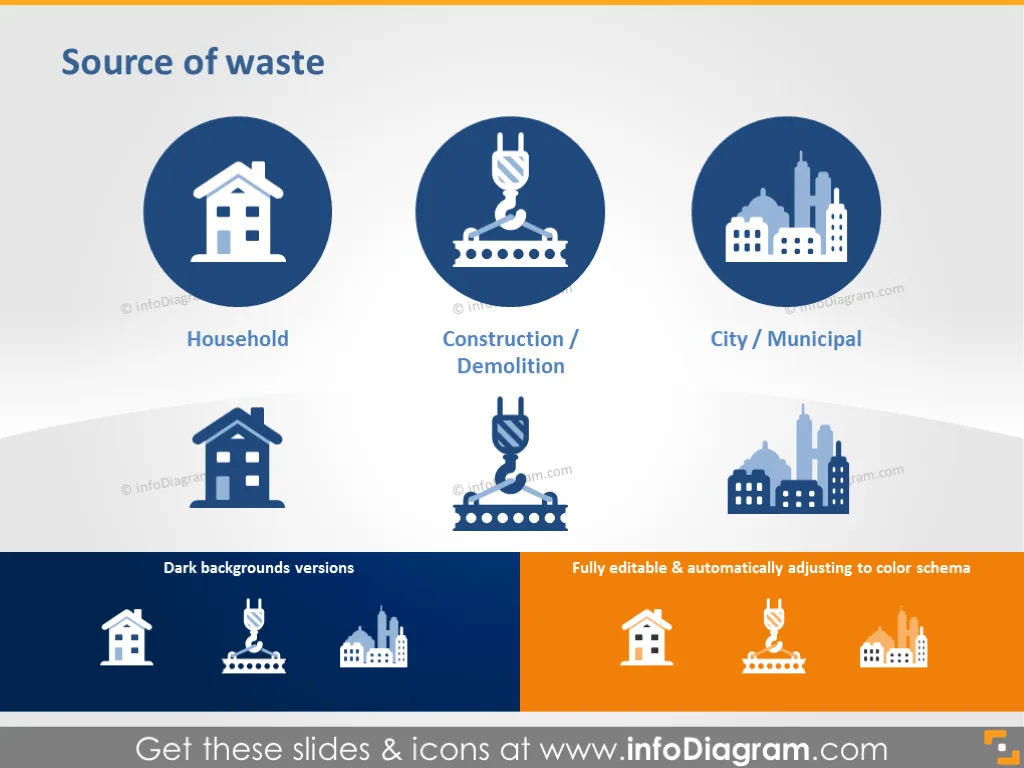
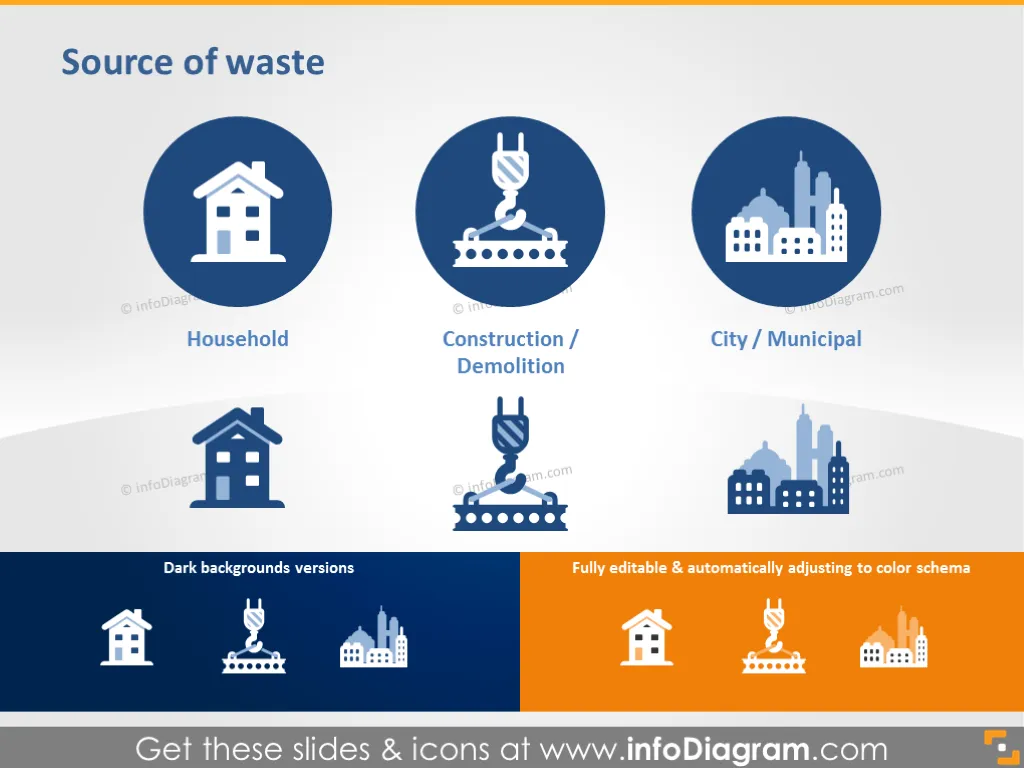
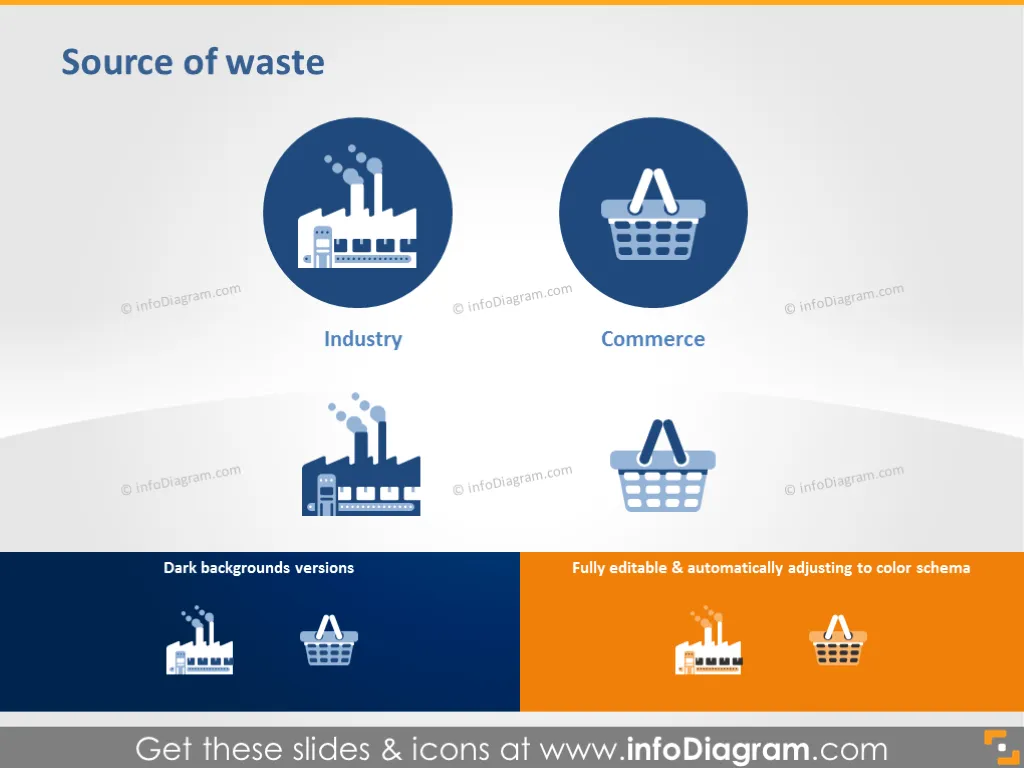
- Sources of waste: Households, Construction / Demolition, City / Municipal, Industry and Commerce.
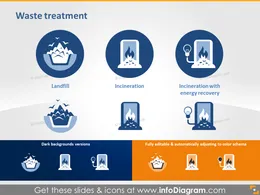
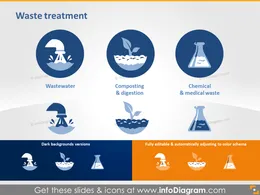
- Waste treatment: Landfill, Incineration, Incineration with energy recovery, Wastewater, Composting and digestion, Chemical and medical waste.
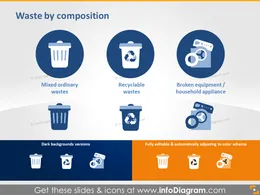
- Waste by composition and types of waste: Animal and vegetal wastes, Mineral and solidified wastes, Paper and paperboard, Glass, Metals, Plastics, Rubber and leather or textiles, Wood, Yard trimmings.
- Waste classification: Inflammable, Air pollution / atmospheric pollution by waste dusting, threat to surface water and soil, electronic waste / e-waste Types of hazards: Dangerous, Toxic, Radioactive, Infectious, Carcinogen, Explosive.
- Waste preventing and waste management: Reduce, Reuse, Recycle.
- Four usage example of waste treatment, waste generation, waste management and prevention icons from package.
- Two slides with all types of waste, source of waste, treatment and prevention icons on light and dark background.
Ecology Icons usage examples (Do it yourself infographics)
- Municipal waste treatment per inhabitant, EU-27 (kg) (chart with pictograms)
- Waste generation, EU-27, 2012 (chart with pictograms)
- Waste recovery by waste category, EU-28, 2012 (pie chart with icons diagram)
- Waste prevention diagram
All icons in simple flat style, suitable for Metro UI style graphics.. Icons provided in 4 versions:
- for light background,
- for dark background,
- as a standalone symbols,
- as a symbol in the circle shape.
Fully editable in PowerPoint set of vector shapes fully editable by using built-in PowerPoint tools, including
- changing color of the icon filling and its outline
- adding shadows
- changing shape and size, rotating, flipping the object
- putting shapes behind or on top of text
See editing demonstration in our HowTo Videos.
Authors
- infoDiagram's contributing designer
- Contact: here
Slides included in this PowerPoint Presentation:
- Sources of Waste - Household, Construction and Municipal
- Source of Waste - Industry and Commerce
- Waste treatment - Landfill, Incineration
- Wastewater Treatment, Composting, Chemical and Medical Waste
- Waste by Composition - Mixed, Recyclable, Appliances
- Animal and Vegetal Wastes, Mineral Wastes and Paper Icons
- Glass, Metals, Plastics Wastes
- Waste Compositions - Textiles, Wood, Yard Trimmings
- Waste Classification - Dangerous, Toxic, Radioactive
- Waste Classification - Inflammable, Air Pollution, Infectious
- Waste Classification - Carcinogen, Explosive, E-waste
- Waste Prevention Icons - Reduce, Reuse, Recycle
- Municipal Waste Treatment per Inhabitant Slide
- Waste Generation Graph Data
- Waste Recovery by Waste Category 2012
- Waste Prevention: Reduce, Reuse, Recycle
- All icons ready to use in four convenient version
- Fully Editable Icons: Style and Color Customization
Reviews
Vos graphiques ajoutent une belle touche à mes présentations et je les ai récemment utilisés pour l'une de mes réunions générales. Votre boîte à outils ajoute du professionnalisme à mes diapositives. Au lieu d'utiliser des cliparts standards.
Claude Jones, Directeur de l'ingénierie, @Walmartlabs, USA
J'avais besoin d'un nouveau regard sur certaines de mes diapositives. J'ai essayé de trouver un moyen de créer un effet de pinceau, de souligner, d'accentuer, d'ajouter de la couleur et les marqueurs manuscrits étaient exactement ce qu'il fallait. Très facile à utiliser, facile à ajuster la taille, à changer la couleur. C'était une solution abordable et parfaite et je suis heureux de la recommander.
Anonymous, US
L'aspect net et épuré des graphiques, et le fait qu'il m'ait permis d'éditer et de changer facilement les couleurs pour les adapter au modèle, ont été les principales raisons de mon achat.
Brandie Jenkins, Développeur E-learning, USA
How to Edit
How to edit text & colors

How to expand / shorten diagram

How to Replace Icons in infoDiagram PPT

You may also need