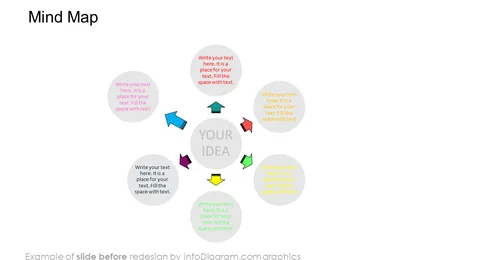
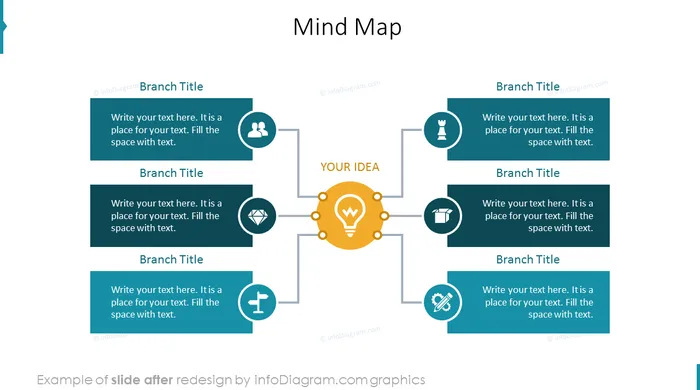
Struggling to articulate an idea of yours? Want a creative way to analyze certain topics? These creative mind map templates for PowerPoint presentations can help you with these plus other areas such as brainstorming sessions or organizing information while being presented in a professional and visually appealing look and feel. Using such templates also helps to leave an impression on your audience and also frees up time for more important tasks.
This Editable Mind Map template includes:
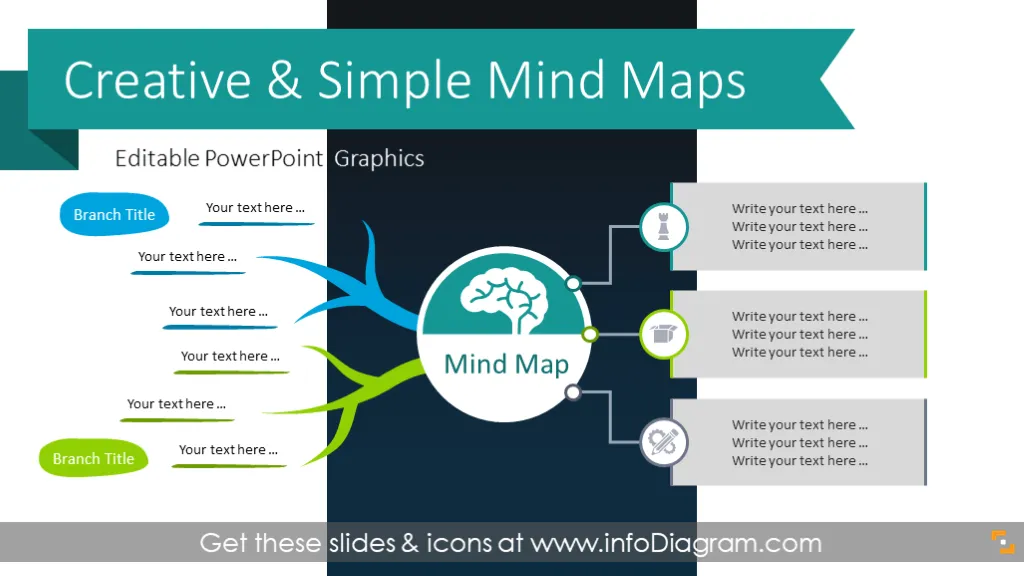
- 11 diagrams of mind map structures, in three creative graphical styles: hand-drawn mind map graphics, modern flat infographics, and outline mind map style. We recommend choosing outlined mind map shapes if you want to print them. For presenting only on a screen, consider using a dark background picture to create a distinctive presentation.
- 24 vector icons for illustrating mind map concepts, such as brain, idea, team, strategy, plan, value, or creative processes.
Format: fully customizable vector illustrations (customize colors of templates and icons, resize without image quality loss, add text & change fonts)
Compatible with Microsoft PowerPoint, Google Slides, and Keynote.
What is a Mind Map Good for?
This visual thinking method is great if you want to explore an idea/concept from various angles. Mind map structure is not linear but focused around the central idea node. This way of visualization is closer to the way the brain works.
How to Create a Mind Map in PowerPoint Using These Editable Templates?
Copy selected mind map style and modify it to fit your case - add or remove nodes, choose icons and colors for key mind map branches (e.g. for strategy use a chess icon, for plan use a clock symbol, and so on). Add simple animations to nodes (appear, fade, or flow from the side) and icons to create an animated mind map version.
Why use a Mind Map PPT Template in Your Presentation?
Using mind map visuals helps you to present your idea and its characteristics in a non-linear way, the way the human mind works, unlike the linear way of standard written text or a bullet point list.
Our templates for Mind Maps are easy to modify, name branches, add concept-related icons, etc. We added a set of concept symbols, and a quick tutorial on how to modify diagrams and icons - see last slides. The icons set can also be extended (check the Related Diagrams section).
How can a PowerPoint Mind Map Template be Used?
Illustrate your mind map idea in each section by one of the attached icons to create better visualization and support the creative thinking process. Use various colors from this PPT template to distinguish sections.
Situations where you can apply the mind maps:
- Presenting your idea and developing its various attributes - by 'branch' visualization.
- Make lecture notes using a mind map
- Facilitate a creative concept mind mapping process.
Content description
The Mind Map template includes the ready-to-use slides:
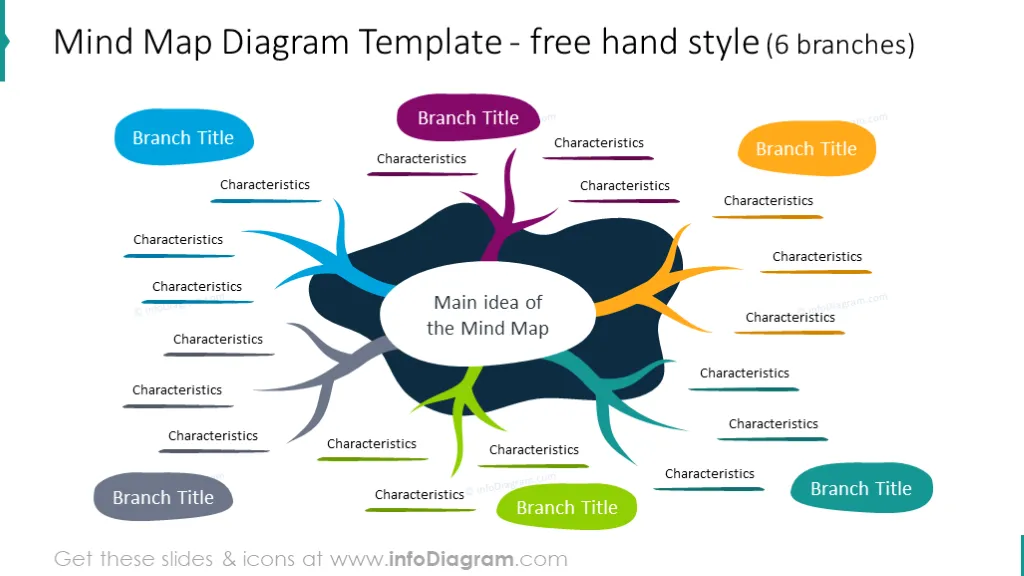
- Mind map template designed in a free-hand style (with a place for the main idea, characteristics, and section titles).
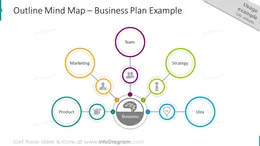
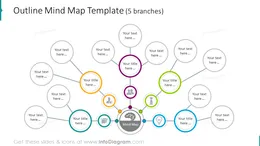
- Business plan slide presented in a 5-branch format with an outline mind map and editable icons.
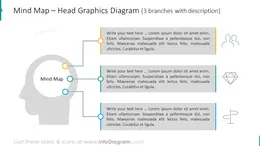
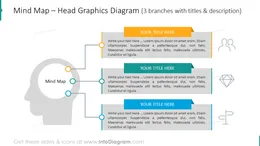
- Head graphics mind map (with a place for description).
- Idea analysis slide (6 stages mind map template illustrated with text placeholders for describing specific concepts/ideas).
- 6 and 4-branch outline and SWOT analysis mind map (presented in three styles: on light, dark, and creative picture background).
Fully editable in PowerPoint set of vector shapes fully editable by using built-in PowerPoint tools, including
- changing the color of the icon filling and its outline
- adding shadows
- changing shape and size, rotating, flipping the object
- putting shapes behind or on top of text
See editing demonstration in our HowTo Videos.
Authors
- infoDiagram's designer
- Contact: here