Cover and narrative setup
Usage example
Deck preview
What the deck looks like in practice
This template does not have a dedicated before/after case study, so we show the strongest slides from the actual deck instead.
Cover and narrative setup

Core structure and talking points
Polished visual slide from the deck
Description
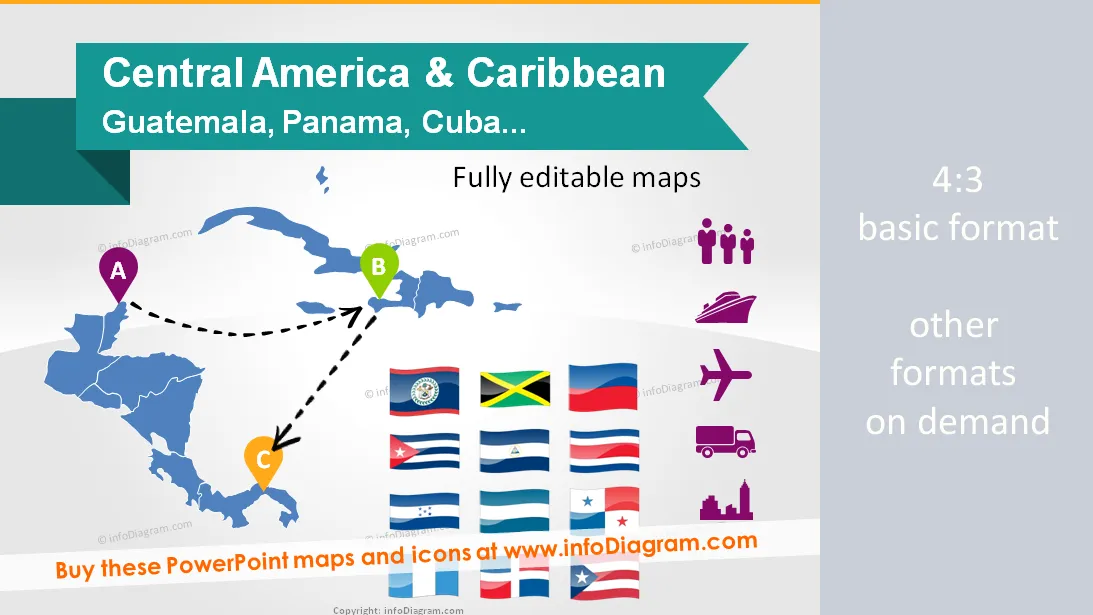
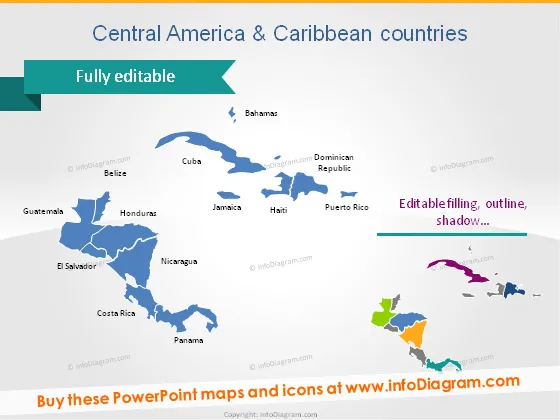
Central America and Caribbean countries - editable PowerPoint maps, localization and transport icons, country statistics
- Maps region, countries, world
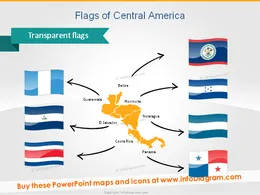
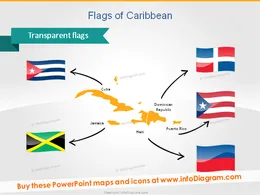
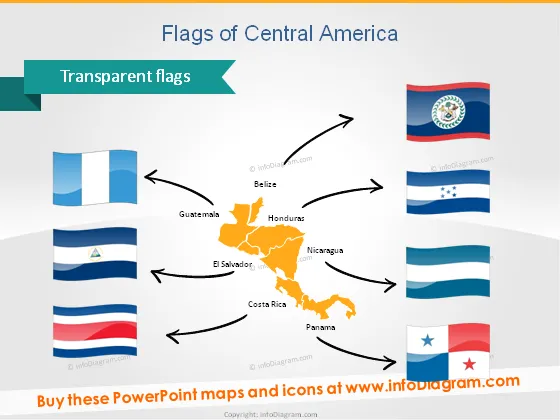
- Flags of Central America & Caribbean countries
- Localization icons: places, hand drawn arrows
- Data icons: population, density, GDP, capital, transport, production, distribution
- Fully editable maps, icons, arrows
Content
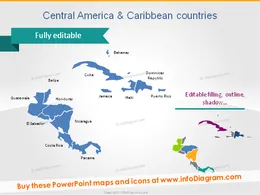
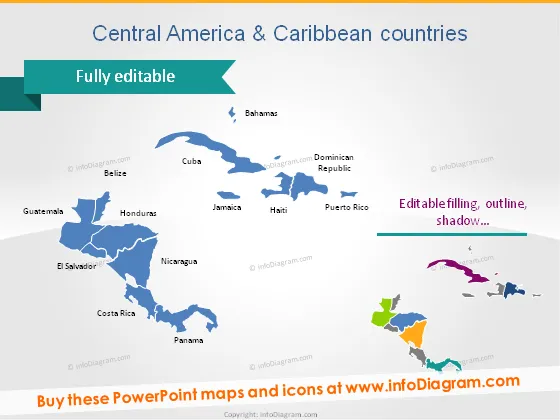
Set of vector maps editable in PowerPoint of Central America and Caribbean countries
Central America:
- Belize
- Costa Rica
- El Salvador
- Guatemala
- Honduras
- Nicaragua
- Panama
Central America:
- Bahamas
- Cuba
- Haiti
- Dominican Republic
- Puerto Rico
- Jamaica
Examples of maps illustrations:
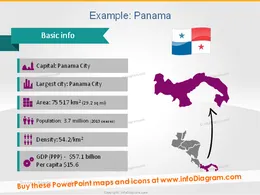
- Country statistics data: Population, Density, Area, GDP, Largest city, Capital
- World map with Central America highlighted
Icons for showing localization and logistics on maps:
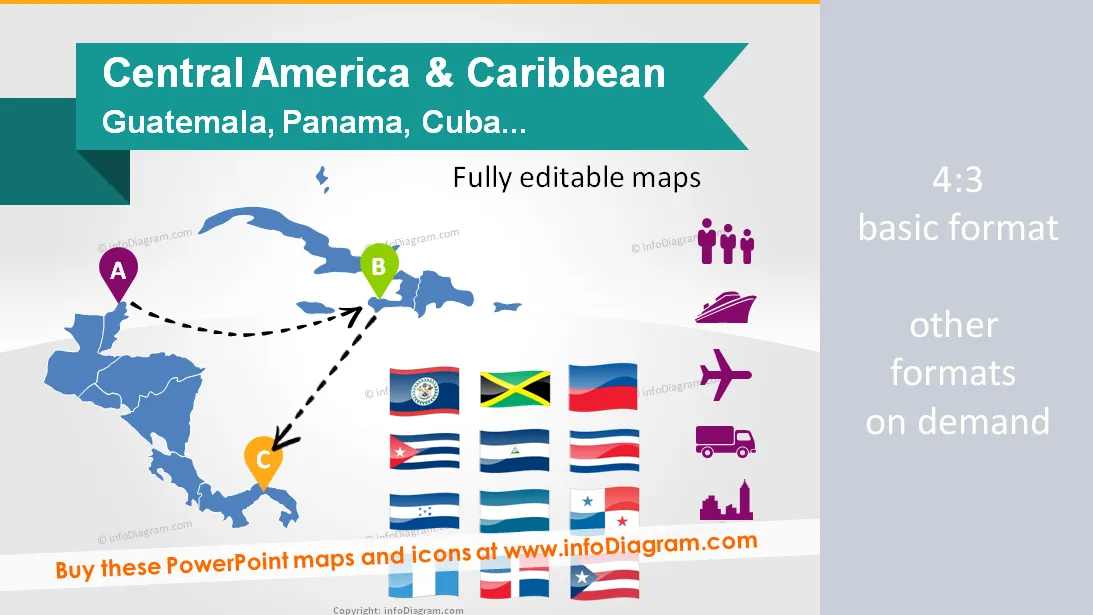
- Pins and flags for indicating a place
- Handdrawn arrows for showing routes and journeys
- Transportation icons: Truck, Train, Plane, Ship, Bus, Lorry for illustrating logistic routes on the America map
- Production pictograms: Factory icon, Production facility icon, Production gears icon
- Distribution pictograms: Distribution centre icon, Wholesale icon, Consumption Retail shop icon
- City pictogram: Capital icon, Big city icon
Examples of PowerPoint maps visualization:
- Routes from point A to point B and C in the Central America (as handwritten arrows on a map)
- Transportation routes: flights and trains between the countries
- Production and distribution routes from factory to distribution centers and retail shops
Further information sources on countries data
- Central America region (Wikipedia)
- Caribbean region ( Wikipedia )
- Countries list by GDP ( Wikipedia )
- GDP comparisons by World Bank, International Monetary Fund, CIA World Factbook ( Wikipedia )
- The World Factbook 2009. Washington, DC: Central Intelligence Agency ( CIA Factbook )
Acronyms used
- GDP – Gross Domestic Product
- PPP - Purchasing Power Parity
- sq mi – square mile
- km2 – square kilometer
Editable elements
Fully editable vector shapes by using built-in PowerPoint tools, including
- editing texts
- editing maps (color of the fill and outline, style - gradient, with outline, shadow, reflection)
- arrows and icon pictograms: changing fill color, size, style (gradient fill, outline, shadow, reflection)
- all elements are transparent (charts, maps, flags, arrows), you can put them behind or above your content
See editing demonstration in our HowTo Videos.
Author
- InfoDiagram contributor & Prezentio.com designers
- Contact: infoDiagram
Slides included in this PowerPoint Presentation:
- Central America Caribbean country powerpoint map
- PPT Flags Guatemala Panama Belize Honduras Nicaragua Costa Rica El Salvador
- Flags PPT Cuba Jamainca Haiti Puerto Rico Dominican
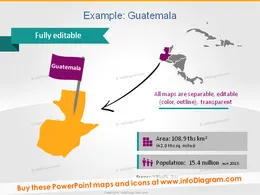
- Guatemala Map PPT Demographics Population Area icons
- Panama Map Population Density GDP Capital pictogram PPT icon
- Honduras Map Population GDP Capital symbol powerpoint
- World Map Vector Powerpoint shape clip art blue
- World Map Central America Caribbean Region PPT clipart
- White World Map Central America Caribbean PPT icon
- Location Icons Map place flag star point ppt clipart
- map icon country area population density powerpoint
- logistics icons truck plane ship train ppt clipart
- icons production factory city powerpoint clip art
- distribution icons transport wholesale retail shop ppt clipart
- map routes icons handdrawn arrows sketch powerpoint
- Central America places map pin icon pictogram powerpoint
- traveling central america map path dotted line powerpoint
- latin america map transport route flight train ppt
- production guatemala distribution routes factory retail ppt icon
Reviews
Ihre Grafiken verleihen meinen Präsentationen eine nette Note, und ich habe sie kürzlich für eines meiner All-Hands-Meetings verwendet. Ihre Toolbox verleiht meinen Folien Professionalität, anstatt Standard-Clipart zu verwenden.
Claude Jones, Leiter Entwicklung, @Walmartlabs, USA
Ich brauchte einen neuen Blick auf einige meiner Folien. Ich habe versucht, einen Weg zu finden, einen Pinselschlag-Effekt zu erzielen, um zu unterstreichen, hervorzuheben, Farbe hinzuzufügen, und die handgeschriebenen Markierungen waren genau das Richtige. Sehr einfach zu bedienen, leicht in der Größe zu ändern, die Farbe zu ändern. Es war eine erschwingliche, perfekte Lösung und ich empfehle sie gerne weiter.
Anonymous, US
Die klare, saubere Optik der Grafiken und die Tatsache, dass ich die Farben leicht bearbeiten und an die Vorlage anpassen konnte, war mein Hauptgrund für den Kauf.
Brandie Jenkins, E-Learning-Entwickler, USA
How to Edit
How to edit text & colors

How to expand / shorten diagram

How to Replace Icons in infoDiagram PPT

You may also need