

Your graphics add a nice touch to my presentations and I recently used them for one of my all-hands meetings. Your toolbox adds professionalism to my slides. Instead of using standard clipart.
Claude Jones, Director of Engineer, @Walmartlabs, USA

Your graphics add a nice touch to my presentations and I recently used them for one of my all-hands meetings. Your toolbox adds professionalism to my slides. Instead of using standard clipart.
Claude Jones, Director of Engineer, @Walmartlabs, USA
I needed a fresh look at some of my slides. I've tried to find a way to create a paintbrush effect, to underline, accentuate, add some color and the handwritten markers were just the things. Very easy to use, easy to size, change the color. It was an affordable, perfect solution and I'm happy to recommend it.
Anonymous, US
The crisp, clean look of the graphics, and the fact that it allowed me to easily edit and change the colors to match the template was my main reason for purchasing them.
Brandie Jenkins, E-learning Developer, USA
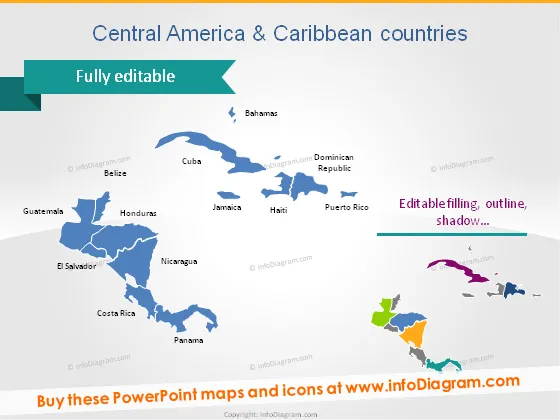
The slide is titled "Central America & Caribbean countries" and emphasizes that the content is "Fully editable." It presents a colorful map of Central America and the Caribbean with individual countries outlined. The countries identified on the map are Guatemala, Belize, El Salvador, Honduras, Nicaragua, Costa Rica, Panama, Bahamas, Cuba, Jamaica, Haiti, Dominican Republic, and Puerto Rico. Each country name is adjacent to its respective shape on the map, providing an easy reference. The slide also includes a note about the editability of the map elements, mentioning that their fill color, outline, and shadow effects can be modified.
The slide features a clean and minimalistic design with a focus on the map visualization. The use of color helps differentiate between the countries, while the rest of the design elements are sophisticated and unobtrusive.



