

Your graphics add a nice touch to my presentations and I recently used them for one of my all-hands meetings. Your toolbox adds professionalism to my slides. Instead of using standard clipart.
Claude Jones, Director of Engineer, @Walmartlabs, USA

Your graphics add a nice touch to my presentations and I recently used them for one of my all-hands meetings. Your toolbox adds professionalism to my slides. Instead of using standard clipart.
Claude Jones, Director of Engineer, @Walmartlabs, USA
I needed a fresh look at some of my slides. I've tried to find a way to create a paintbrush effect, to underline, accentuate, add some color and the handwritten markers were just the things. Very easy to use, easy to size, change the color. It was an affordable, perfect solution and I'm happy to recommend it.
Anonymous, US
The crisp, clean look of the graphics, and the fact that it allowed me to easily edit and change the colors to match the template was my main reason for purchasing them.
Brandie Jenkins, E-learning Developer, USA
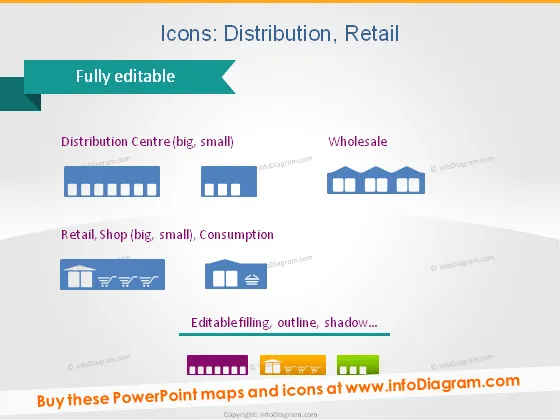
This PowerPoint slide is titled "Icons: Distribution, Retail" and showcases various simplistic, stylized icons related to the distribution and retail industry. Each icon set is accompanied by a brief descriptor. "Distribution Centre (big, small)" features what appears to be a warehouse icon in two sizes depicting large and small facilities. "Wholesale" includes a series of connected boxes, likely representing bulk storage or transport. "Retail, Shop (big, small), Consumption" shows storefront icons, with varying sizes to distinguish between large retail spaces and small shops, followed by a shopping cart icon to symbolize consumer purchasing. All icons are noted to be "Fully editable" with "Editable filling, outline, shadow…"
The slide has a clean and professional look, using a consistent color theme and flat design. The icons are presented in a well-organized grid, making them easy to identify and understand their meanings.



