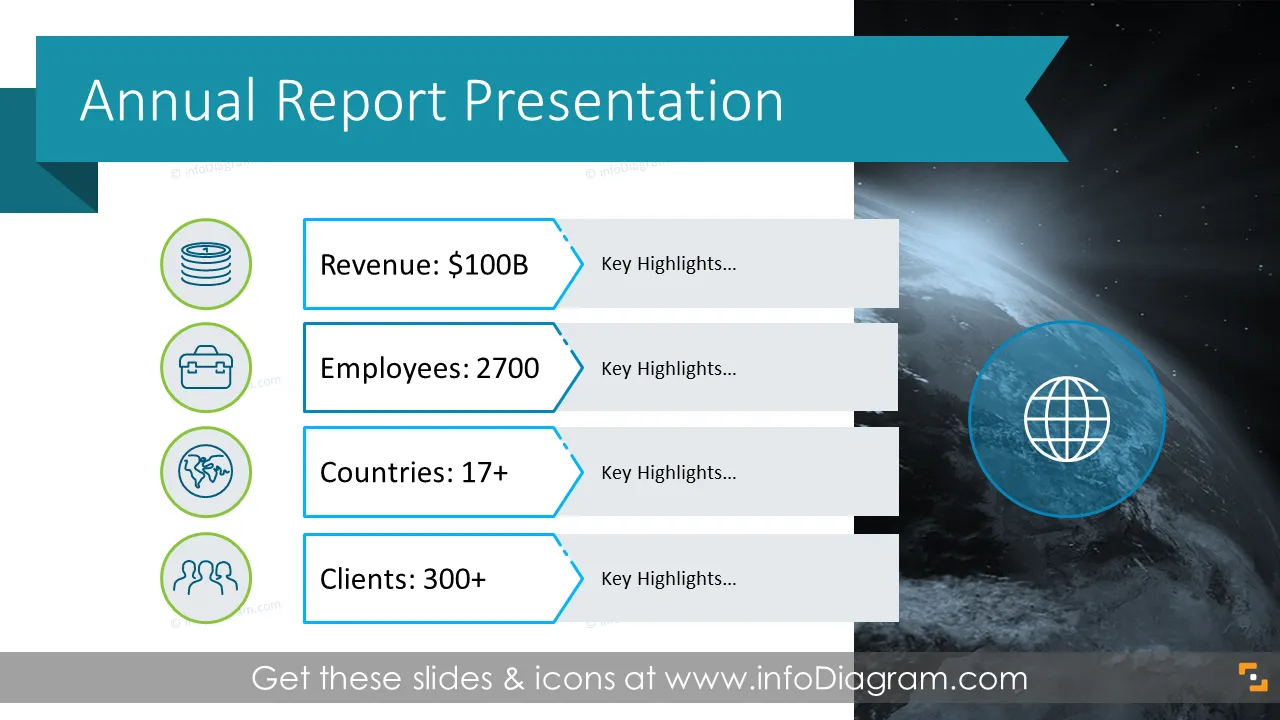
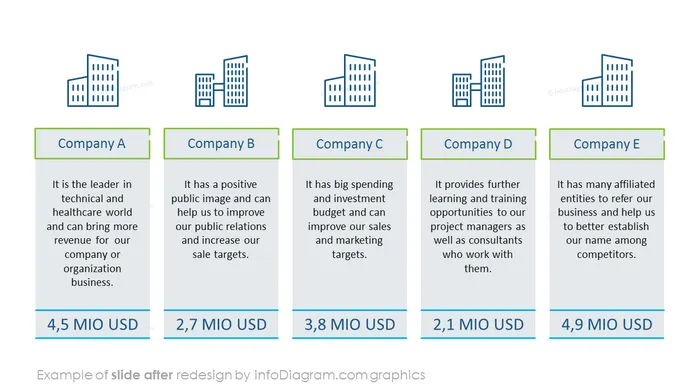
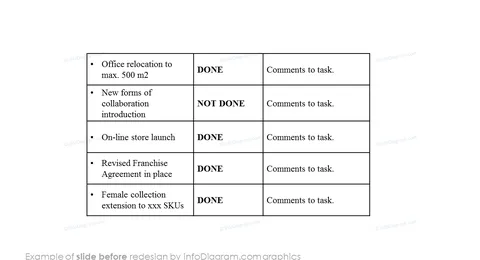
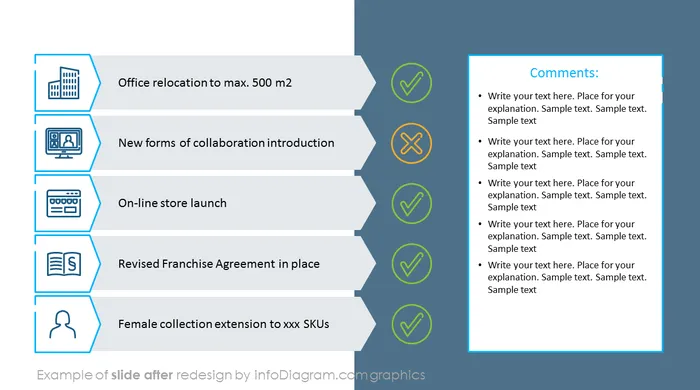
Need to share information about your company’s last year performance? Use our pre-design annual report deck that incorporates key business highlights and financial data and present the information in a clear, informative, and visually appealing manner.
This company's annual report PowerPoint template contains visual slides with:
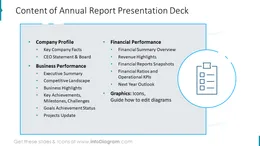
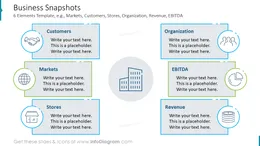
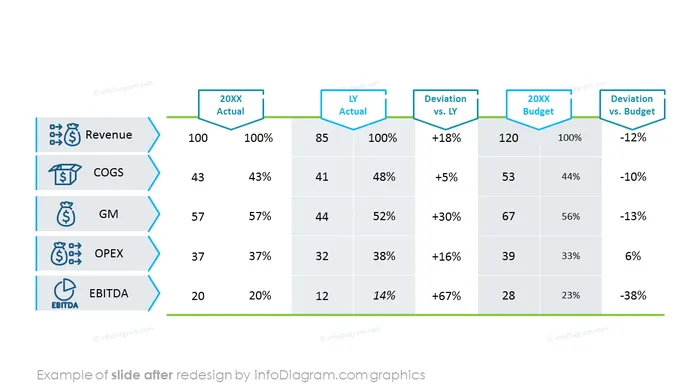
- 35 visual slides to present the Company Profile, Key Facts, Board, Executive Summary, Business performance measures, and main Financial Performance Indicators such as Revenue Highlights, Financial Ratios, and Operational KPIs
- To ensure a professional look, the presentation is designed in an elegant outline graphics style.
- 77 original business icons to express various business review and financial performance concepts e.g. EBIT, Assets, Liabilities, Profit, Net Revenue, Margin, Cashflow, Market Shares, B2B Clients, Staff Employees, Office Work, Planning, Products, Retail Stores, Global Management and more.
- Instruction on how to modify those diagrams using standard PowerPoint editing tools.
- Format: fully editable vector shapes (modify colors of diagrams and icons, resize without quality loss)
Authors of this Annual Report and Business Performance presentation template
What is a Company Annual Report?
An annual report is a comprehensive overview of a company's activities throughout the preceding year. Annual reports are intended to give shareholders and other involved people information about the company’s operations and financial performance/activities. It's an official document that’s part of the company's corporate reporting.
Why use a visual annual report presentation template?
If you need to lay out the summary of accomplishments that took place during the year prior and disclose your finance statistics simply and understandably to your key stakeholders, use our templates that will help you present them in an eye-catching and attractive format. Annual reports contain a lot of complex data; make that data easy to understand by using graphs and infographic elements - tailor them to your needs to upgrade your presentation slides.
The majority of our charts are Data-Driven Excel Charts, so it's very easy to change the presented values. We also include detailed instructions on how to alter the content, values, colors, and look and feel of the charts.
Where can you use the Company's Annual Review Presentation Visuals?
Using infographics in your annual report presentation will help you organize information in a good-looking way and present your business and finance highlights, as well as other important aspects (e.g. growth reports, project status reports, improvement reports, completed roadmaps, achievements and training, etc.) in a compelling manner - easily understood by your audience.
Try using those PowerPoint illustrations to present your content visually in an elegant way.
All graphics are editable, so you can modify the colors and text. We also added a general icon collection at the end of the presentation deck. Optionally you can also extend the collection by more PPT symbols (see Related Diagrams section).
Fully editable in PowerPoint set of vector shapes fully editable by using built-in PowerPoint tools, including
- change the color of all shapes filling and their outline, including icons
- adding shadows
- changing shape and size, rotating, flipping the object
- putting shapes behind or on top of text
See editing demonstration in our HowTo Videos.
Further resources
Check out our blog and YouTube video: