

Your graphics add a nice touch to my presentations and I recently used them for one of my all-hands meetings. Your toolbox adds professionalism to my slides. Instead of using standard clipart.
Claude Jones, Director of Engineer, @Walmartlabs, USA

Your graphics add a nice touch to my presentations and I recently used them for one of my all-hands meetings. Your toolbox adds professionalism to my slides. Instead of using standard clipart.
Claude Jones, Director of Engineer, @Walmartlabs, USA
I needed a fresh look at some of my slides. I've tried to find a way to create a paintbrush effect, to underline, accentuate, add some color and the handwritten markers were just the things. Very easy to use, easy to size, change the color. It was an affordable, perfect solution and I'm happy to recommend it.
Anonymous, US
The crisp, clean look of the graphics, and the fact that it allowed me to easily edit and change the colors to match the template was my main reason for purchasing them.
Brandie Jenkins, E-learning Developer, USA
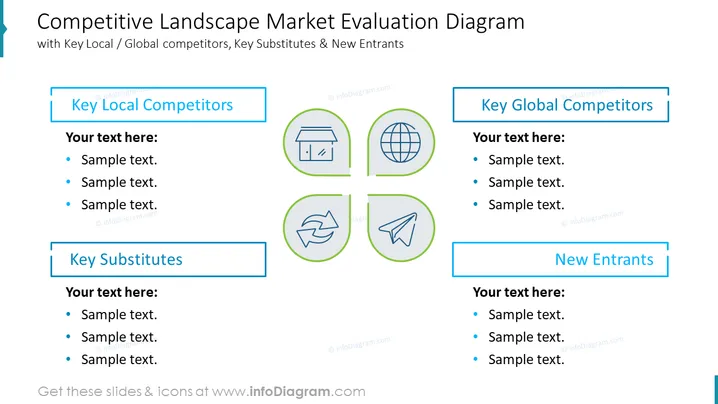
The slide presents a framework for assessing a company's competitive environment, breaking it down into 'Key Local Competitors', 'Key Global Competitors', 'Key Substitutes', and 'New Entrants'. Each category is accompanied by placeholder text for detailed input, suggesting a comprehensive analysis of different competitive forces. This could include specific competitors at local and global levels, potential substitute products or services, and the threat posed by new companies entering the market.
The slide's title is prominently displayed at the top in a larger, bold font with a subtle underline. Overall, the slide has a clean and symmetrical design, using a color-coded system to categorize different aspects of the market landscape, and the use of icons provides a visual association for each category.
This slide would be useful in business presentations for:



