


Your graphics add a nice touch to my presentations and I recently used them for one of my all-hands meetings. Your toolbox adds professionalism to my slides. Instead of using standard clipart.
Claude Jones, Director of Engineer, @Walmartlabs, USA

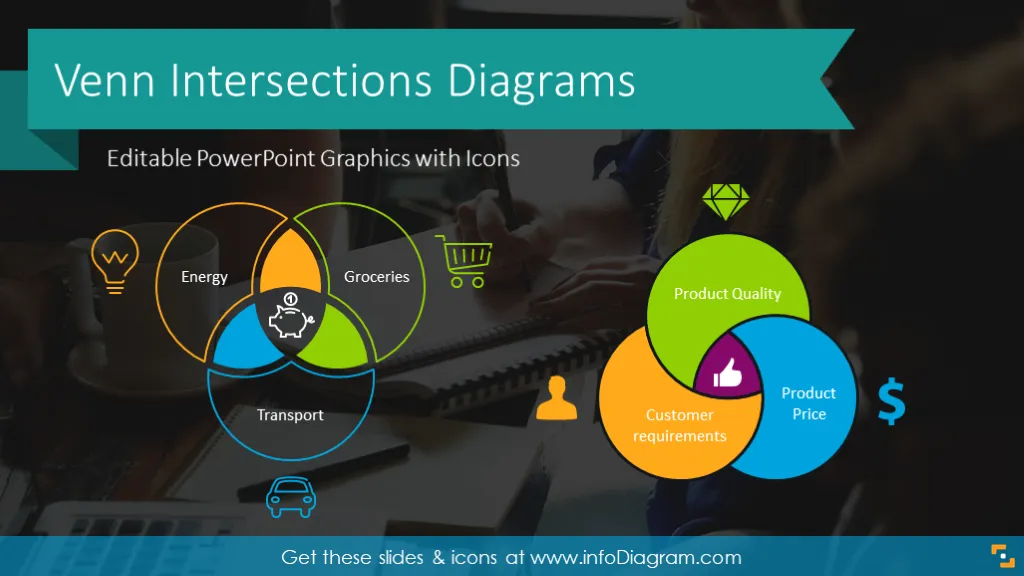

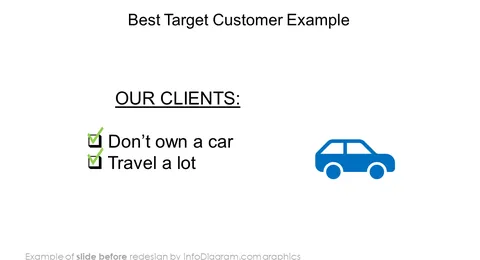
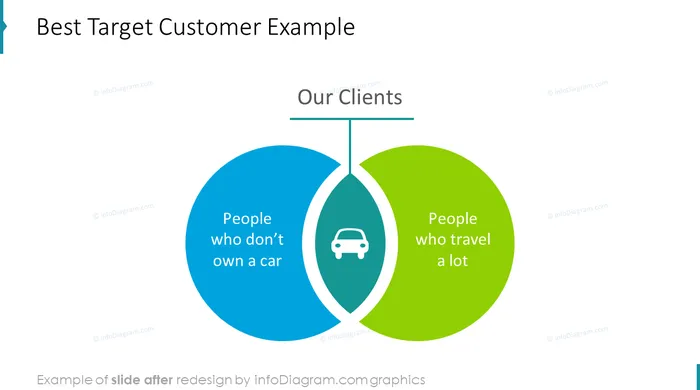
Before and after
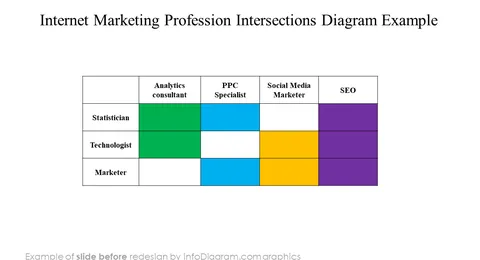
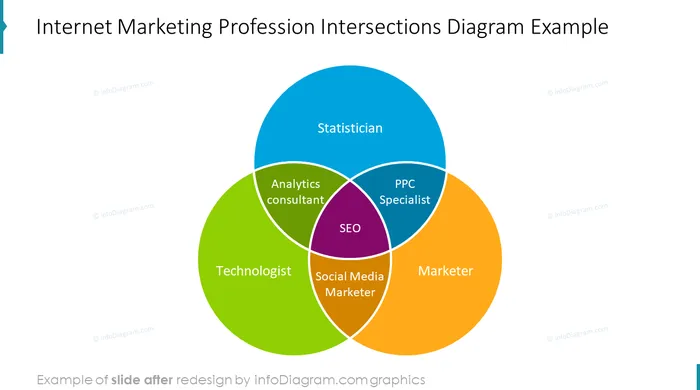
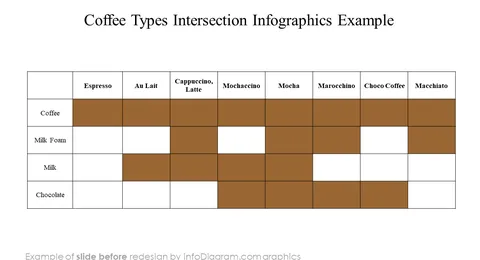
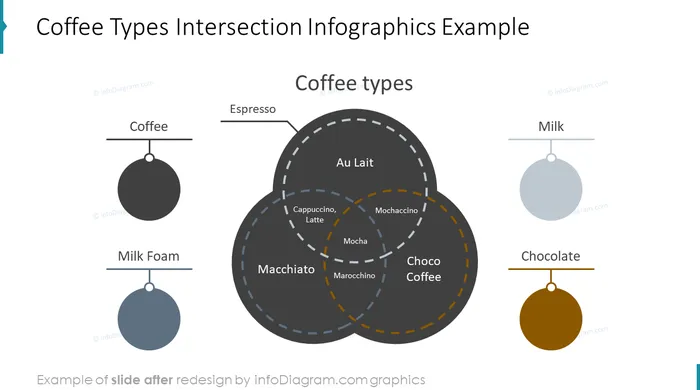
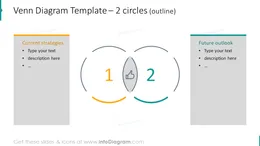
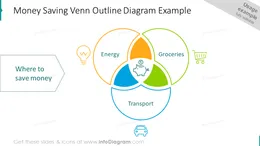
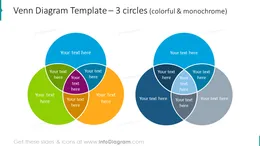
Set of editable Venn PPT diagrams to present overlapping relationships in a presentation.
The Venn Intersecting Diagrams template includes set of modern outline and flat icons you can use to represent attributes you compare and their joint areas.
Those Intersection Diagrams include:
You have probably learned about Venn diagrams in primary school math. But they are great presentation visualization tools if you want to show overlap or common characteristics of a product or solution.
Those overlapping circle drawings are simple enough to get the attention of your audience and explain more complex issues, assuming there is some common part.
Venn diagrams are fast to modify, add text inside circles or replace icons. You can create them yourself from scratch, using PowerPoint circle shapes and setting filling transparency. Or you can use this Venn shapes PPT template.
On last slides of the PPT template you have set of several icons you can reuse or you can extend the icon collection by getting PPT icon set bundles.
Colors of this diagram shapes and icons are fully editable (all graphics is a vector format). So you use your branding colors.
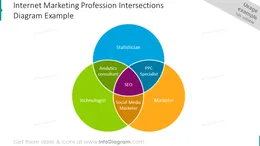
We have created examples of using Venn diagrams for explain coffee types; digital marketing professional requirements and customer satisfaction influences.
Fully editable in PowerPoint set of vector shapes fully editable by using built-in PowerPoint tools, including
See editing demonstration in our HowTo Videos.
Your graphics add a nice touch to my presentations and I recently used them for one of my all-hands meetings. Your toolbox adds professionalism to my slides. Instead of using standard clipart.
Claude Jones, Director of Engineer, @Walmartlabs, USA
I needed a fresh look at some of my slides. I've tried to find a way to create a paintbrush effect, to underline, accentuate, add some color and the handwritten markers were just the things. Very easy to use, easy to size, change the color. It was an affordable, perfect solution and I'm happy to recommend it.
Anonymous, US
The crisp, clean look of the graphics, and the fact that it allowed me to easily edit and change the colors to match the template was my main reason for purchasing them.
Brandie Jenkins, E-learning Developer, USA



You may also need